Opus Clip Alternative (2026): CapCut vs VEED Compared
November 2026. An Opus Clip alternative comparison of CapCut and VEED, using the prices and plan names printed on each official page on 2026-11-12 (Thu). No ranking and no hands-on test.
Disclosure: Some links on TOOLPORT are affiliate links (marked Affiliate); we may earn a commission at no extra cost to you. Articles are drafted with AI assistance and based on each vendor's official information.
An Opus Clip alternative search often lands on CapCut or VEED, so this page puts those two next to OpusClip. Pages were read on 2026-11-12 (Thu), Asia/Tokyo. The rows below come from each company page body that day. This is not a hands-on test. No clip was exported, and no plan was purchased.
Affiliate disclosure. The OpusClip buttons are referral links. If you buy through them, TOOLPORT may earn a commission at no extra cost to you. The commission does not change this comparison. CapCut and VEED links open each company site. TOOLPORT does not sell these subscriptions. Affiliate disclosure.
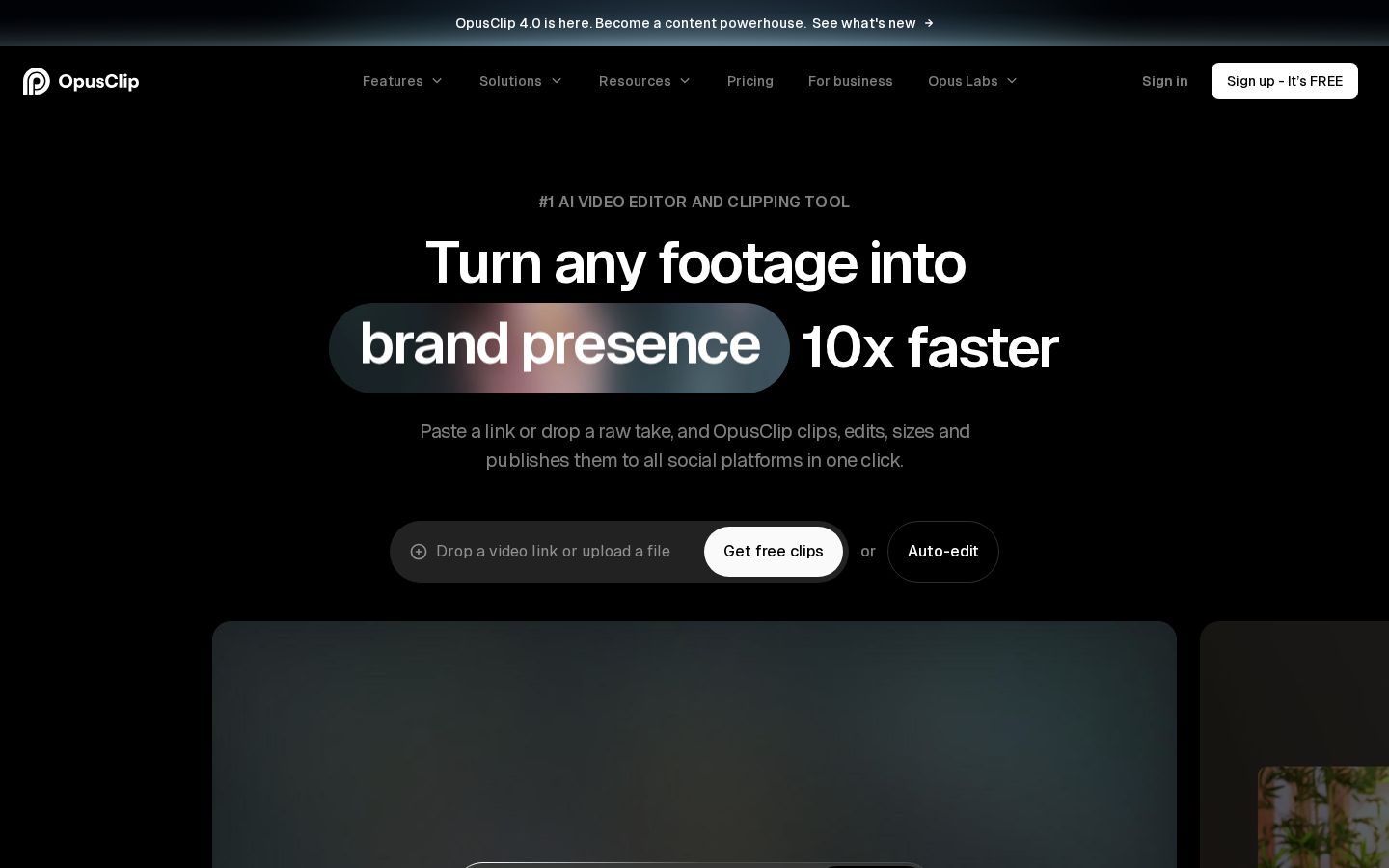
The three official sites do not sell the same job in the same way. OpusClip presents an AI clipping and editing tool for turning footage into shorts and related outputs. CapCut presents a video editor and AI video tools, with subscription prices printed in JPY in this environment. VEED presents an AI video creation and browser editing platform, with Creator, Pro, and higher plans billed per user. Read the job on the page before you treat any of them as a drop-in Opus Clip alternative.
OpusClip, CapCut, and VEED are the official sites used below. The OpusClip visit button uses the approved referral URL.
Opus Clip alternative: how to choose (2026)
Point | OpusClip | CapCut | VEED |
|---|---|---|---|
What the page sells | An AI video clipping and editing tool. The homepage title is “OpusClip: #1 AI video clipping and editing tool,” and the feature list includes ClipAnything, AI Reframe, an editor, captions, and related tools. | A CapCut AI video editor. The English homepage title is “CapCut AI Video Editor: Smart Online Video Editing with Advanced AI Tools,” with a timeline editor, Video Studio, and AI generation tools. | An AI video creation platform. Visible homepage copy includes “VEED – AI Video Creation Platform | Idea to Video Workflow” and “edit, convert, subtitle and transcribe video — fast, free to try and right in your browser.” |
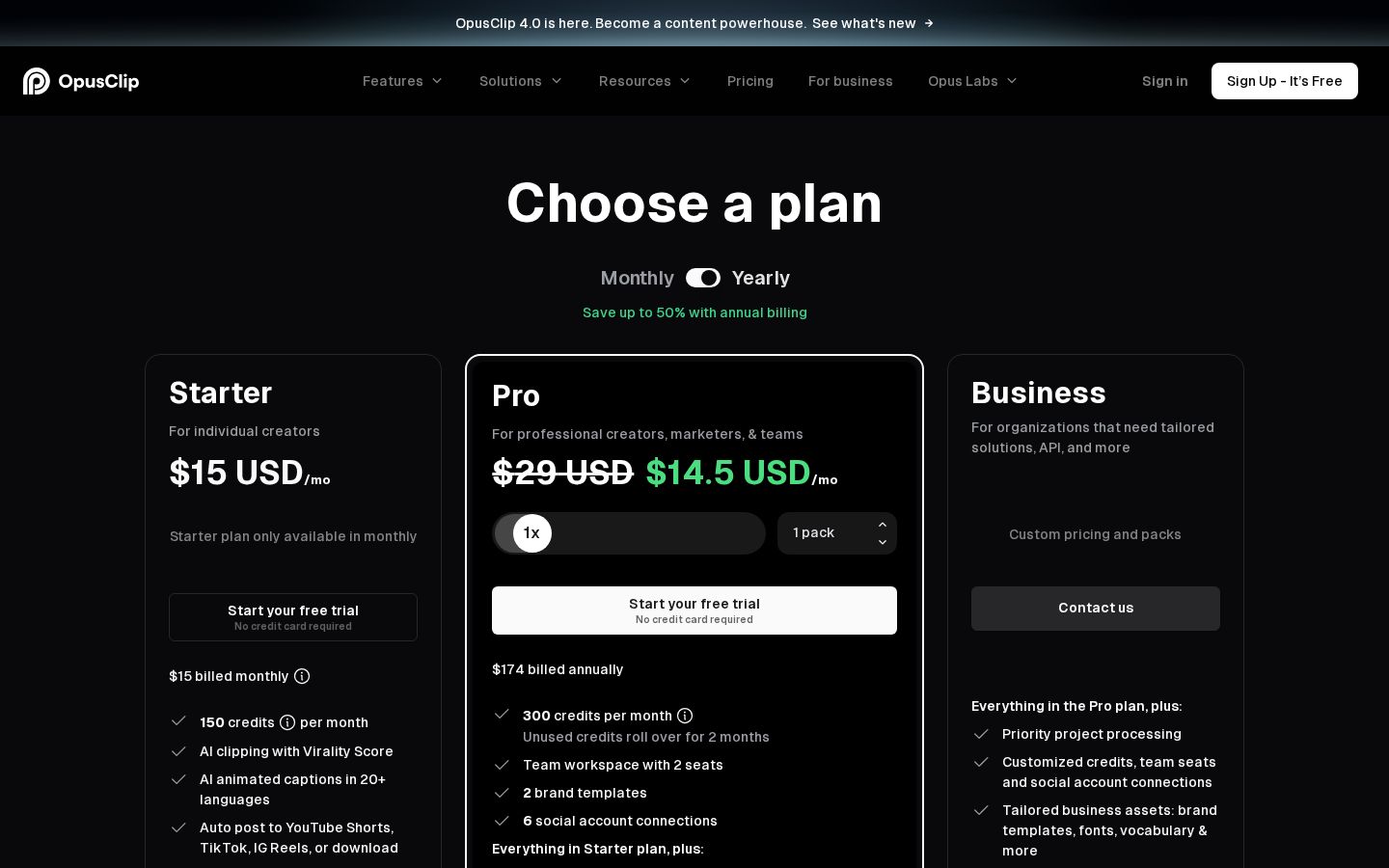
Free plan, as printed | Free is $0 USD/mo with 60 credits/month. The card also prints a watermark, no editing, and clips not exportable after 3 days, up to 1080p. | Free is JPY 0, “start for free with the basics you need to create,” with free templates and basic editing tools. | The pricing page has “Start for free.” A free-trial FAQ on that page describes a free trial for enterprise customers with a minimum of 3 users. Other free-plan limits are unverified if they were not printed as a Free plan card. |
Paid entry, as printed | Starter is $15 USD/mo, monthly only, with 150 credits, a free trial with no credit card, and watermark removal. Pro is $29 USD/mo, or $14.5 USD/mo on annual billing ($174 billed annually), with 3,600 credits over 12 months, unused credits that roll 2 months, 2 seats, and a free trial with no credit card. The yearly toggle also prints “Save up to 50%.” | Pro is JPY 2,700/month or JPY 21,800/year, with 800 monthly AI credits and 1 TB of storage, among other printed benefits. A FAQ says new users can start a 7-day CapCut Pro trial with no credit card; availability may vary by region, platform, billing channel, and offer. | Creator is printed with 6,000 Credits and “~1,500 AI Videos,” no watermark, unlimited auto subtitles, and a full audio and video catalog, billed per user / month on the yearly view. The dollar amount was not present as readable text on the official pricing page in this environment and is unverified. |
Higher plans, as printed | Business is custom. | Ultra (marked Best value) is JPY 12,600/month or JPY 144,800/year, with 13,821 monthly AI credits and everything in Pro plus exclusive AI features. Teams is JPY 1,295/month per seat or JPY 11,900/year per seat, 2 seats on the card, 800 monthly AI credits per seat, Pro features for all seats, and a brand kit. | Pro is printed with 30,000 Credits and “Everything in Creator +,” billed per user / month on the yearly view. A higher card prints 180,000 Credits and “Everything in Pro +.” Enterprise lists custom AI credits and team management. Dollar amounts for these cards were not readable as text and are unverified. Plans are charged per seat, multiplied by the number of editors in the workspace. |
What each product sells (2026)
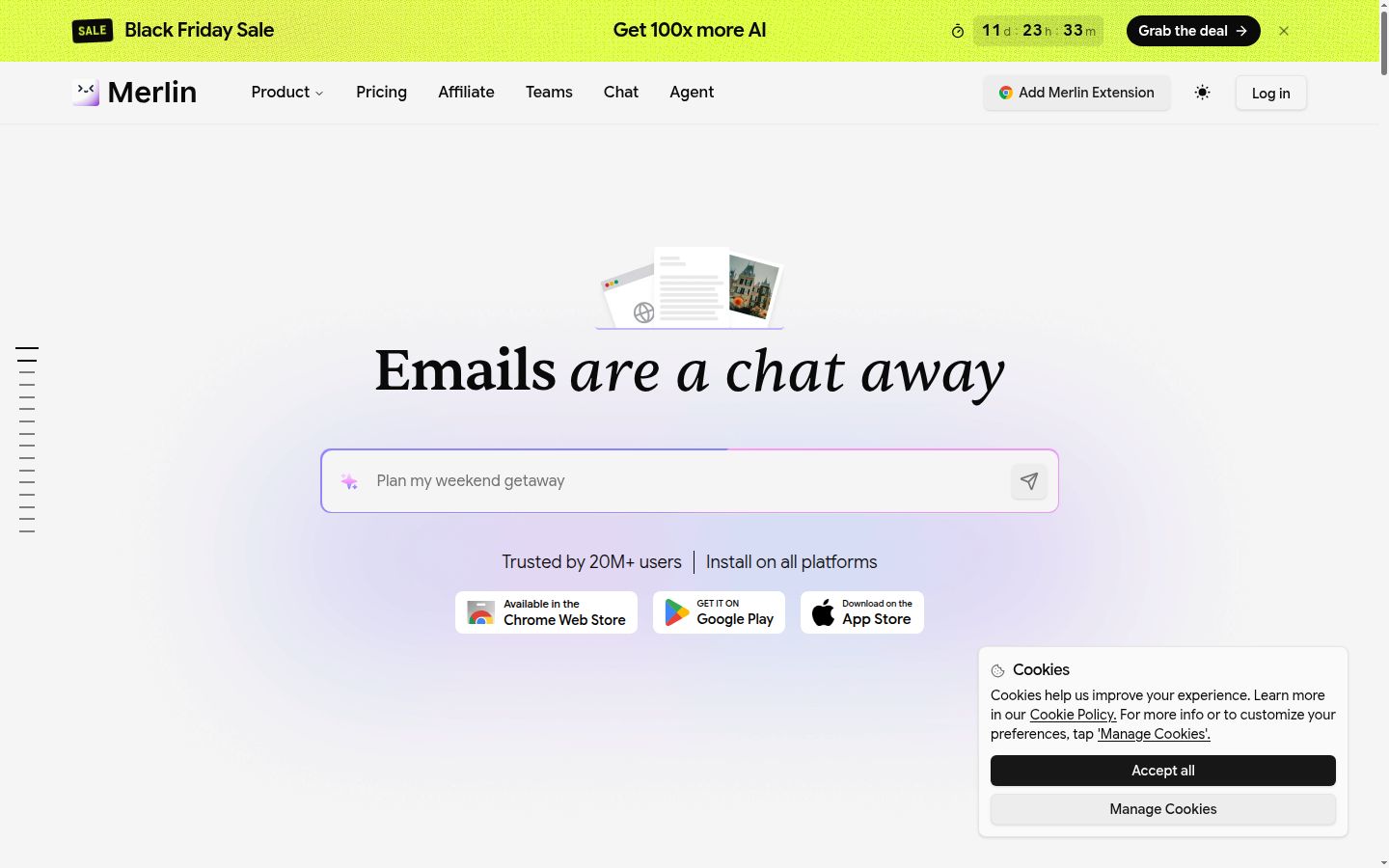
The longer OpusClip guide stays on OpusClip alone. Homepage features printed on 2026-11-12 include AI Producer, animated captions, AI Reframe, ClipAnything, a social scheduler, brand templates, AI B-roll, export to XML, a team workspace, an editor, a thumbnail generator, enhance speech, and AI video dubbing. Those lines are OpusClip’s own wording, not a test result.
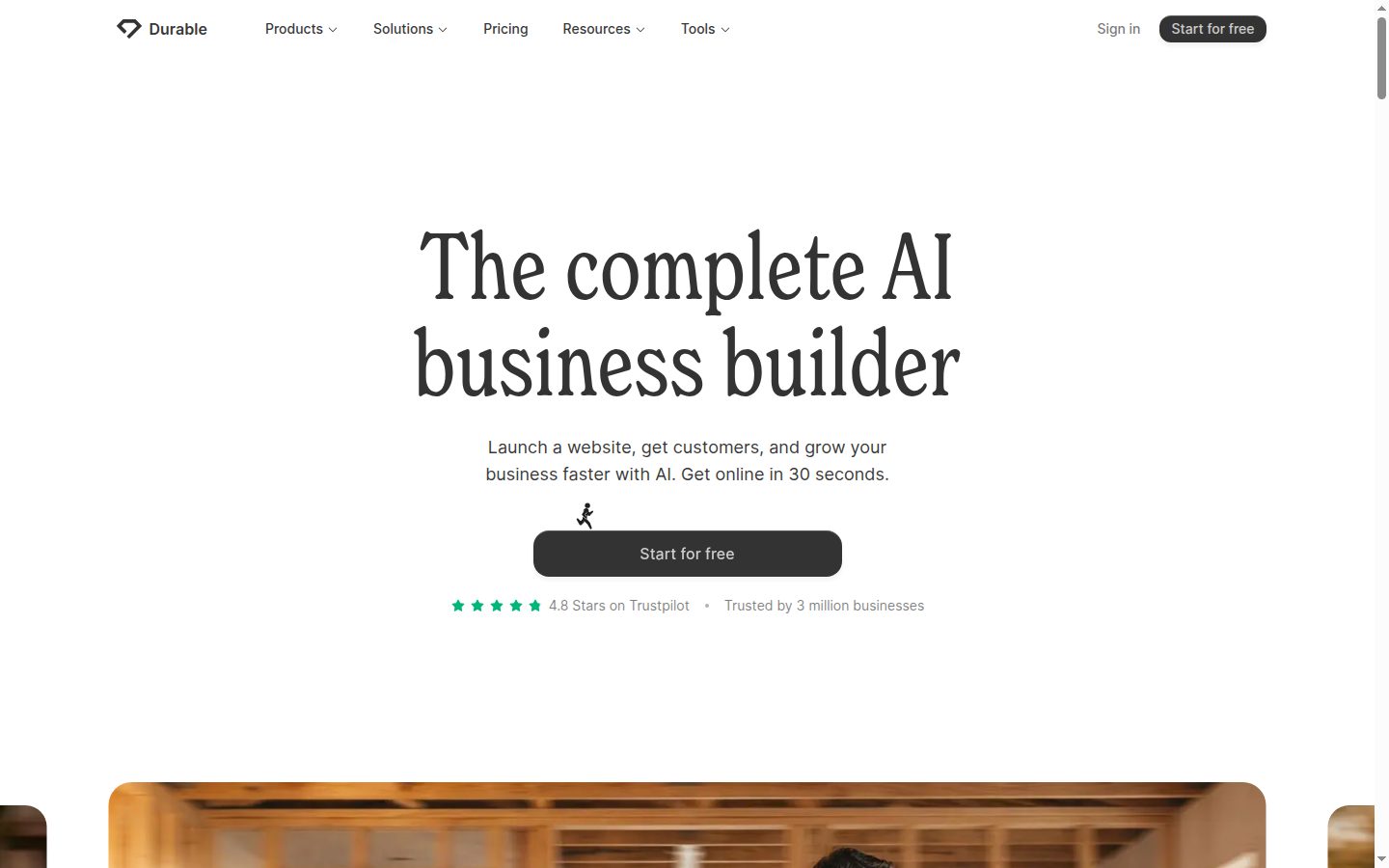
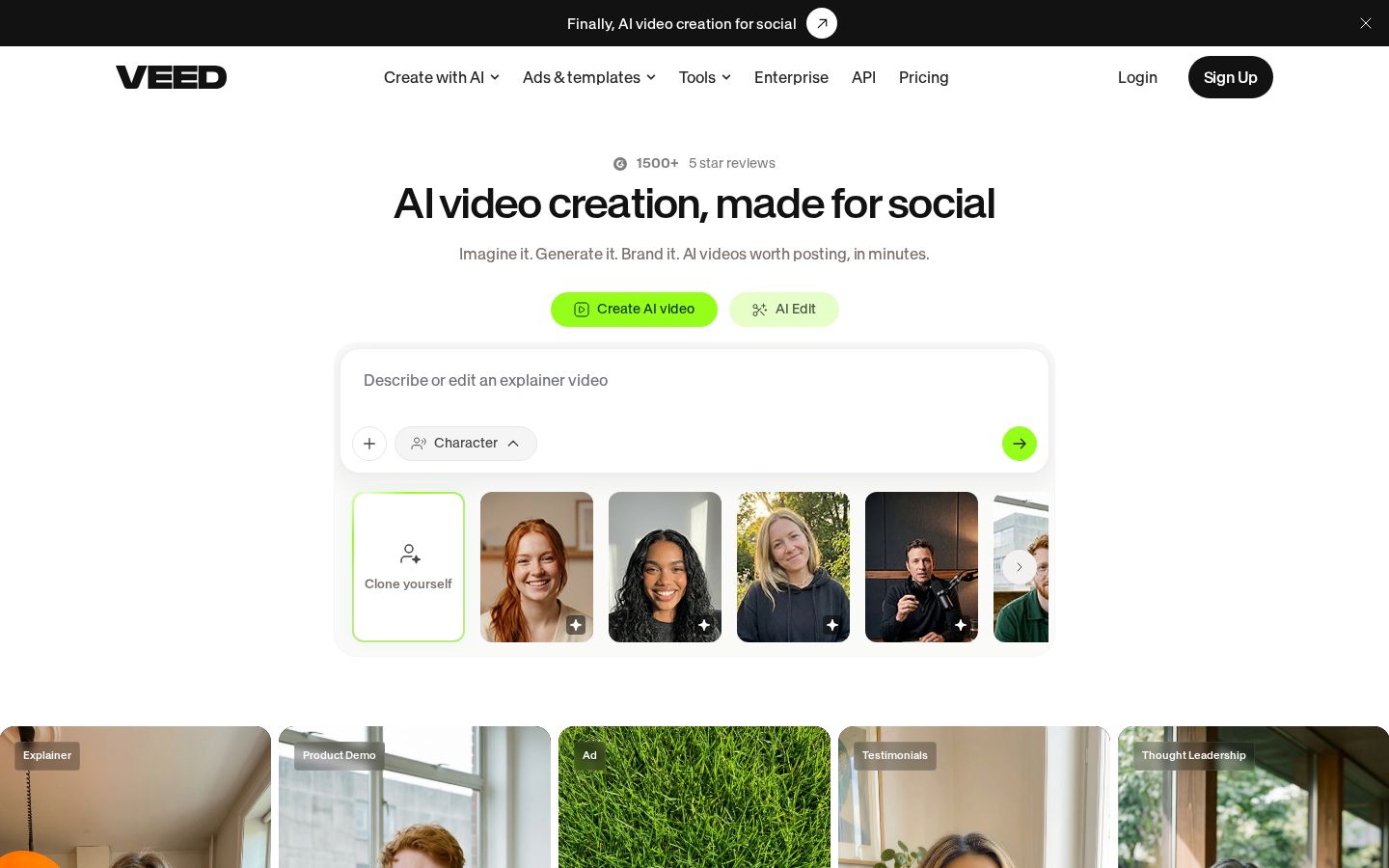
The VEED guide covers VEED on its own. The homepage also lists AI video generation, an AI clip generator, avatars and lip sync, auto subtitles, and browser editing tools.
CapCut has no TOOLPORT product guide. Official CapCut pages are the source used here. A different already-published comparison, Descript vs CapCut vs FlexClip (2026), uses CapCut as one column next to Descript and FlexClip, not as an Opus Clip alternative.
OpusClip, CapCut, and VEED prices (2026)
Figures below are the amounts and plan names printed on 2026-11-12 (Thu). Currency is shown as printed. Taxes, regional variants, and later changes are unverified. CapCut’s English pricing URL in this environment printed plan prices in JPY (https://www.capcut.com/pricing?language=en). USD list prices for those CapCut subscription plans are unverified. Some CapCut AI model rates were printed in $ per second on the same page; those lines are quoted as printed. VEED’s pricing page has Pay monthly and Pay yearly toggles. The VEED credit allowances below were readable as text on the yearly view. The dollar amounts next to those cards were not present as readable text, so VEED list prices are unverified.
Plan | OpusClip | CapCut (JPY as printed) | VEED (credits as printed) |
|---|---|---|---|
Free | $0 USD/mo. 60 credits/month. Watermark, no editing, clips not exportable after 3 days, up to 1080p. | JPY 0. Free templates and basic editing tools. | “Start for free” is on the page. A separate FAQ describes a free trial for enterprise customers, minimum 3 users. |
First paid tier | Starter: $15 USD/mo, “Starter plan only available in monthly,” $15 billed monthly, 150 credits, free trial with no credit card, remove watermark. | Pro: JPY 2,700/month or JPY 21,800/year. 800 monthly AI credits, all premium templates, all premium Pro features, 1 TB of storage. Seedance lines on the Pro card include Seedance 2.5 from $0.12/sec (first month) and Seedance 2.0 Mini at 480p from $0.007/sec (first month). | Creator: 6,000 Credits, “~1,500 AI Videos,” no watermark, unlimited auto subtitles, full audio and video catalog, per user / month, billed yearly on the view that was read. Dollar price unverified. |
Next paid tier | Pro: $29 USD/mo, or $14.5 USD/mo when billed annually ($174 billed annually). 3,600 credits over 12 months, unused credits roll 2 months, 2 seats, free trial with no credit card. Yearly toggle prints “Save up to 50%.” | Ultra: JPY 12,600/month or JPY 144,800/year, marked Best value. 13,821 monthly AI credits, everything in Pro plus exclusive AI features, 1 TB of storage. | Pro: 30,000 Credits, “Everything in Creator +,” per user / month, billed yearly on the view that was read. Dollar price unverified. |
Higher tiers | Business: custom. | Teams: JPY 1,295/month per seat or JPY 11,900/year per seat, 2 seats on the card, 800 monthly AI credits per seat, Pro features for all seats, brand kit, 1 TB of storage. The card also prints “Renews automatically. Cancel anytime” and “Sign in to save up to 80% on Teams.” | A higher card prints 180,000 Credits and “Everything in Pro +.” Enterprise is custom AI credits, with central team and data management. Plans are charged on a per-seat basis. Dollar prices unverified. |
CapCut’s FAQ on the same pricing page says new users can start a 7-day free trial of CapCut Pro with no credit card, and can cancel before it ends. It also says free trial availability may vary by region, platform, billing channel, and current promotional offer, and to check the details at checkout.
How to start (2026)
Open the official site, then the official pricing page, and read the plan you may buy in the same billing cycle and currency you would use. On OpusClip, switch monthly and yearly if both toggles are on the page, and note that Starter is printed as monthly only. On CapCut, confirm the currency printed at checkout; the English page here showed JPY. On VEED, switch Pay monthly and Pay yearly, and confirm the per-seat amount, which was not readable as text in this environment. Nothing on this page is a walkthrough of a live project.
The OpusClip guide and the VEED guide are the longer single-product pages. The English post list and the OpusClip catalog card and VEED catalog card are also on TOOLPORT.
How the three differ (2026)
An Opus Clip alternative is only a substitute if the job matches. OpusClip’s official site is built around clipping long footage into shorts and related editing. CapCut’s official site is a broader video editor with templates and AI generation, priced here in JPY. VEED’s official site is a browser video platform with credits, per-seat billing, and a mix of editing and AI generation. This page does not pick a winner.
Sources (2026)
Read 2026-11-12 (Thu), Asia/Tokyo, from the page body. The screenshots are older files and are not a price source.
https://www.opus.pro/
https://www.opus.pro/pricing
https://www.capcut.com/
https://www.capcut.com/pricing?language=en
https://www.veed.io/
https://www.veed.io/pricing