Descript vs CapCut vs FlexClip: Video Editors Compared (2026)
November 2026. Descript vs CapCut, with FlexClip as the third column, on where you edit, export, and the prices printed on each official page on 2026-11-11 (Wed). No ranking and no hands-on test.
Disclosure: Some links on TOOLPORT are affiliate links (marked Affiliate); we may earn a commission at no extra cost to you. Articles are drafted with AI assistance and based on each vendor's official information.
Descript vs CapCut is the pair this page is built to answer, with FlexClip as the third column. Pages read on 2026-11-11 (Wed), Asia/Tokyo. The rows below come from each company page body that day. This is not a hands-on test. No video was exported, and no plan was purchased.
Affiliate disclosure. The FlexClip buttons are referral links. If you buy through them, TOOLPORT may earn a commission at no extra cost to you. The commission does not change this comparison. Descript and CapCut links open each company site. TOOLPORT does not sell these subscriptions. Affiliate disclosure.
Descript, CapCut, and FlexClip each sell a way to edit video. This article is the how-to-choose list: five points, in reading order. What the page sells. Where you edit. AI tools. Export, resolution, and watermark. Price and the free plan.
CapCut is the other named column because the search is Descript vs CapCut. FlexClip is the third column from its own product page, not from a Descript comparison page. Descript, CapCut, and FlexClip.
Descript vs CapCut: how to choose (2026)
Point | Descript | CapCut | FlexClip |
|---|---|---|---|
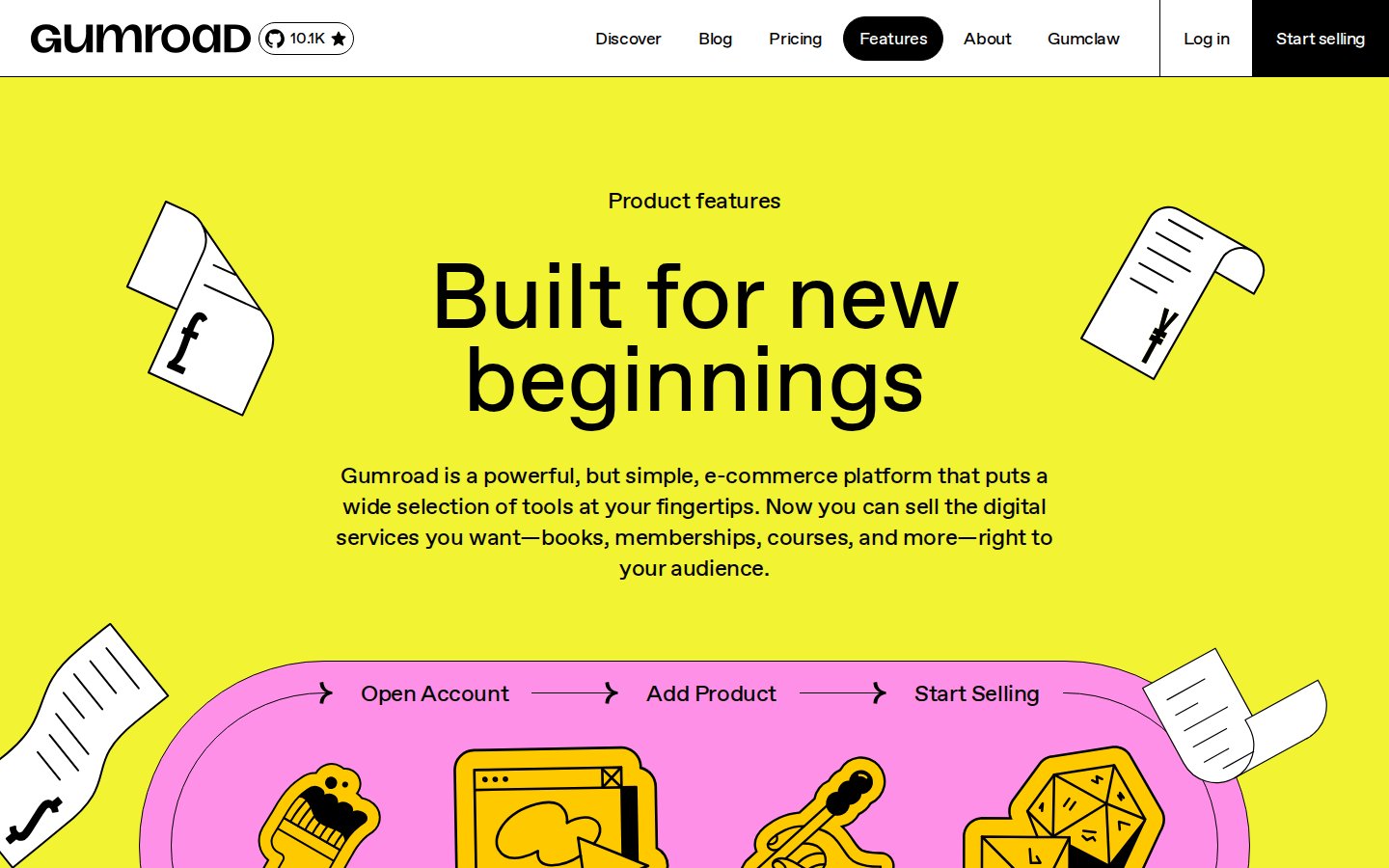
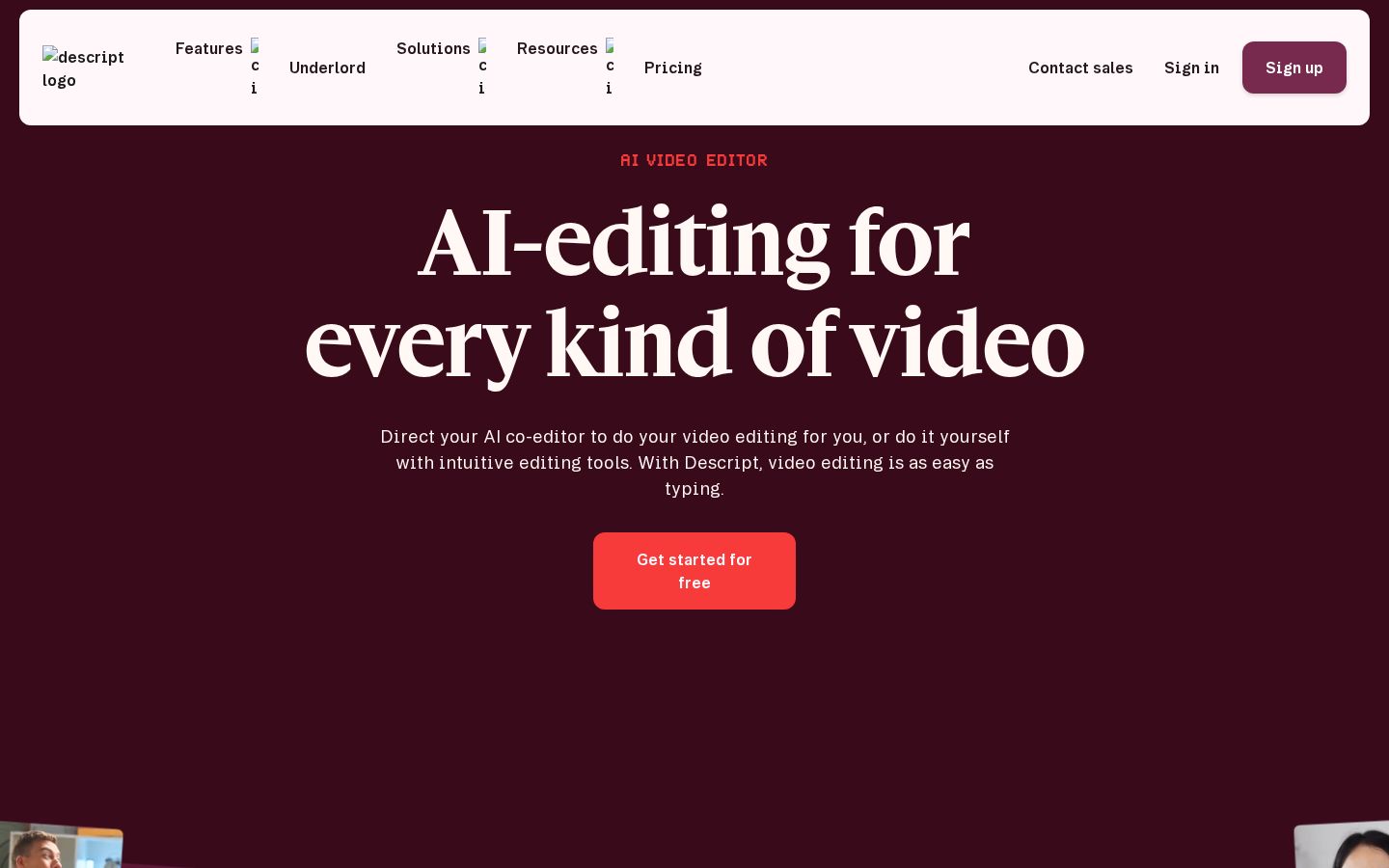
What the page sells | HTML title: Descript: AI Video & Audio Text-based Editor — Try Free. The heading is AI Video Editor. The page describes editing video by editing a transcript, plus an AI co-editor named Underlord. | HTML title: CapCut AI Video Editor: Smart Online Video Editing with Advanced AI Tools. The heading is AI-Powered Photo & Video Editor for Everyone. The page describes creating content for YouTube, Instagram, and beyond. | HTML title: AI Video Maker & Editor - Create with Templates & AI | FlexClip. The heading is AI-Powered Online Video Editor. The page describes templates, editing tools, and AI features in a browser. |
Where you edit | The homepage describes recording in Descript, importing media, or dropping in a Zoom call, then editing the transcript. A FAQ says you can make a whole video without touching the timeline, and that the timeline is there for fine control. | The homepage describes starting with an idea, shaping it on the timeline with EditPilot, and adding captions on the timeline. The HTML title calls it an online video editor. The pricing page does not reprint desktop or mobile download lines on the body retrieved today. | The homepage describes an online editor with templates, timeline tools, collaboration, and cloud storage. The FAQ on the pricing page is about a web tool for video projects. A desktop mention appears in the site footer as For Desktop. |
AI tools | The homepage names Underlord, Studio Sound, filler-word removal, clip creation, and generated video, voice, music, and images. Pricing lists Underlord on Hobbyist and full Underlord access on Creator, plus translation and dubbing in 30+ languages on Business. | The homepage names AI Video Generator, Smart Editor, Text to Speech in 40+ languages, Auto Captions, Background Remover, EditPilot, and models including Dreamina Seedance 2.5 and Sora 2. The Pro card prints 1,200 monthly AI credits. | The homepage names AI Video Generator, AI Text to Speech, AI Script, AI background remover, Auto Subtitle, and AI Translator. The Plus card prints a 3,600 AI credits bonus/yr. The Business card prints 9,600 AI credits bonus/yr. Free prints a free trial of AI features. |
Export, resolution, and watermark | The comparison table prints local export at 720p on Free, 1080p on Hobbyist, and 4K on Creator and Business. Hobbyist is labeled watermark-free. Free is not. Cloud storage prints 5 GB on Free, 100 GB on Hobbyist, 1 TB on Creator, and 2 TB on Business. | The Pro and Ultra cards do not print a watermark line on the pricing page read today. Pro and Ultra both print 1 TB of space storage. These cards do not print an export resolution. That figure is unverified here. | Free prints 720p HD downloads and does not print a no-watermark line. Plus prints 1080p Full-HD and no FlexClip watermark. Business prints 4K Ultra HD and no FlexClip watermark. Free prints video length up to 10 minutes and a maximum of 12 projects. Plus and Business print unlimited length and unlimited saved projects. |
Price and the free plan | Free is $0, with 60 minutes of media per month and 100 one-time AI credits, and no credit card required. With Annual selected (Saving up to 35% over monthly plan), Hobbyist prints $16 per person/month (with $24 also shown), Creator prints $24 (with $35 also shown), and Business prints $50 (with $65 also shown). Enterprise is Custom. Check current pricing. | The pricing page says displayed pricing is for reference only, and to sign in for the final price. The cards print Free USD 0, Pro USD 19.99, Ultra USD 79, and Teams USD 12.49. A FAQ says new users can start a 7-day Pro trial with no credit card required, and that availability may vary. Check current pricing. | With Annually selected (save up to $120), Free is US$ 0.00. Plus prints US$ 11.99, with $19.99/mo also shown, and $143.88 billed annually. Business prints US$ 19.99, with $29.99/mo also shown, and $239.88 billed annually. A 7-day money-back guarantee is printed. Check current pricing. |
Pricing and free-plan limits (2026)
Check current pricing. On 2026-11-11 (Wed) the three pricing bodies did not use the same billing unit. The pictures under this heading are older captures. The figures in the paragraphs come from the pages read that day, not from the pictures.
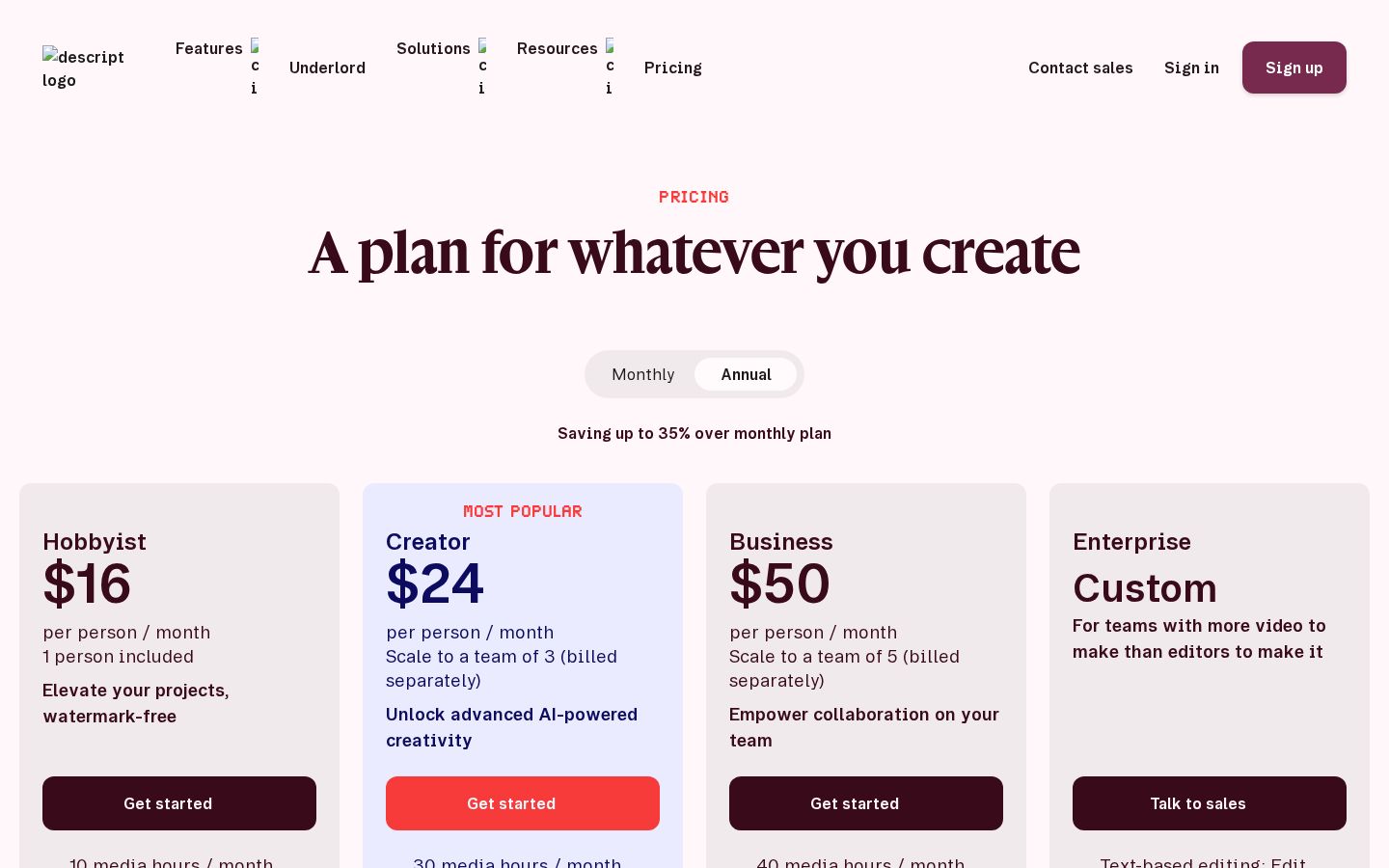
Descript pricing, with Annual selected and the line Saving up to 35% over monthly plan, printed these cards. Free is $0, 60 minutes (1 hour) of media per month, 100 one-time AI credits, and 720p local export, with no credit card required. Hobbyist is $16 per person/month, with $24 also shown, 10 media hours, 400 AI credits, and 1080p watermark-free export. Creator is $24 per person/month, with $35 also shown, 30 media hours, 800 AI credits, and 4K export. Business is $50 per person/month, with $65 also shown, 40 media hours, 1,500 AI credits, and translation and dubbing in 30+ languages. Enterprise is Custom. Descript pricing.
CapCut pricing says displayed pricing is for reference only, and to sign in for final pricing, taxes, and offers. The cards print Free at USD 0, Pro at USD 19.99 with 1,200 monthly AI credits and 1 TB, Ultra at USD 79 with 8,645 monthly AI credits and 1 TB, and Teams at USD 12.49. A FAQ says new users can start a 7-day Pro trial with no credit card required, and that trial availability may vary by region, platform, and offer. CapCut pricing.
FlexClip pricing, with Annually selected and the line save up to $120, printed these Video Editor cards. Free is US$ 0.00, 720p, a free trial of AI features, 1 stock video and 1 stock audio per project, up to 12 saved projects, and video length up to 10 minutes. Plus is US$ 11.99, with $19.99/mo also shown, $143.88 billed annually, 1080p, a 3,600 AI credits bonus/yr, 5 stock videos per project, unlimited saved projects and length, and no FlexClip watermark. Business is US$ 19.99, with $29.99/mo also shown, $239.88 billed annually, 4K, a 9,600 AI credits bonus/yr, unlimited stock media, and no FlexClip watermark. A 7-day money-back guarantee is printed. FlexClip pricing.
Who it fits (2026)
Product | Fits | Does not fit |
|---|---|---|
Descript | Editing by transcript, a Free plan at $0 with 60 media minutes a month, or Hobbyist at $16 per person/month on the annual view for 1080p watermark-free export. | A free export that the page calls watermark-free. Watermark-free starts on the Hobbyist card. Treating $16 as the monthly rate; the page also shows $24, under a Saving up to 35% over monthly plan label. |
CapCut | An online editor aimed at YouTube and Instagram, a Free card at USD 0, or Pro at USD 19.99 with 1,200 monthly AI credits, plus a 7-day Pro trial that the FAQ says needs no credit card. | Treating the printed price as the charged price. The page says displayed pricing is for reference only, and to sign in for the final price. An export resolution or watermark rule; those lines were not on the pricing cards read today. |
FlexClip | A browser editor with templates, a Free card at US$ 0.00 with 720p and a 10-minute length cap, or Plus at US$ 11.99 on the annual view for 1080p without a FlexClip watermark. | A free export without a FlexClip watermark, or a free video longer than 10 minutes. Those limits are on the Free card. Treating US$ 11.99 as the monthly rate; the page also shows $19.99/mo, under an Annually toggle. |
How to start (2026)
These steps are the controls and headings on each official page. They are not a record of an edit we ran.
Descript. The homepage and the FAQ say you can try it free, with no credit card required. Pricing cards say Get started, or contact sales on Enterprise.
CapCut. Pricing cards say Get Started on Free. A FAQ says new users can start a 7-day Pro trial with no credit card required, and can cancel before it ends.
FlexClip. Pricing cards say Get Started, Get Plus, or Get Business. The checkout block prints a 7-day money-back guarantee.
How the three differ (2026)
Descript is the text-based editor with a Free card at $0 for 60 media minutes, and Hobbyist at $16 per person/month on the annual view for 1080p without a watermark. CapCut is the online editor for short-form and social clips, with Free at USD 0 and Pro at USD 19.99 as a reference price, and a sign-in note for the charged price. FlexClip is the browser template editor, with Free at US$ 0.00 for 720p and 10-minute videos, and Plus at US$ 11.99 on the annual view for 1080p without a FlexClip watermark.
The English product guides, separate from this comparison: What Is Descript? Text-Based Video Editing, Pricing, and Multilingual Support, and What Is FlexClip? Online Video Editing, Subtitles, and Plans.
Related English comparisons: FlexClip vs CapCut vs invideo: Online Video Editors Compared (2026), and Filmora vs CapCut vs DaVinci Resolve: Video Editors Compared (2026). English posts: All posts. In the catalog: Descript, FlexClip.
Sources (2026)
Read 2026-11-11 (Wed), Asia/Tokyo, from the page body. None of these URLs were replaced by a different final address in the fetches used for this article. The screenshots are older files and are not a price source.