What Is Higgsfield? A Beginner’s Guide to Its AI Video and Image Generation Features, Pricing, and How to Use It
Explore Higgsfield’s AI image and video generation features, pricing, setup, and key considerations, based on official pages reviewed on Wednesday, November 4, 2026.
Information checked: Wednesday, November 4, 2026. We reviewed the official page content and marked unclear details as “unverified.” Please check the latest pricing before subscribing.
This article contains Higgsfield affiliate (referral) links. TOOLPORT may receive a referral fee if you sign up through these links. Referral fees do not affect the content or assessments in this article.
Introduction
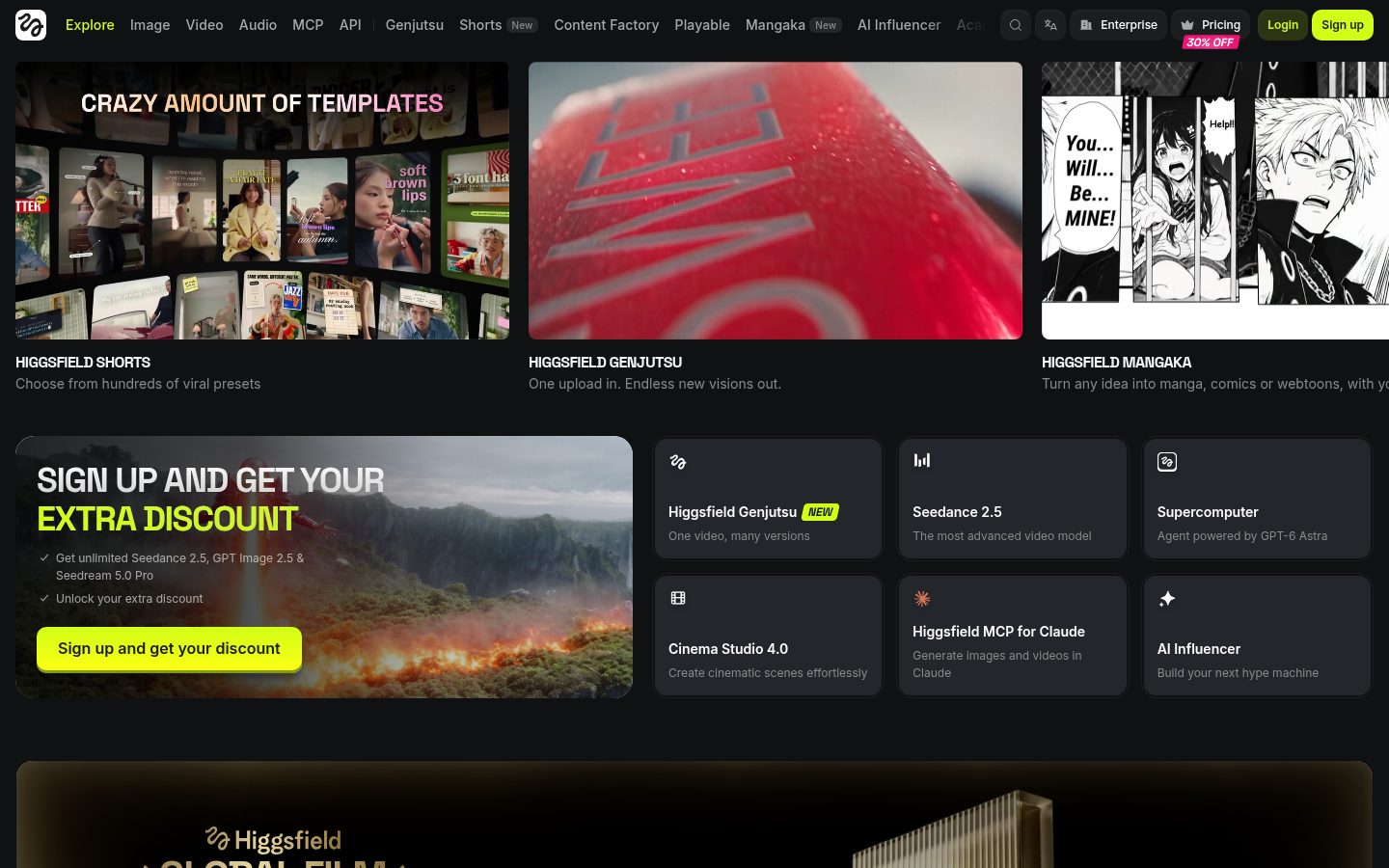
Higgsfield is an image and video generation service that brings its own tools together with Kling, Veo, Sora 2, Seedance, and others under a single subscription. Here is an overview of its features, pricing, and how to get started, based on official information.
What Is Higgsfield?
It is a creative production service for videos, characters, and ads.
You can get started with prompts or reference images, though advanced features take practice.
Users must be at least 18 years old or have reached the legal age of adulthood where they live.
What You Can Do: Key Features
- Soul / Soul ID: Generate images and feature the same face across images and videos.
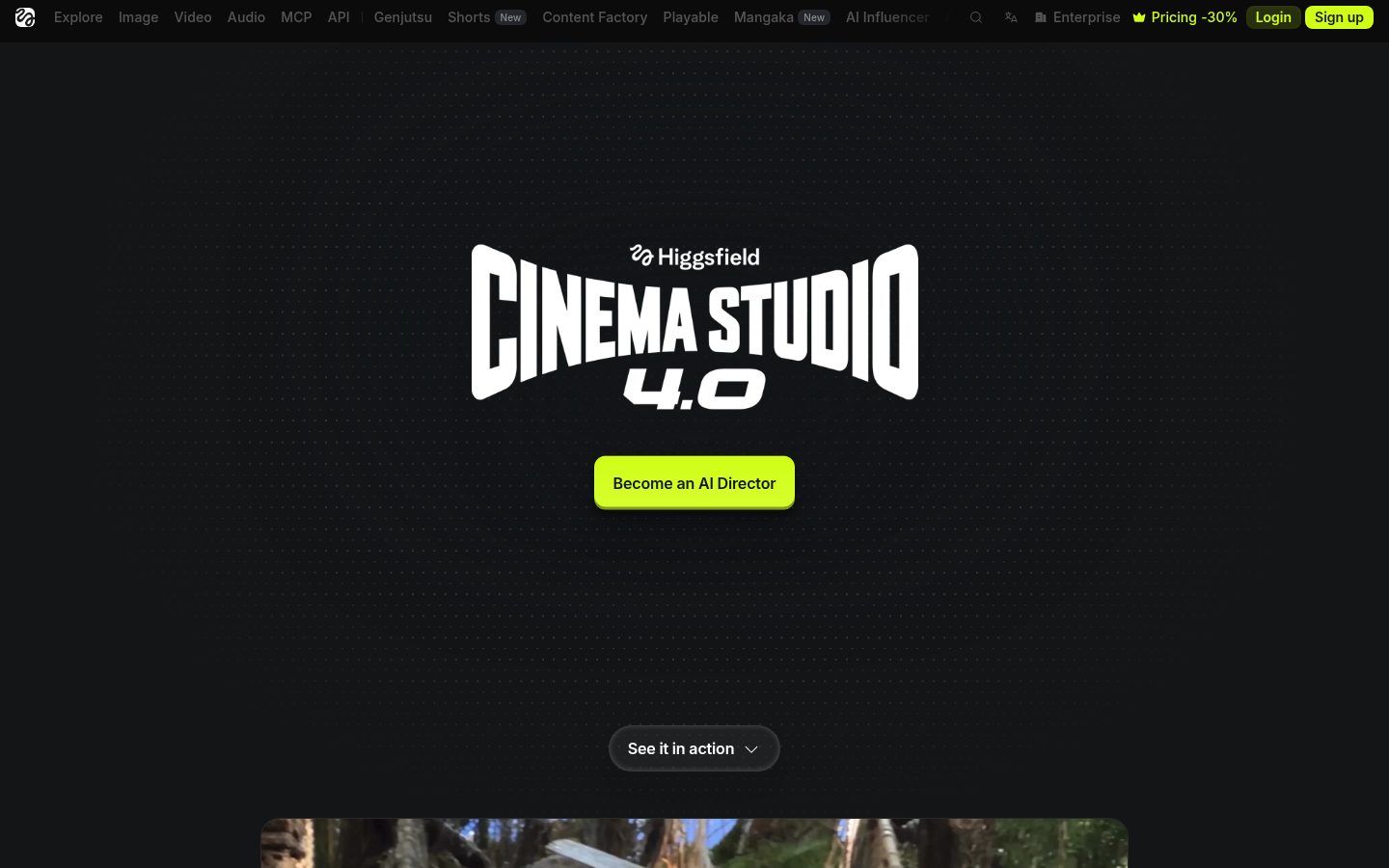
- Cinema Studio: Create cinematic videos using camera controls and multiple shots.
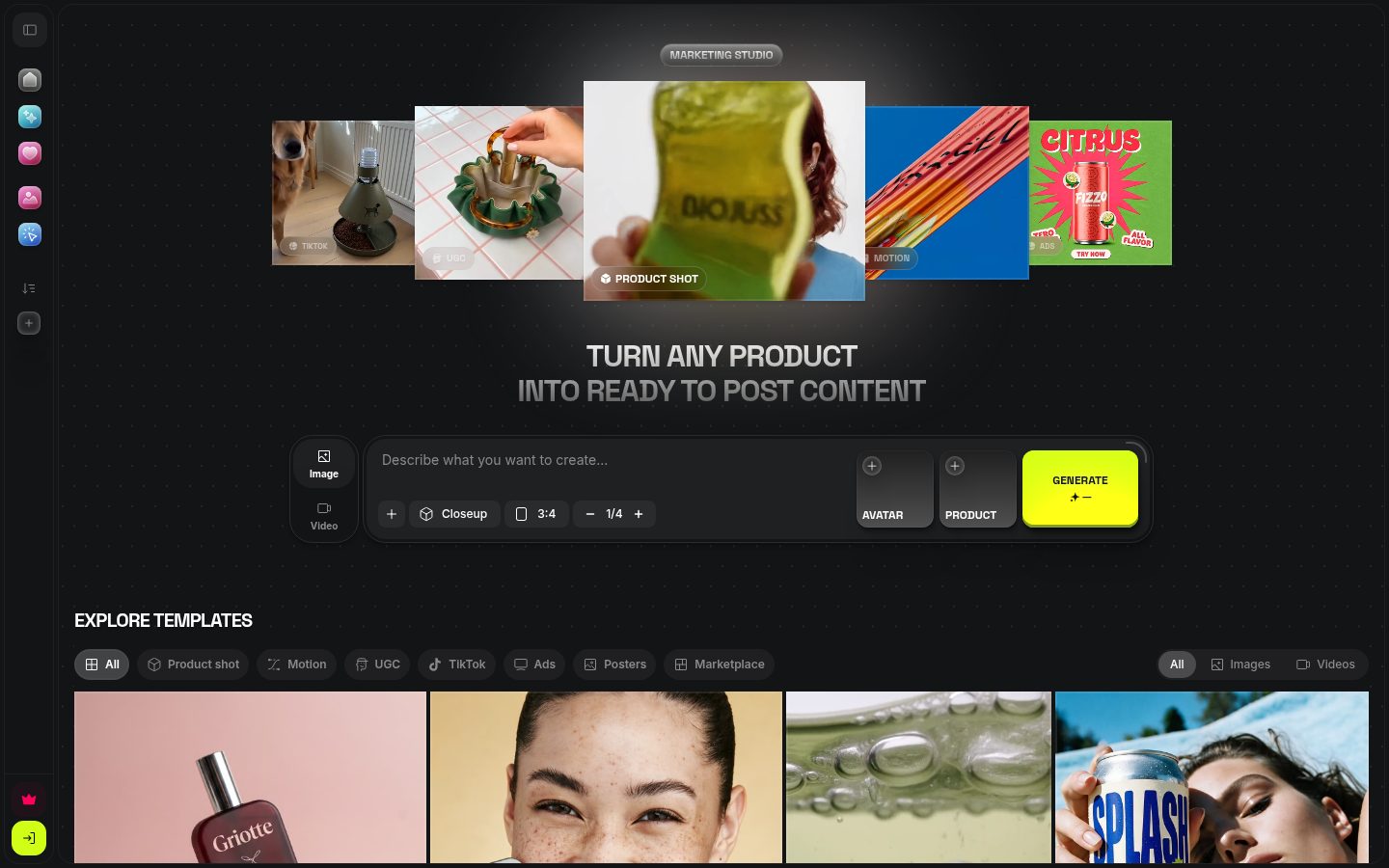
- Marketing Studio: Create posts and video ads with audio from product URLs or images.
- Canvas: Connect multiple models, edit collaboratively, and save workflows.
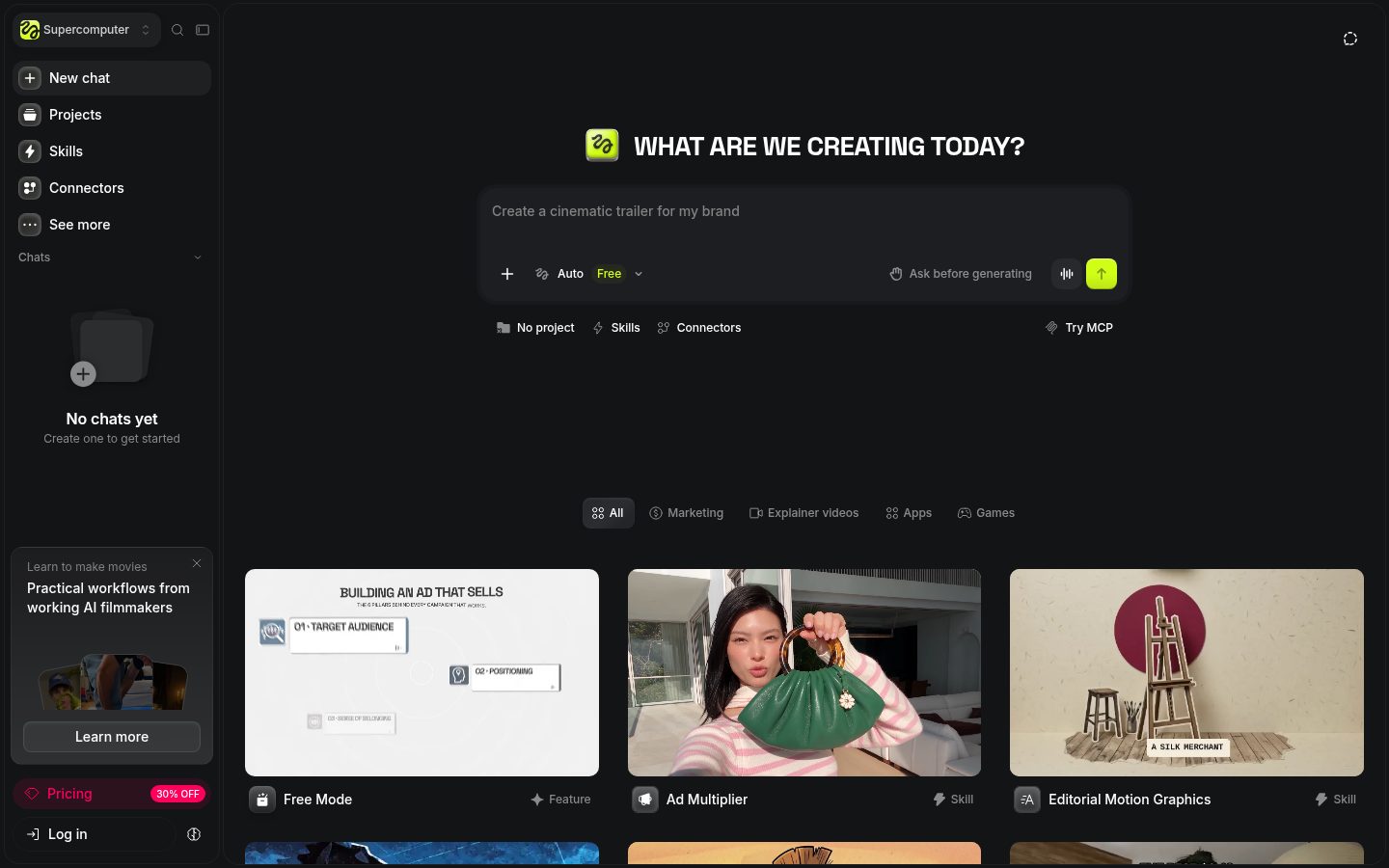
- Supercomputer: Generate assets from prompts, with support for publishing websites.
- Third-party models: Use Seedance, Kling, Veo, Sora 2, Nano Banana, and others under the same subscription.
- Higgsfield Audio: Supports narration, voice cloning, and translation.
Pricing Plans
Prices shown exclude tax and include promotions available on Wednesday, November 4, 2026. Prices may change.
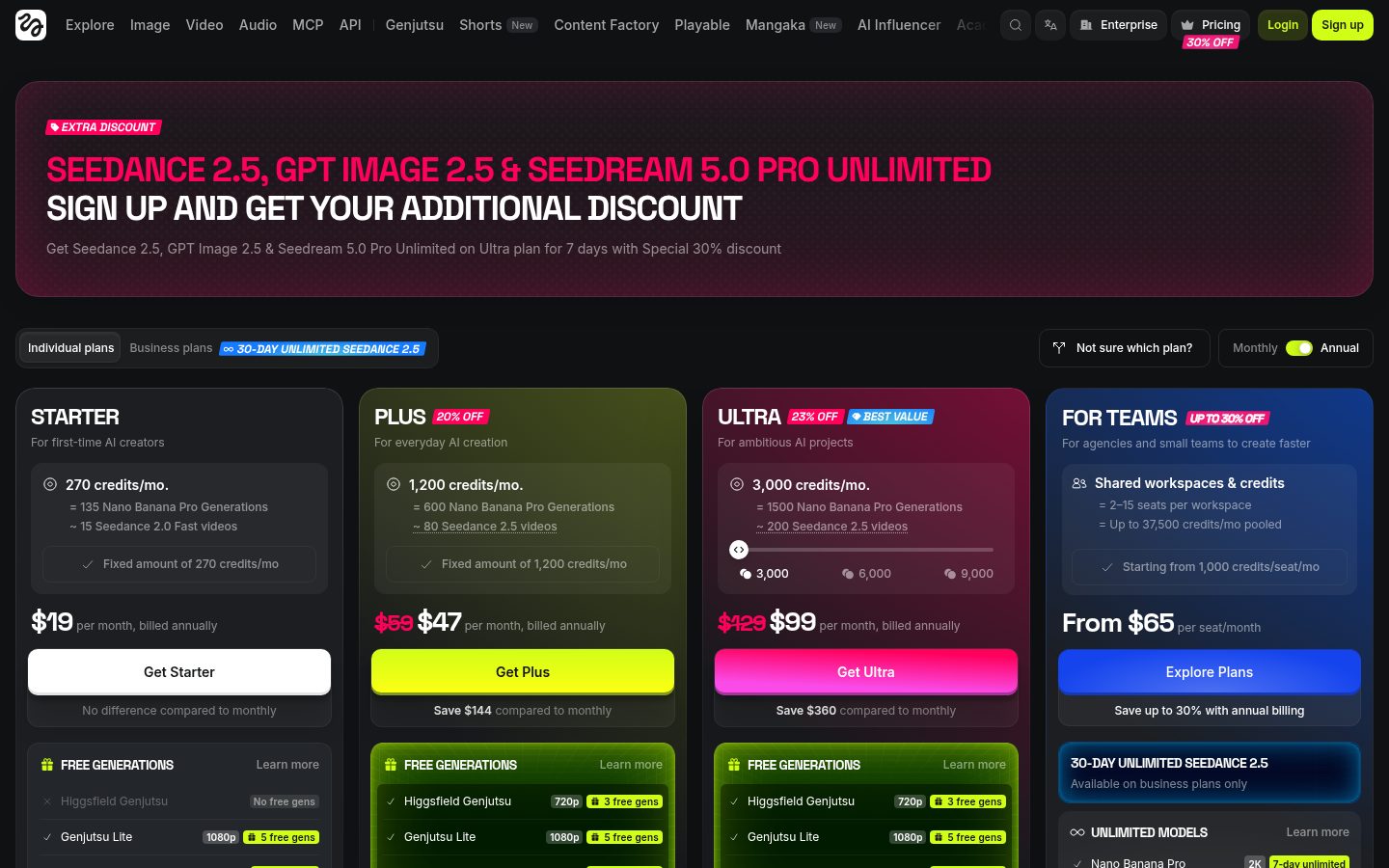
Individual Plans: Monthly Prices When Billed Annually
Plan | Monthly price when billed annually | Price when billed monthly | Monthly credits | Key features as listed on the pricing page |
|---|---|---|---|---|
Free | Free | Free | None (“Limited use” on the pricing page) | Access to selected models only |
Starter | $19 | Shown as “No difference”; the actual amount is unverified | 270 | Generate 2 videos and 4 images simultaneously / Seedance 2.0 Fast and Mini / Selected features only |
Plus | $47 | $59 (shown crossed out) | 1,200 | All models and features / Unlimited use of Nano Banana Pro, Seedream 5.0 Pro, GPT Image 2.5 (2K), and Seedance 2.5 (720p) for 7 days |
Ultra | $99 | $129 (shown crossed out) | 3,000 (options for 6,000 and 9,000 also shown) | All models and features / Unlimited use of Seedance 2.5 (1080p) for 7 days |
Business Plans
- Team: Starts at $65 per seat per month, with 2–15 seats sharing up to 37,500 credits per month.
- Scale: Adds more credits per seat, priority queues, SSO, and spending controls for administrators.
- Enterprise: Requires contacting sales.
Pricing for Scale and Enterprise is unverified.
Billing and Credit Policies
- There is no free trial period, but a free plan offers access to a limited selection of models.
- Credits on individual plans do not roll over. They reset at renewal for monthly subscriptions and every 30 days for annual subscriptions.
- Credits purchased separately or through Auto-Refill expire 90 days after purchase.
- Refunds are available only for unused purchases within 7 days of the initial purchase, or as permitted by the laws where you live, and are subject to a fee of up to 6%. Renewals are not eligible.
How to Get Started: From Sign-Up to Your First Generation
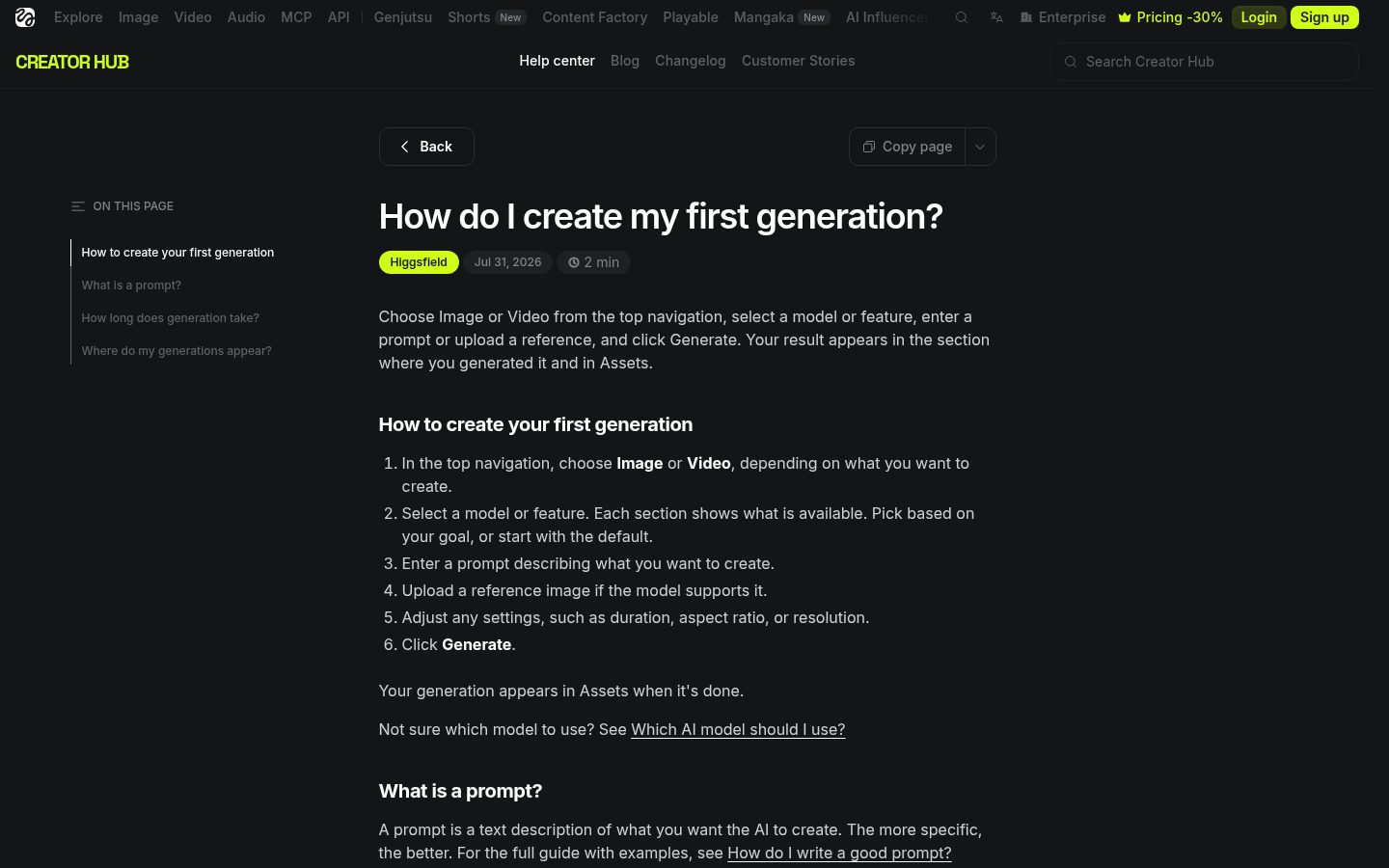
These steps are based on the official help center.
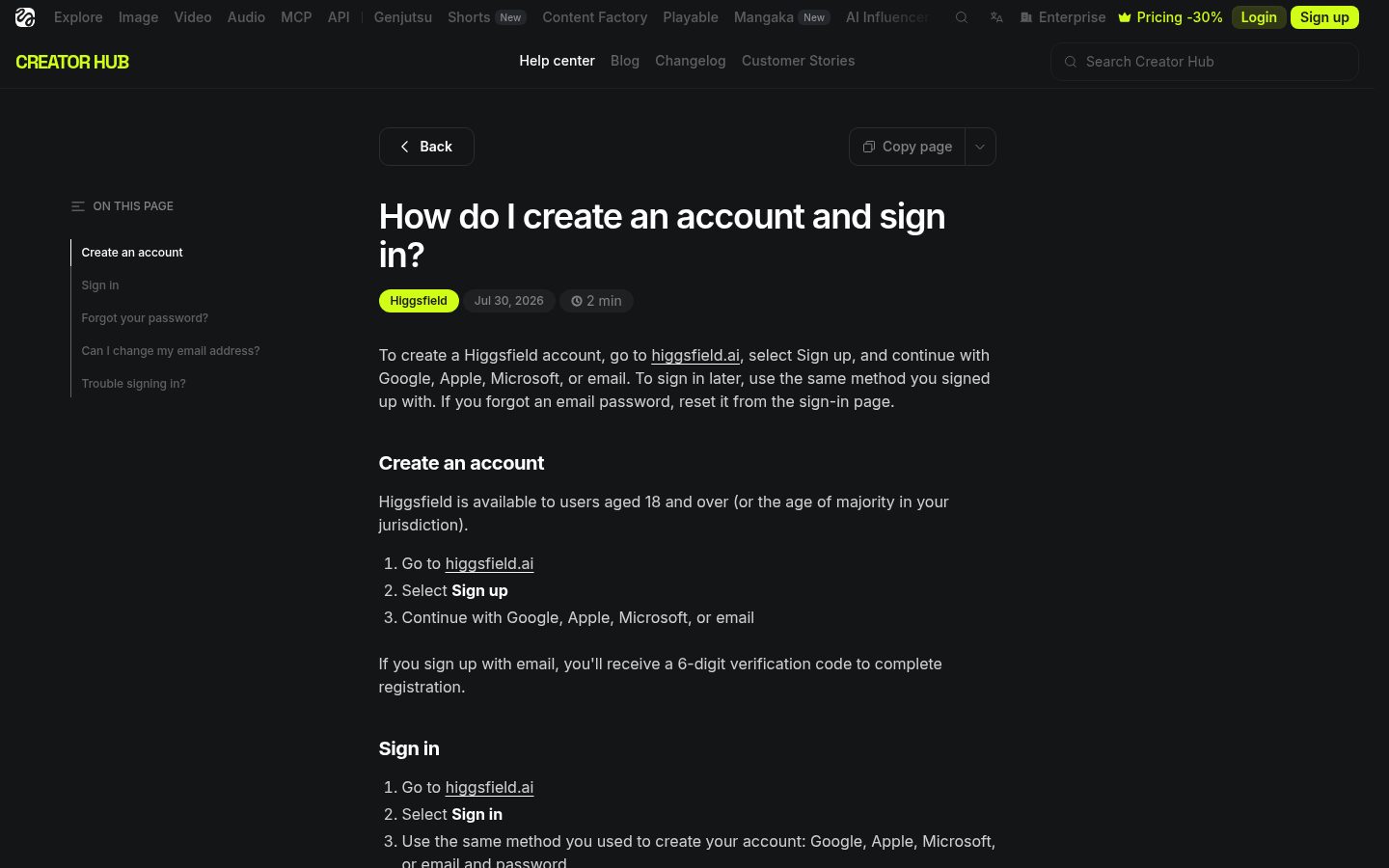
- Create an account: Select “Sign up” and choose a registration method.
- Sign in: On your next visit, select “Sign in” and use the same method you used to register.
- Choose a content type: Select “Image” or “Video” at the top.
- Choose a model: Pick one that suits your goal, or start with the default.
- Write a prompt: Describe what you want to create in specific terms.
- Add an image: You can add reference images with models that support them.
- Adjust the settings: Set the duration, aspect ratio, and resolution.
- Generate: Check the credit cost and select “Generate.”
- Review the results: View your creations on the generation screen or in “Assets.”
Note: The editorial team has not tested the sign-up or generation process. The extent of support for Japanese prompts and the availability of a Japanese interface are unverified.
Who It Is—and Is Not—Suited For
These are the editorial team’s assessments based on official information.
Suited for people who want to:
- Try and compare multiple image and video models
- Feature the same person repeatedly
- Create ads from product URLs or images
- Share credits across a team
Not suited for people who:
- Need a free trial period
- Want unused credits on an individual plan to roll over
- Want unlimited generation through MCP or CLI
- Want to use generated content to train other AI models
How It Compares with Similar Tools
The lowest monthly prices when billed annually are $19 for Higgsfield, $12 for Runway, and $8 for Pika, but credit allowances and models differ. Detailed feature differences, as well as pricing and features for Kling itself, are unverified.
Things to Keep in Mind
- The help center states that Higgsfield does not claim rights to inputs or outputs and that all plans allow commercial use without attribution. However, the provisions in the full terms of use have not been verified.
- Paid plans are said to allow downloads without watermarks, and commercial use of watermarked content may not be appropriate.
- Exclusive rights to outputs are not guaranteed. Users are responsible for checking third-party rights and obtaining permission to use images.
- Using outputs to train, fine-tune, or distill other AI models is prohibited.
- Except on Enterprise, content may be used to train Higgsfield’s own AI. Even if deleting it stops its use in future training, it cannot be removed from models that have already been trained on it.
- Indemnification against third-party intellectual property claims is available only on Enterprise.
- Unlimited and free generation are available only on the website. Generation through MCP, CLI, Canvas, or Supercomputer always consumes credits.
- Generation, regeneration, and upscaling consume credits. Subscription credits are used first, followed by credits closest to their expiration date.
- Credits are usually returned within a few minutes if generation fails, but may not be returned for some models.
- The email address used to register cannot be changed later.
- We have not read the detailed documentation for integrations, so MCP, CLI, and API details are unverified.
- Starter’s monthly billing price and Ultra’s prices for the 6,000- and 9,000-credit options are unverified.
Summary
Paid plans start at $19 per month when billed annually. Start by exploring the interface on the free plan, then estimate how many images and videos you expect to generate each month before choosing a plan.
All “Higgsfield” buttons and links in this article are affiliate (referral) links. Higgsfield’s official affiliate page says that users who follow referral links may receive “up to 50% off for 3 hours,” but we have not verified which discount, if any, actually applies through this link.
Sources (page content reviewed on Wednesday, November 4, 2026)
- https://higgsfield.ai/ (Homepage. Only the HTML was retrieved; it was not used to substantiate facts in this article.)
- https://higgsfield.ai/pricing (Pricing page)
- https://higgsfield.ai/faq (Help center index)
- https://higgsfield.ai/creator-hub/help-center/getting-started/what-is-higgsfield
- https://higgsfield.ai/creator-hub/help-center/getting-started/create-an-account-and-sign-in
- https://higgsfield.ai/creator-hub/help-center/getting-started/how-do-i-create-my-first-generation
- https://higgsfield.ai/creator-hub/help-center/plans/how-do-higgsfield-plans-work
- https://higgsfield.ai/creator-hub/help-center/credits/how-credits-work
- https://higgsfield.ai/creator-hub/help-center/account/who-owns-my-generations-and-can-i-use-them-commercially
- https://higgsfield.ai/affiliate (Affiliate program)
- https://higgsfield.ai/terms-of-use (We attempted to retrieve this page, but most of the content could not be loaded, so its provisions remain unverified.)
- https://runwayml.com/pricing (Runway pricing page)
- https://pika.art/pricing (Pika pricing page)