Fyxer AI Review (2026): Inbox, Calendar, and Pricing
17 November 2026 (Tue). A Fyxer AI review of official inbox, calendar, meeting, price, and security lines. No hands-on test.
Disclosure: Some links on TOOLPORT are affiliate links (marked Affiliate); we may earn a commission at no extra cost to you. Articles are drafted with AI assistance and based on each vendor's official information.
This Fyxer AI review copies what the official Fyxer pages printed on 17 November 2026 (Tue), Asia/Tokyo. It covers the inbox, calendar, and meeting lines, the prices, and the privacy and security notes. This is not a hands-on test. No inbox was connected, and no plan was purchased.
Affiliate disclosure. The Try Fyxer button is a referral link. If you sign up through it, TOOLPORT may earn a commission at no extra cost to you. The commission does not change this page. The plans button and the Superhuman links open those companies' own sites. TOOLPORT does not sell these subscriptions. Affiliate disclosure.
What this Fyxer AI review covers (2026)
Meeting notes sit next to this inbox review. The Fireflies vs Otter vs Fathom comparison lines up three notetakers. The Fireflies AI review is the single-product page. The Notta guide is the longer Notta page. The English post list and the Fyxer catalog card are on TOOLPORT.
What Fyxer does (2026)
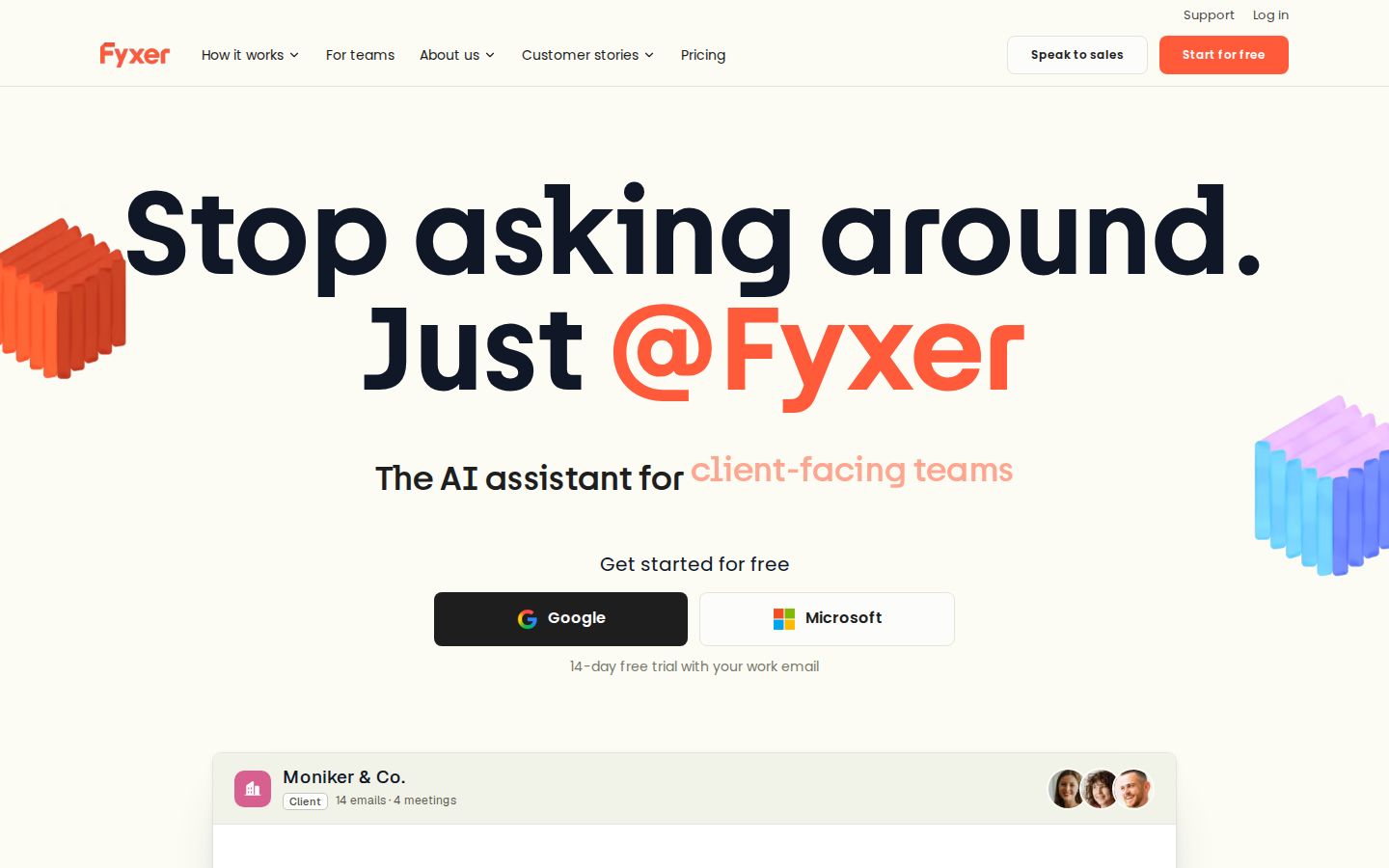
The homepage title is “Fyxer | The AI assistant across all your work.” The description says Fyxer sits across email, chat, calendar, and meetings, with briefings, client Spaces, and meeting prep.
The same page says the assistant labels and organizes the inbox, drafts replies in your voice, and automates meeting notes. A line under the sample says drafts are saved for you to review and send. Another line says it is private by default, and the team only sees the emails and meetings you choose to share.
The connect list on that page printed Gmail, Outlook, Slack, Microsoft Teams, Google Calendar, and Zoom. HubSpot, Claude, and ChatGPT were named beside it. Salesforce and Asana were labeled “Coming soon.”
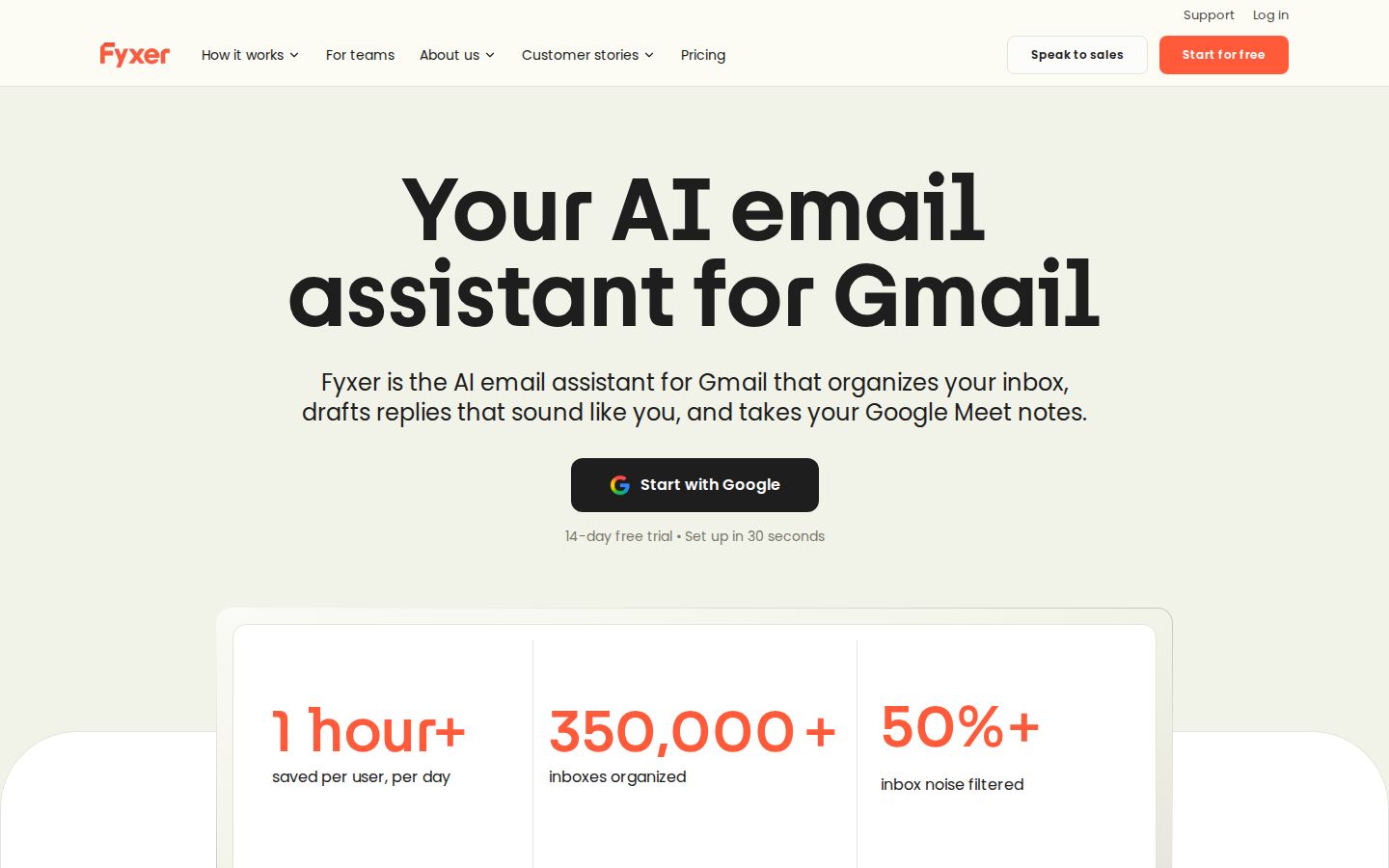
The page also printed “Trusted by 25,000+ companies worldwide,” and the pricing page printed “100,000+ people.” The Gmail page printed “350,000+ inboxes organized” and “1 hour+ saved per user, per day.” Those are the pages' own lines. This review did not measure them. A single headcount is Unverified.
Email, calendar, and meetings (2026)
The Gmail page says Fyxer organizes the Gmail inbox, drafts replies, and takes Google Meet notes. It says setup is one click and about 30 seconds, and that Fyxer is Google-verified. The Outlook page says the same jobs for Outlook and Microsoft Teams notes, and that Fyxer is Microsoft-verified.
The Outlook page printed two setup times. One paragraph says setup takes under two minutes. The steps and the FAQ say about 30 seconds. Both lines were on the page. This review does not pick one.
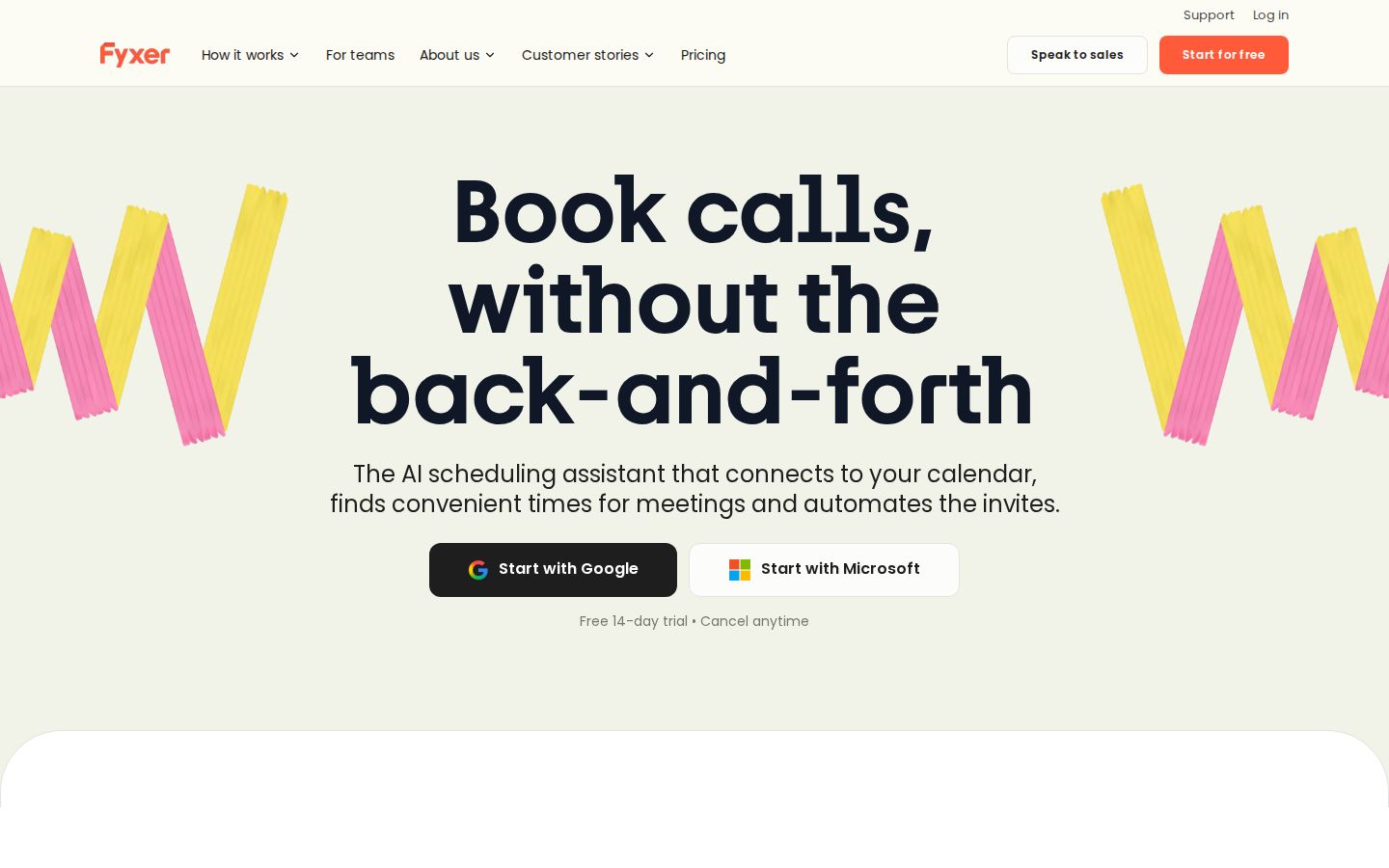
The scheduling FAQ says Fyxer connects directly to Google Calendar and Outlook Calendar. It says you set hours, buffers, and availability, then share a link. The meeting lands in both calendars, and invites go out. It also names 1:1 bookings, team routing, and timezone detection. The homepage had already named Google Calendar. Outlook Calendar is named on this FAQ.
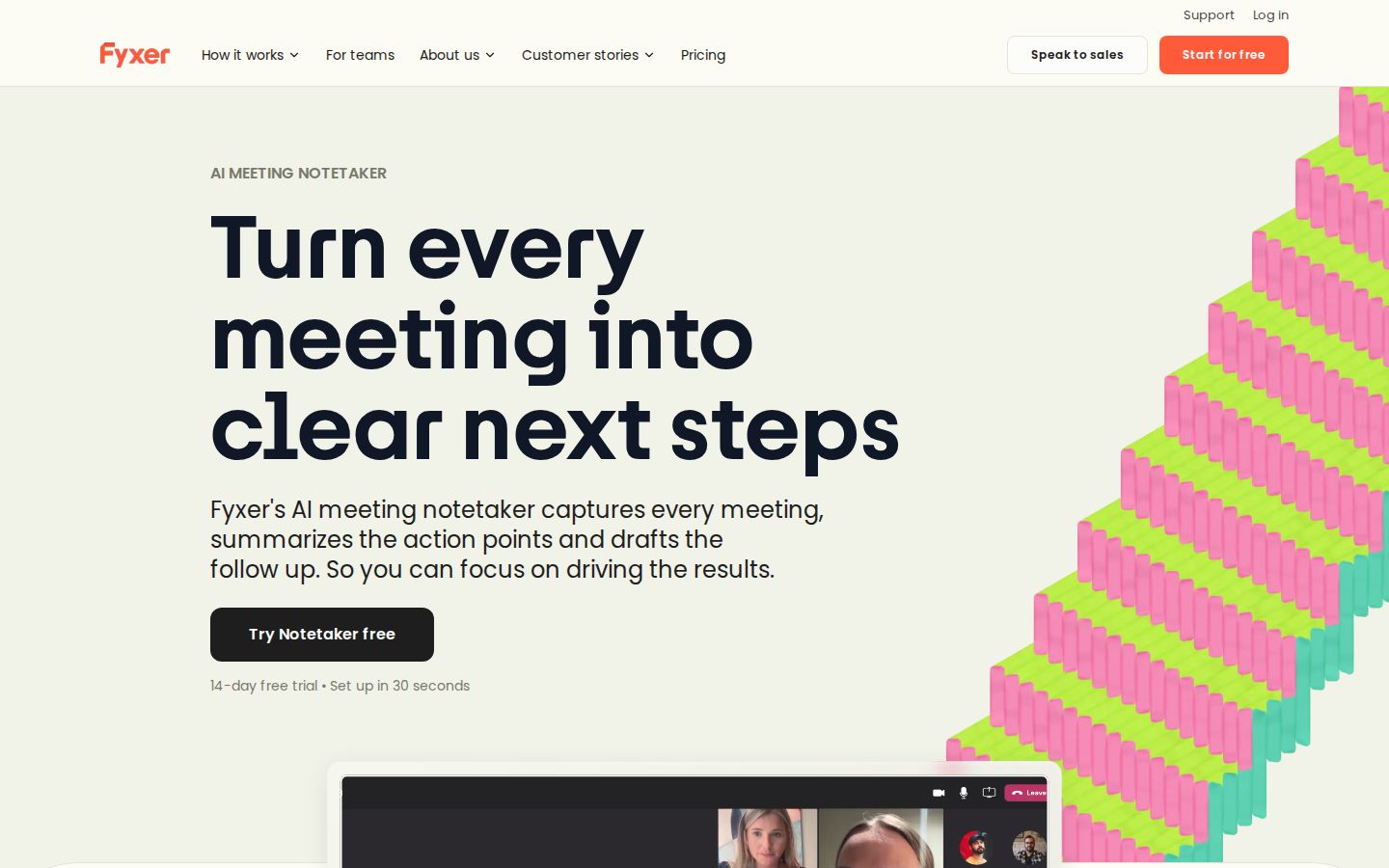
The meeting-notes page says the notetaker joins the call, summarizes action points, and drafts the follow-up. It names Google Meet, Microsoft Teams, Zoom, and Outlook, and it says in-person audio on a phone or device is included. The FAQ says notes are ready within minutes after a Google Meet call.
The pricing FAQ says you choose which meetings Fyxer joins: all of them, only external ones, only the ones you host, or none. For video meetings it asks to join like any other attendee. The host may need to let it in and can remove it. Free records audio. Pro and above add video, plus a drafted follow-up you can turn off.
A counted language list was not on these pages. The chat page says you can chat in any language and ask it to translate emails. The meeting-notes page says “broad language support” and does not print a number. A language count is Unverified.
Fyxer AI review pricing (2026)
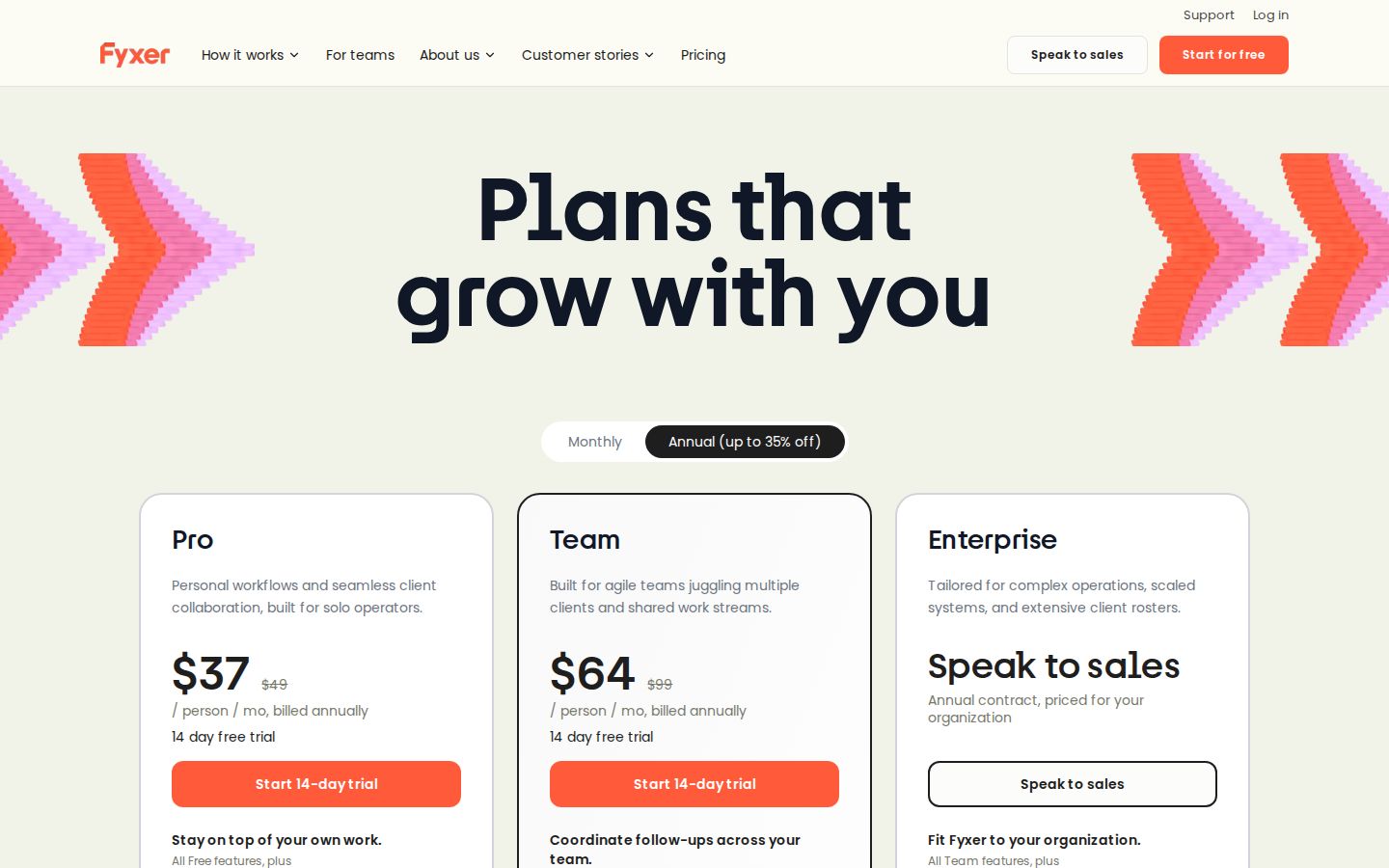
Read 2026-11-17 (Tue), Asia/Tokyo, from https://www.fyxer.com/pricing. The open toggle was Annual, labeled “up to 35% off.” A Monthly control was on the page. The cards below are that Annual view. The FAQ printed the monthly seat prices in words.
Plan on 2026-11-17 | Amount the page printed | What else that card printed |
|---|---|---|
Free | $0 on the plan strip. | The comparison row says 400 credits. Trial cell: 14 days of Team. |
Pro | Annual card: $37 / person / mo, billed annually. $49 is struck through. FAQ: monthly billing is $49 per seat per month. The FAQ says annual saves 25% on Pro. | “Personal workflows and seamless client collaboration, built for solo operators.” 14-day trial on the card. |
Team | Annual card: $64 / person / mo, billed annually. $99 is struck through. FAQ: monthly billing is $99 per seat per month. The FAQ says annual saves 35% on Team. | “Built for agile teams.” A line says 10 or more members should talk to sales for a volume quote. No volume dollar amount was printed. |
Enterprise | “Speak to sales.” The strip says Custom. No dollar amount was printed. The price is Unverified. | “Annual contract, priced for your organization.” Trial cell: With sales. |
The FAQ defines a seat as one paid member, however many inboxes or calendars they connect. Gmail and Outlook together are still one seat. Viewer seats cost nothing on Pro and Team. The FAQ says you can switch Pro and Team, or monthly and yearly, from the dashboard. Enterprise changes go through the Fyxer team.
Line on the comparison table | Free | Pro | Team | Enterprise |
|---|---|---|---|---|
Automatic replies drafted in your tone | - | Yes | Yes | Yes |
Inbox sorted and labeled | - | Uses credits: 5 emails per credit, including historical sorting | Uses pooled credits: 5 emails per credit | Uses contracted credits |
Meeting notes | Audio notes, using your 400 credits | Every meeting | Every meeting | Every meeting |
Video recording | - | Yes | Yes | Yes |
Several inboxes at once | - | - | Yes | Yes |
Gmail, Outlook, the Fyxer Hub, your browser, Slack, Teams | Yes | Yes | Yes | Yes |
Monthly credits, illustrative row | 400 | Unlimited for the first 3 months, then 3,000 per paid member | Unlimited for the first 3 months, then 6,000 per paid member, pooled | Agreed in the contract |
Security review, DPA, HIPAA, custom terms | - | - | - | Yes |
A second credits table printed Enterprise as 9,000 per paid member, “final allocation contracted.” The card above says the amount is agreed in the contract. Both lines were on the page.
The same page printed a cost table. Meeting recording is 1 credit per recorded minute, and it says video and audio are the same. Chat is 20 credits per user message with a completed response. Inbox sorting is 0.2 credits per labeled email, which the row also calls 5 emails per credit. A Flow run is 5. An imported recording is 30 per hour. A deep research ask is 175. Document analysis is 30. A profile rebuild on request is 650, and the first build is included.
When credits run out, the Free cell says metered actions pause until renewal. Pro says Fyxer tells you at 80% and 100%, sorting pauses first, and recording continues. Team says the same at team level. A rollover sentence for unused credits was not printed. Whether unused credits roll over is Unverified.
The trial FAQ says sign-up starts on the Team plan for 14 days, with unlimited credits pooled across the team, then you move to Free unless you pay. The meeting-notes FAQ adds “no credit card required.” The pricing FAQ did not print a credit-card sentence. Those are two pages, not one rule.
Privacy and security (2026)
The security page, read the same day, says Fyxer creates drafts and meeting follow-ups and will never send an email on your behalf. The pricing FAQ says the same: Fyxer drafts replies, and you decide what gets sent.
The security FAQ says Fyxer is SOC 2 Type II and ISO 27001 certified, HIPAA compliant, and GDPR compliant, and that your data is never used to train third-party AI models. The principles section prints “SOC 2 Type 2” as well as “SOC 2 Type II.” Both spellings were on that page.
The pricing FAQ is narrower on HIPAA. It says SOC 2 Type II, ISO/IEC 27001, and GDPR, and that HIPAA compliance is available for Enterprise customers. The comparison table puts “Security review, DPA, HIPAA, custom terms” on Enterprise only. The meeting-notes FAQ says “SOC-II,” ISO 27001, GDPR, and HIPAA without an Enterprise limit. This review does not pick one HIPAA scope.
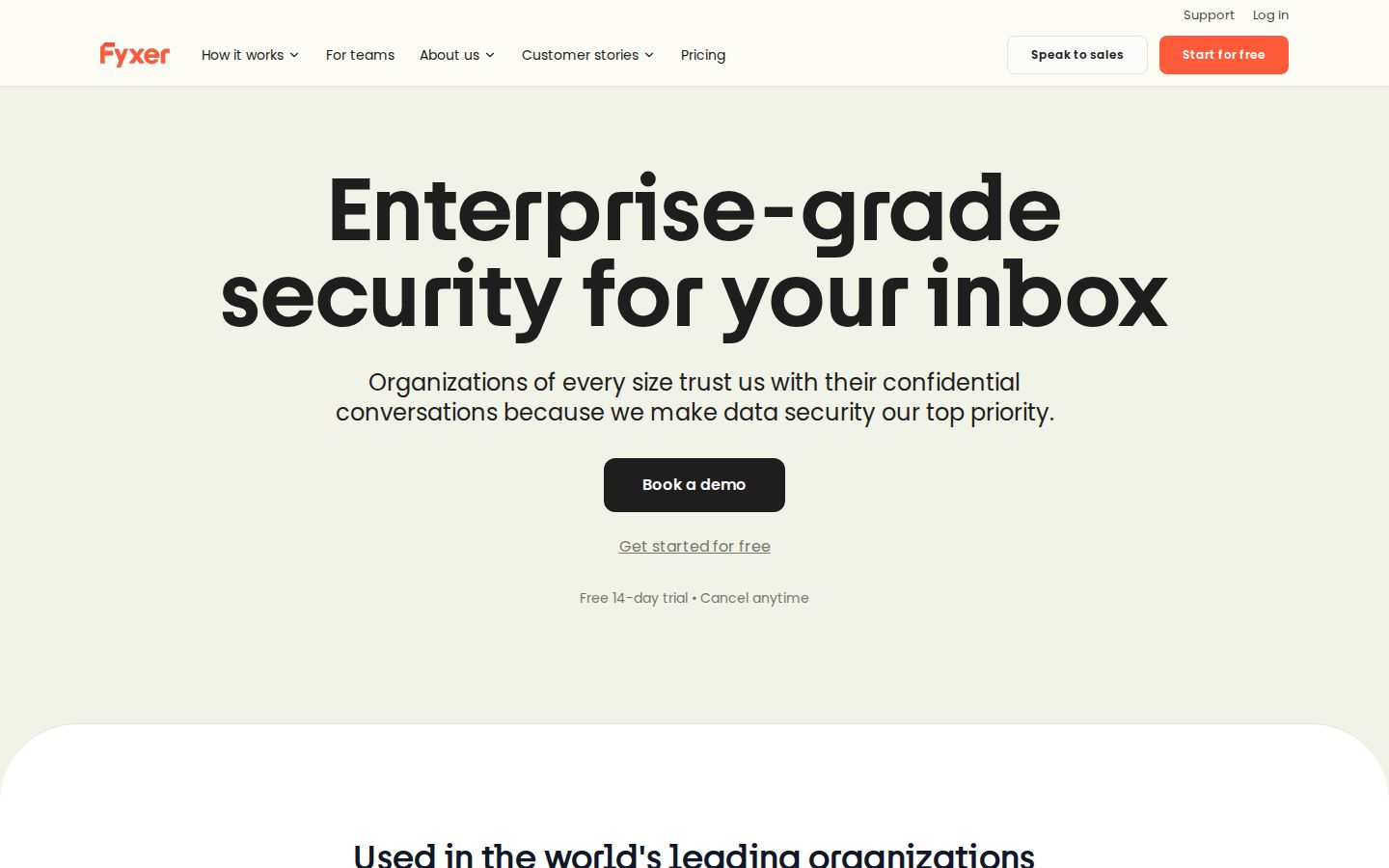
On meetings, the security FAQ says participants are notified before Fyxer joins, and if they decline it will not join. Recordings, transcripts, and summaries are private by default and visible to the person who owns the calendar event, unless that person shares them.
The privacy policy at https://app.fyxer.com/terms/privacy was rendered the same day. The page says it was last updated on 26 October 2026. It names Fyxer AI Limited, Chancery House, 53-64 Chancery Lane, London, and UK ICO number ZB626835.
Section 5.6 says data from Google Workspace APIs, including Gmail and Google Calendar, is not used, raw or derived, to develop, train, or improve AI or machine-learning models, on any plan. Section 5.5 says Fyxer does train its own models on other content, with an opt-out, and that enterprise customers are not trained on across customers. Third-party models used to run the service are not permitted to train their general models on your content. Live traffic is described as zero data retention at those providers. Training content may be held up to 90 days.
Section 9 says that when an account closes, content is deleted within 30 days, and backup copies are overwritten within a further 14 days. An inactive free account may be closed after 90 days, after notice. The Gmail page and the meeting-notes FAQ say email or meeting data is “never stored permanently.” The privacy policy prints the 30-day deletion instead. This review does not treat those as the same sentence.
The security page points to a Trust Center. Opening https://trust.fyxer.ai on 17 November 2026 returned 403. That page is not a source here. The certificates as downloadable documents are Unverified.
Who Fyxer is for (2026)
The Pro card says it is built for solo operators. The Team card says it is for agile teams with several clients. The Gmail and Outlook pages are for people who stay in those inboxes. The scheduling FAQ is for people who book on Google Calendar or Outlook Calendar and want the link in a draft.
It fits a reader who wants drafts and follow-ups held for review. The security page and the pricing FAQ both say Fyxer does not send the email.
Who Fyxer is not for (2026)
It does not suit a reader who needs the Free plan to sort the inbox or draft replies. Those two rows are dashes on Free. Free meeting notes are audio, using the 400 credits.
It does not suit a reader who needs one HIPAA sentence. The security page, the pricing FAQ, the comparison table, and the meeting-notes FAQ do not print the same scope. It does not suit a reader who needs an Enterprise dollar price, a language count, or a rollover rule. Those were not on the pages. It also does not say how a draft reads, because no inbox was connected.
How to choose (2026)
1. Read where the work happens. Fyxer's Gmail and Outlook pages say it runs in the inbox you already open. Superhuman Mail's own page, read the same day, calls Mail “the most productive email app” and also says Email Assistant works inside Gmail and Outlook.
2. Read who sends the mail. Fyxer's security page says it never sends on your behalf. The Superhuman Mail page says the assistant drafts and, if you want, sends fully written emails on your behalf.
3. Read the annual price that was open on 2026-11-17. Fyxer Pro $37 and Team $64 per person per month, billed annually. Superhuman Mail Starter $25 USD and Business $33 USD per member per month, billed annually. Monthly Mail dollar amounts were not in that page's text. They are Unverified.
4. Read the meeting line you need. Fyxer names Google Meet, Teams, and Zoom notes. The Superhuman Mail plans page lists calendar and scheduling, plus Zoom, Google Meet, and Microsoft Teams integrations. A notetaker sentence was not on the Mail pages read for this review. A Superhuman notetaker is Unverified here.
Fyxer vs Superhuman (2026)
Superhuman is in this table because people search Fyxer against it. The rows are from each company's own page on 2026-11-17, not from Fyxer's comparison page. Credits, seats, and “per month, billed annually” are different units. A lower figure is not a lower cost per email.
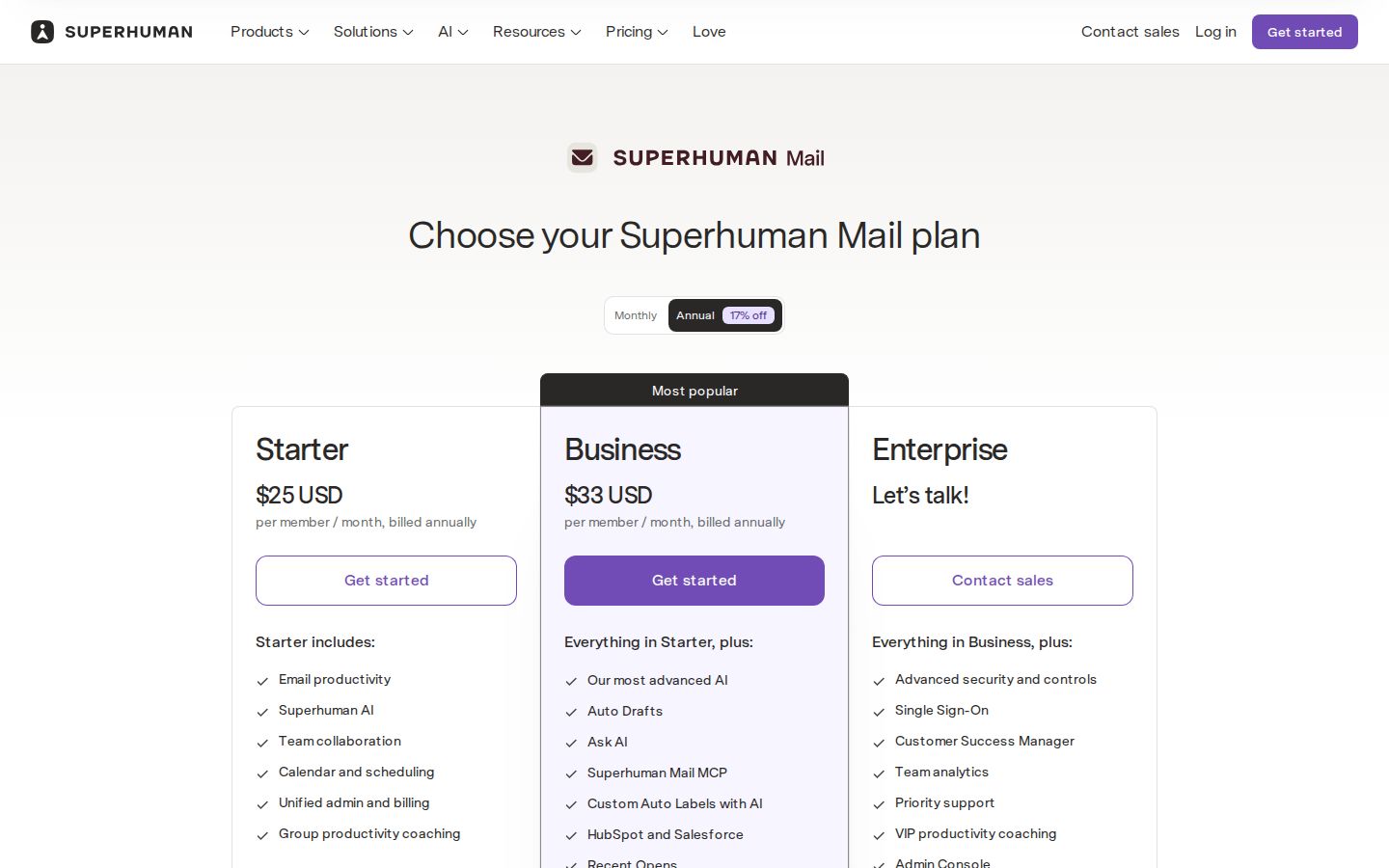
Read on 2026-11-17 | Fyxer | Superhuman Mail |
|---|---|---|
Page | fyxer.com pricing, Annual open. Banner text: up to 35% off. | superhuman.com/plans/mail. Annual selected, marked 17% off. |
What the page calls it | An assistant across email, chat, calendar, and meetings, in Gmail and Outlook. | Its own email app, plus Email Assistant inside Gmail and Outlook. |
Annual price printed | Pro $37 and Team $64 per person per month, billed annually. Free $0. Enterprise: no dollar amount. | Starter $25 USD and Business $33 USD per member per month, billed annually. Enterprise: Let's talk. |
Monthly price printed | FAQ: Pro $49 and Team $99 per seat per month. | Not in the Mail plans text. Unverified. |
Sending | Security page and pricing FAQ: drafts only. You send. | Mail page: drafts and, if you want, sends on your behalf. |
Calendar and meetings | Google Calendar and Outlook Calendar on the scheduling FAQ. Meet, Teams, and Zoom notes on the meeting page. | Plans page lists Share Availability, Booking Links, and Zoom, Google Meet, and Teams integrations. A notetaker line was not on that page. |
Security line on the page | Security page: SOC 2 Type II, ISO 27001, HIPAA, GDPR. Pricing FAQ limits the HIPAA line to Enterprise. | The Mail comparison lists a row named SOC 2 (Type 2). Which plans show a check was not text. Unverified by plan. |
https://superhuman.com/plans is a different page, the suite. Its Business card also printed $33 per member per month, billed annually, and $40 when billed monthly, and that card lists Mail. Free on that page is $0. Pro is $12 billed annually and $15 billed monthly, and those two cards did not list Mail. Do not read the suite Pro price as a Mail price.
The Mail plans page also printed Team Size as up to 25 seats, up to 25 seats, and Unlimited, in the starter, business, enterprise order of that table. Business adds Auto Drafts, Ask AI, and HubSpot and Salesforce on top of Starter. Starter's card lists email productivity, Superhuman AI, team collaboration, and calendar and scheduling.
Superhuman stays on Superhuman Mail and Superhuman Mail plans. For a meeting-notes comparison already on TOOLPORT, use Fireflies vs Otter vs Fathom.
Fyxer AI review FAQ (2026)
Will Fyxer send the email? The security page says never, and the pricing FAQ says no. You review the draft.
What does the 14-day trial include? The pricing FAQ says the Team plan, with replies, labeling, video recordings, follow-ups, unlimited personal Spaces, and unlimited pooled credits. Then you move to Free unless you pay.
Which meetings can it join? The pricing FAQ lists all, external only, hosted only, or none. The meeting page names Google Meet, Microsoft Teams, Zoom, and in-person audio.
Does it train on Gmail? The privacy policy, section 5.6, says Google Workspace data, including Gmail and Google Calendar, is not used to train models. Other content can be used to train Fyxer's own models unless you opt out. Enterprise content is not trained on across customers.
What does a seat cost if I connect two inboxes? The pricing FAQ says one paid member is one seat, even with Gmail and Outlook both connected.
Sources (2026)
Read 2026-11-17 (Tue), Asia/Tokyo, from each page body. Pictures are screenshots of those pages. They are not a separate price source. The pricing screenshot is the Annual view copied in the first price table.
https://www.fyxer.com/
https://www.fyxer.com/pricing
https://www.fyxer.com/security
https://www.fyxer.com/ai-email-assistants/gmail
https://www.fyxer.com/ai-email-assistants/outlook
https://www.fyxer.com/ai-scheduling-assistant
https://www.fyxer.com/ai-meeting-notes
https://www.fyxer.com/fyxer-chat
https://app.fyxer.com/terms/privacy
https://superhuman.com/mail
https://superhuman.com/plans/mail
https://superhuman.com/plans