Fireflies AI Review (2026): What It Does, Steps, and Pricing
16 November 2026 (Mon). A Fireflies AI review of official features, invite steps, and Free, Pro, Business, and Enterprise prices. No hands-on test.
Disclosure: Some links on TOOLPORT are affiliate links (marked Affiliate); we may earn a commission at no extra cost to you. Articles are drafted with AI assistance and based on each vendor's official information.
This Fireflies AI review copies what the official Fireflies.ai pages printed on 16 November 2026 (Mon), Asia/Tokyo. It covers what those pages say the product does, the help-center invite steps, and the prices on the pricing page. No hands-on test. No meeting was recorded, and no plan was purchased.
Affiliate disclosure. The Fireflies buttons are referral links. If you buy through them, TOOLPORT may earn a commission at no extra cost to you. The commission does not change this page. Otter.ai and Fathom links on this page open those companies' own sites. TOOLPORT does not sell these subscriptions. Affiliate disclosure.
What Fireflies.ai does (2026)
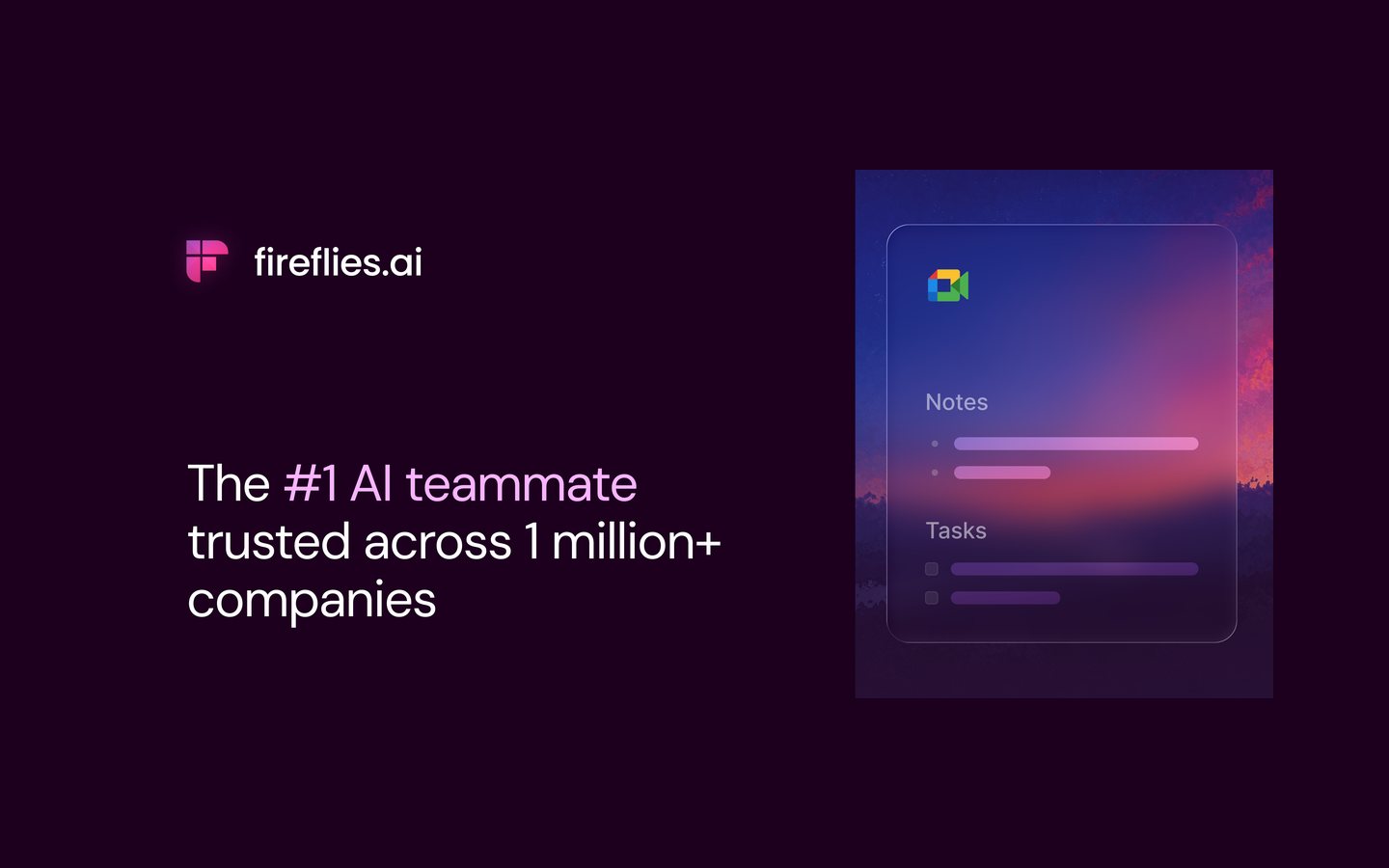
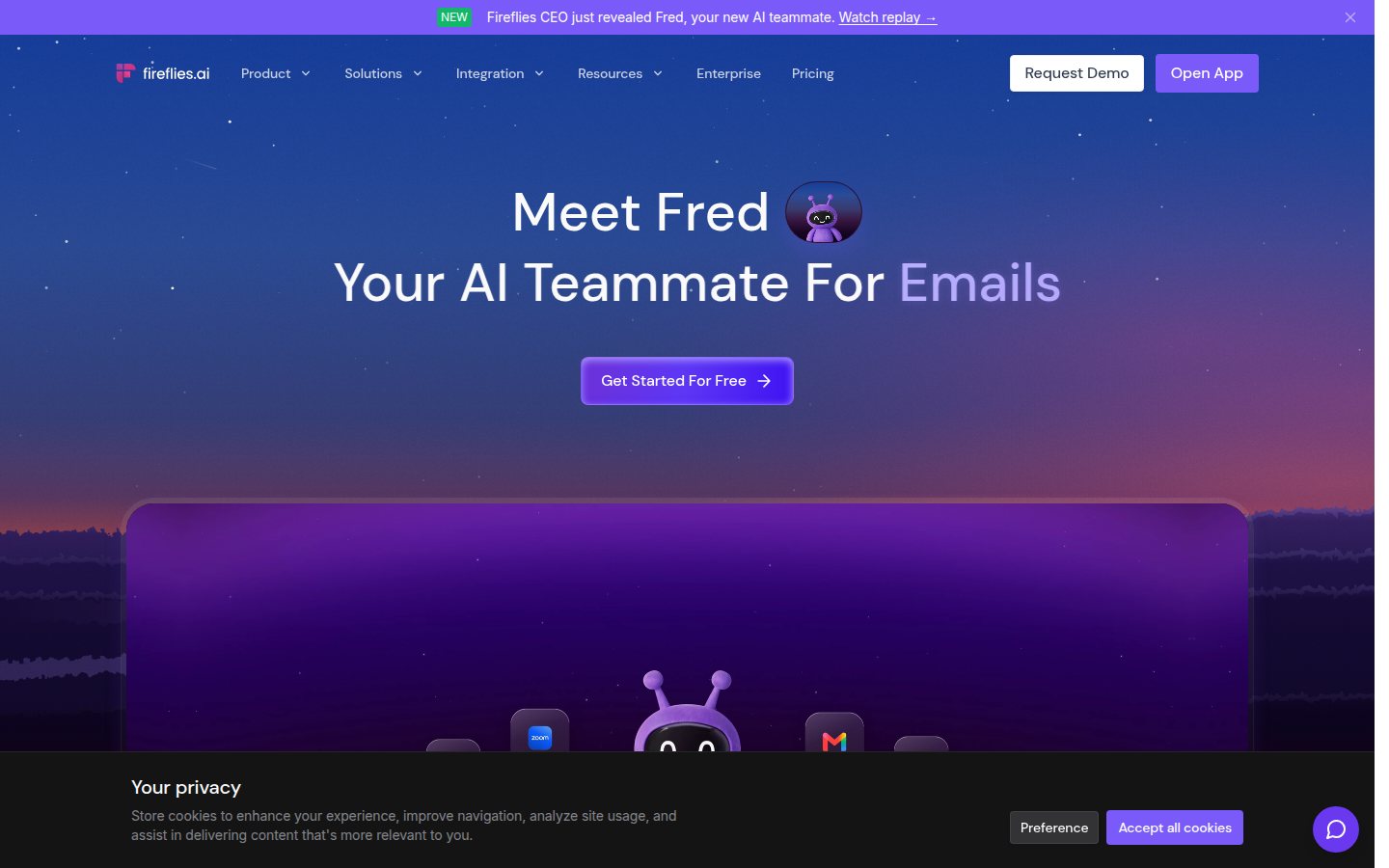
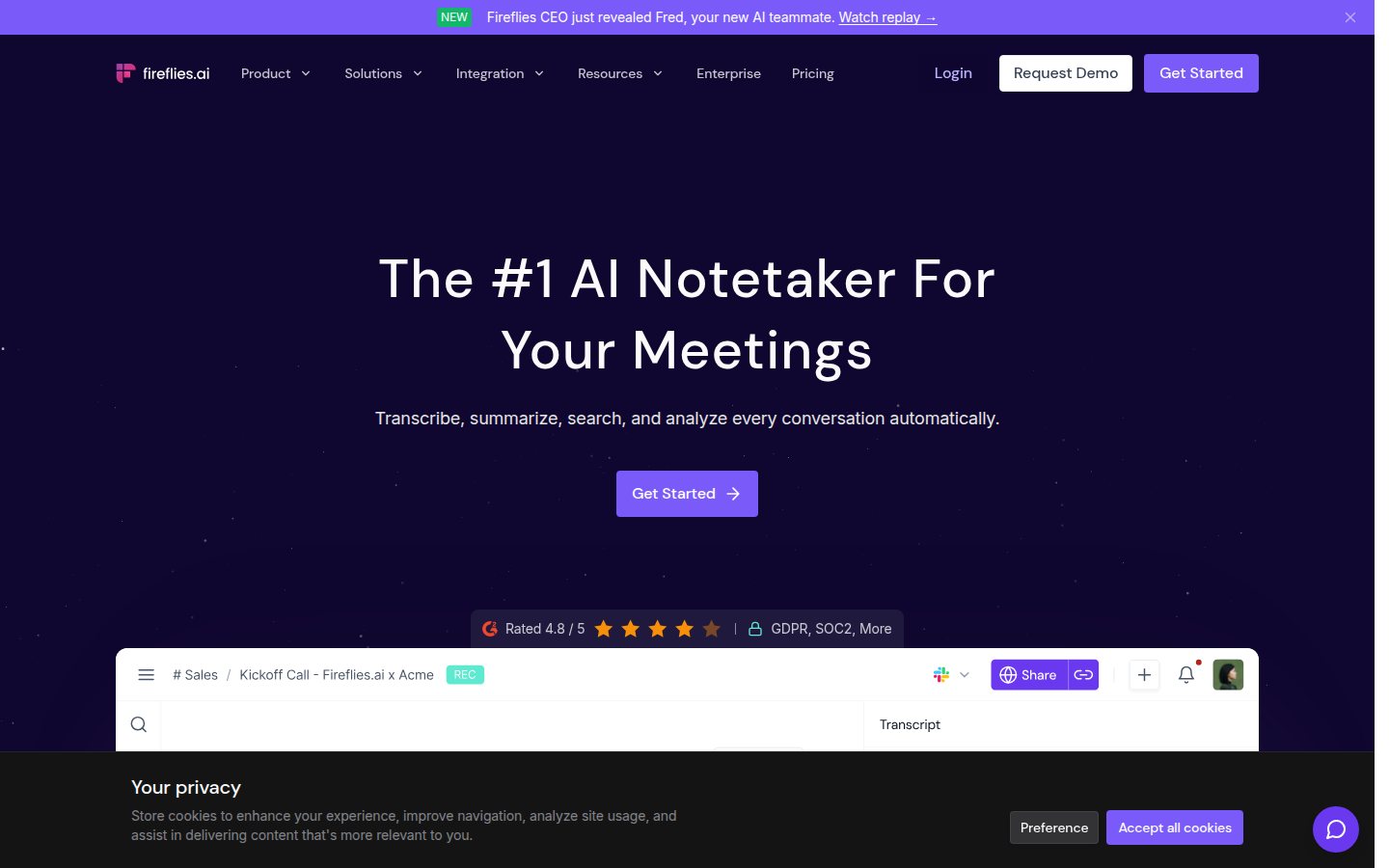
The homepage title is “Fireflies.ai | AI Teammate to transcribe, summarize, analyze meetings, Real time AI note taker.” The page introduces Fred. Named sections include an AI notetaker, an email assistant, a Slack assistant, Fireflies Talk, a knowledge base, knowledge search, tasks, a personal assistant, analytics, AskFred, FredBots, Live Assist, and Voice Agents.
The homepage says Fred connects with 240+ apps. A FAQ on that page says Fireflies connects to Zoom, Google Meet, Microsoft Teams, Gmail, Outlook, Slack, HubSpot, Salesforce, Notion, and 100+ other tools. The Free-plan help article, read the same day, says the Free plan connects to 50+ apps. Those are three counts on three pages.
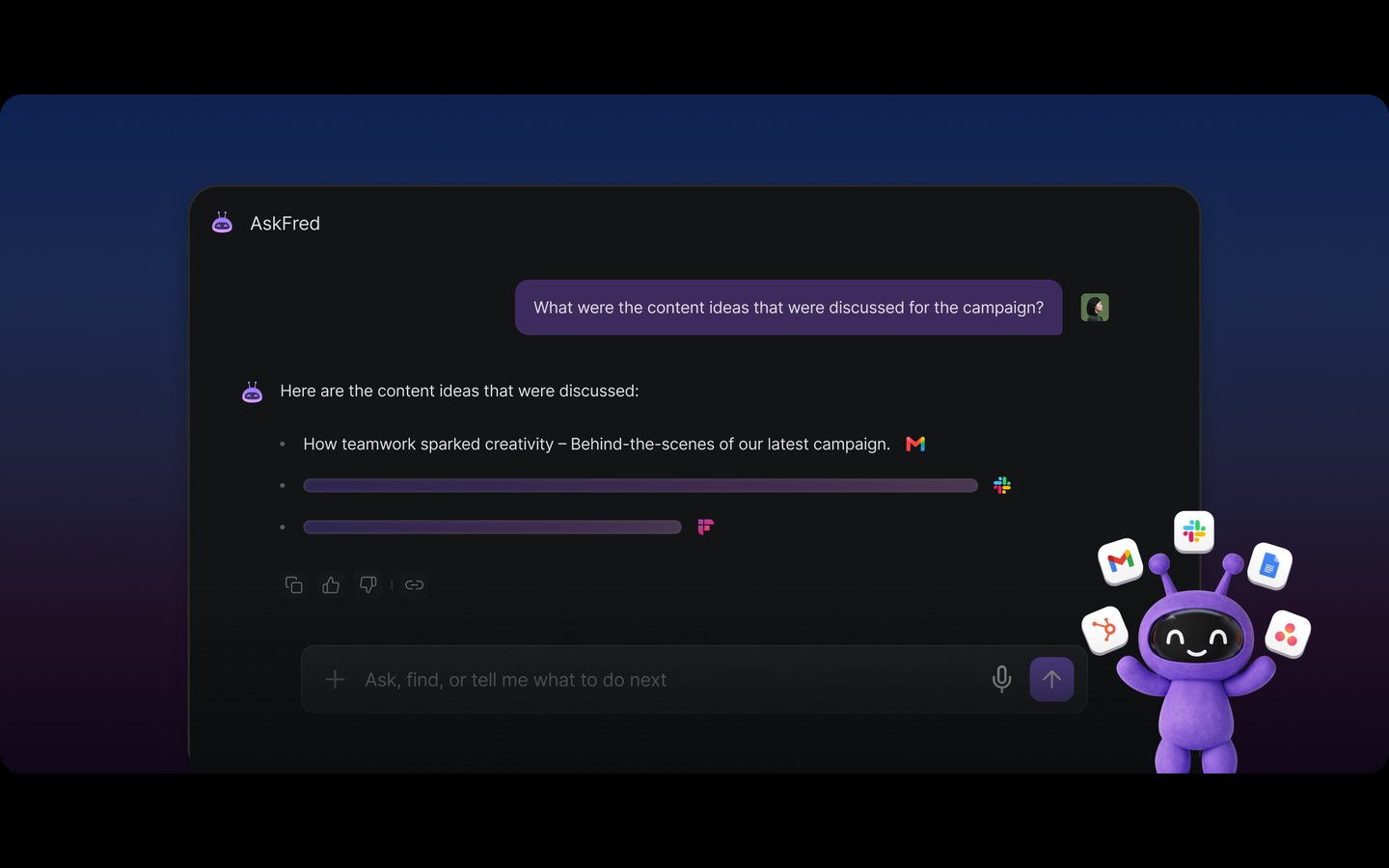
The homepage FAQ says the free plan includes transcription, summaries, and search, and that paid plans unlock AI Skills and Voice Agents. It also says no credit card is required to start. The notetaker page prints “up to 99% transcription accuracy” and “200+ AI Skills.” Those are Fireflies' lines. This page did not measure them.
The notetaker page lists capture paths: desktop app, a bot that auto-joins calendar meetings, the mobile app, a Chrome extension, dialers and API, and upload of MP3, MP4, WAV, or M4A files. A homepage FAQ says Fireflies is used by 75% of Fortune 500 companies. The pricing page prints “USED ACROSS 1 MILLION+ COMPANIES.” Those lines were not counted again here.
How to use Fireflies.ai (2026)
The help article “How to Invite Fireflies to Meetings” was read the same day. It says the calendar must already be a connected Google or Outlook calendar, and the invite must include a video link. The pricing FAQ says sign-in is only via Google Auth or Outlook Auth. This page did not sign in.
1. On the calendar, add a video link and add [email protected], then save. For Google Calendar the article names a Google Meet link. For Outlook it names a Microsoft Teams link, or another supported link. It says adding that address after the meeting has started does not make Fireflies join.
2. Or turn on auto-join. The article says open Settings and use the Auto-join calendar meetings toggle. The dropdown lists all meetings with a web-conf link, only meetings you own, only meetings with teammates, or only when you invite [email protected].
3. Or, for a future meeting, open Upcoming on the dashboard and turn on the toggle next to that meeting. The article says Fireflies tries to join at the start time, waits up to 10 minutes for someone else, and leaves if no one joins.
4. For a live meeting, the article says Capture, then Add to live meeting, then a title, the meeting link, an optional language, and Start Capturing. It says to wait 2–3 minutes.
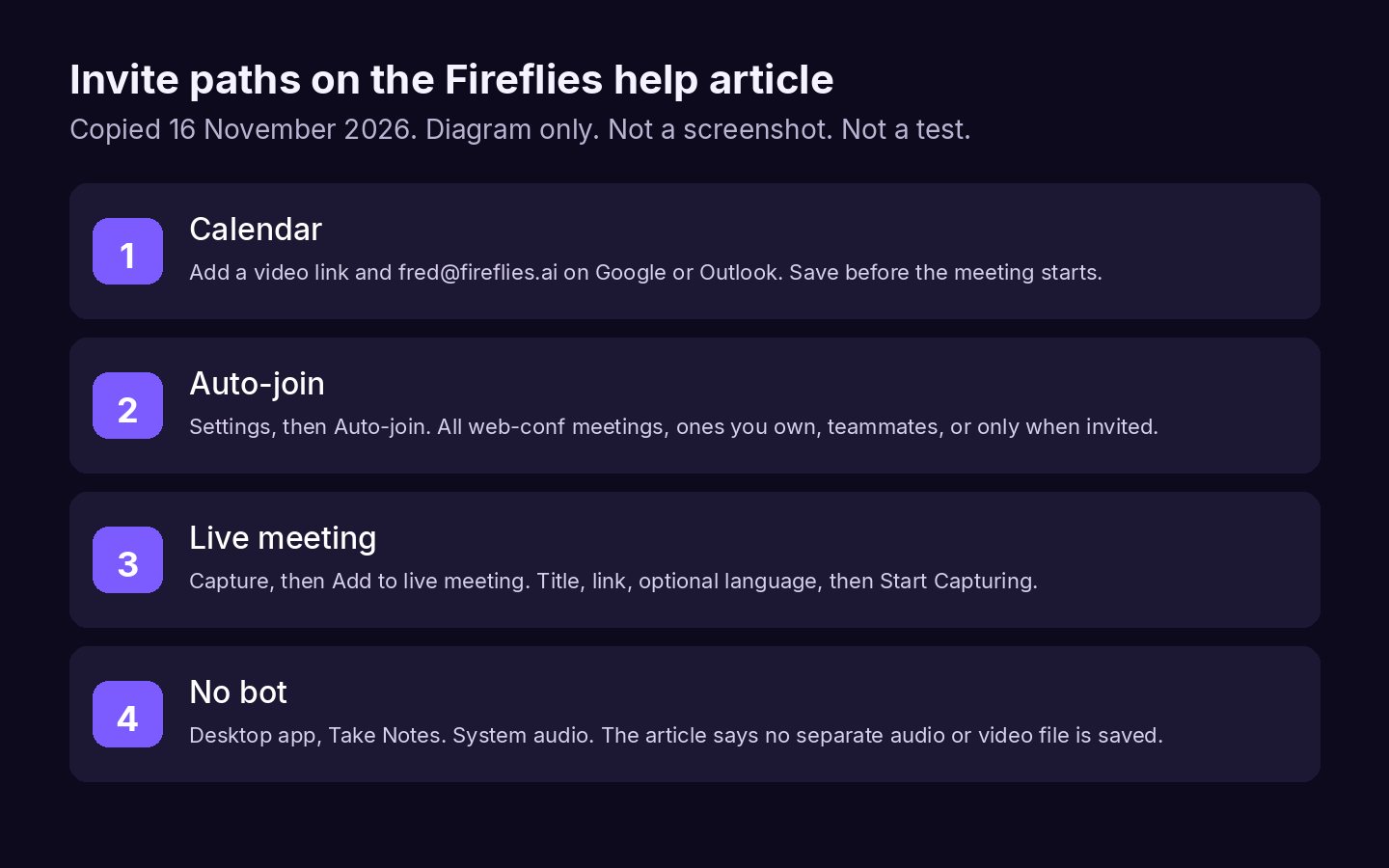
5. To record without a bot, the desktop article says open the desktop app on Windows or Mac and click Take Notes. That mode uses system audio. The article says it does not save a separate audio or video file, speaker labels are Speaker 1 and Speaker 2, and you should tell the other people you are recording. The article said it was last updated 6 days before this read.
Fireflies AI review pricing (2026)
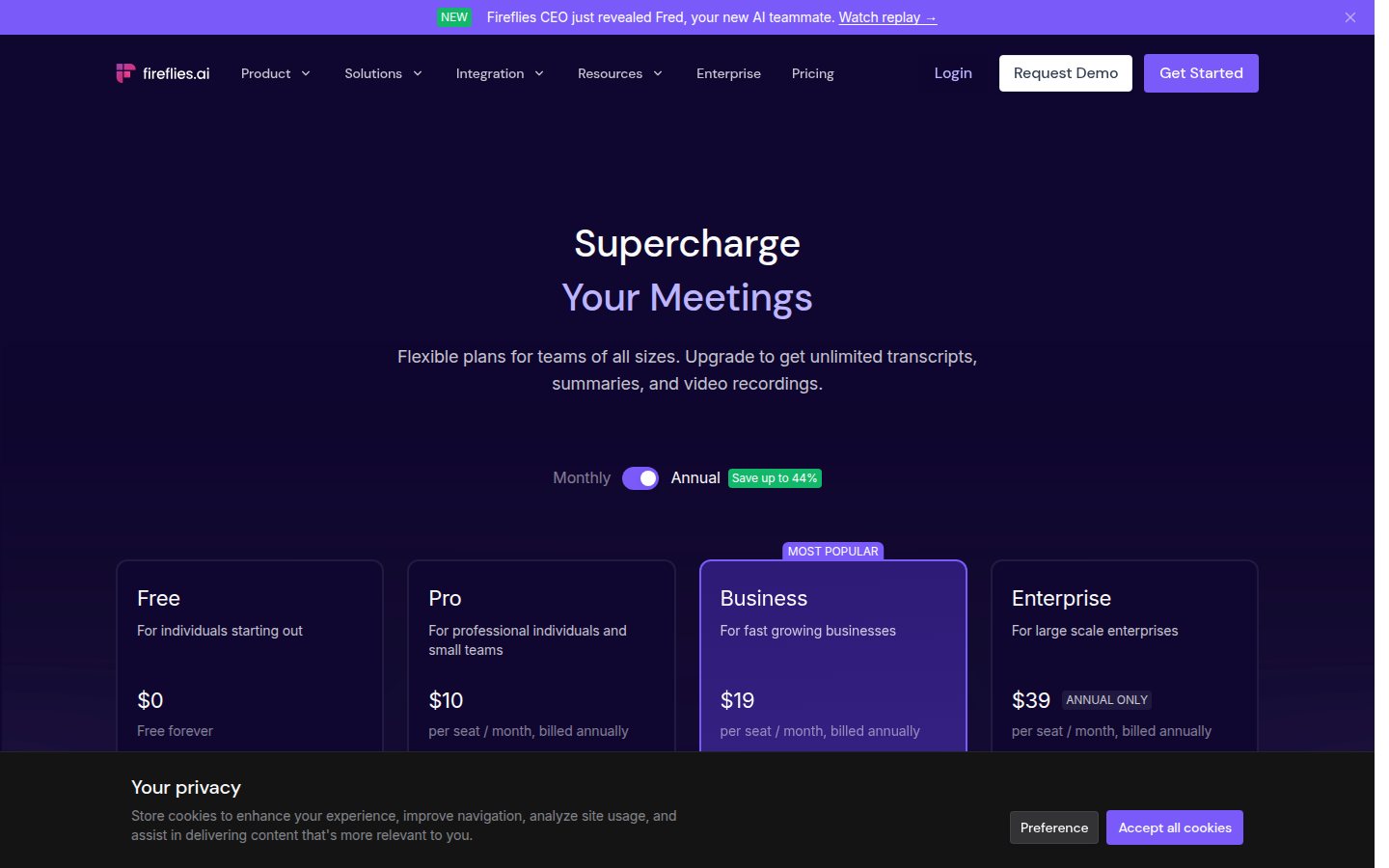
The pricing page title is “Pricing & Plans | Fireflies.ai AI App for Smarter Meeting Notes.” It opens with “Supercharge Your Meetings.” The captured viewport had Annual selected, with “Save up to 44%.” Dollar amounts below are the labels in that page HTML on 2026-11-16 (Mon). Taxes were not stated on the cards.
Plan | Monthly label | Annual label | On the card |
|---|---|---|---|
Free — For individuals starting out | $0 | $0, Free forever | Unlimited transcription*. Limited AI summaries. 400 mins of storage/team. 20 AI credits. Get Started. |
Pro — For professional individuals and small teams | $18 per seat / month, billed monthly | $10 per seat / month, billed annually | Unlimited transcription. Unlimited AI summaries. 8,000 mins of storage/seat. 20 AI credits. Video recording. Get Started. |
Business — Most Popular. For fast growing businesses | $29 per seat / month, billed monthly | $19 per seat / month, billed annually | Unlimited transcription and AI summaries. Unlimited storage. 30 AI credits. Multi-language mode, conversation intelligence, and team analytics for admins. Get Started. |
Enterprise — For large scale enterprises | Both price slots printed $39, with the badge ANNUAL ONLY. A separate monthly price was not on the card. | $39 per seat / month, billed annually. Contact Us. | Unlimited transcription, summaries, and storage. 50 AI credits. Rules engine, SSO + SCIM, private storage, and HIPAA-ready (Enterprise, with BAA). |
The asterisk on Free transcription points at this tooltip: “For shared bot meetings, chrome extension, and mobile app.” The comparison matrix on the same page sets the Free transcript cell to Limited. The Free-plan help article says auto-join allows unlimited transcriptions, and also says “3 meetings are included on the Free plan.” Signup transcription credits in that article are 3 from the website, 5 from the Chrome extension, 10 for a new mobile user, and 5 for an existing mobile user.
Storage does not match across pages. The pricing card says 400 mins of storage/team. The Free-plan article says 400 minutes of storage per seat. The notetaker FAQ says the Free plan includes limited transcription credits and 800 minutes of meeting storage per seat. Check the official page before treating one of those as the corrected number.
Matrix rows that lined up to one label: recording limit 2 hours, 2 hours, 3 hours, and 4 hours. Meeting video was blank on Free, 720p on Pro, 720p on Business, and 1080p on Enterprise. Channels: 3 public on Free, unlimited public on Pro, unlimited private and public on Business and Enterprise. A seat, in the FAQ, is a teammate added in the workspace. A recap link does not add a seat.
Who Fireflies.ai is for (2026)
The cards name the audience. Free is for individuals starting out. Pro is for professional individuals and small teams. Business is for fast growing businesses. Enterprise is for large scale enterprises. The homepage also has sections for sales, recruiting, marketing, and leadership. The FAQ says you can start without a credit card.
Who Fireflies.ai is not for (2026)
It does not suit a reader who needs one Free storage number or one Free transcription rule. On this read, the pricing card, the pricing matrix, the Free-plan help article, and the notetaker FAQ did not print the same Free limits.
It does not suit a reader who needs a monthly Enterprise dollar price. The card is marked ANNUAL ONLY and the button is Contact Us. It does not suit a reader who needs a tested accuracy figure. “Up to 99%” is the notetaker page’s line. No meeting was recorded here. The Free-plan article says downloading transcripts requires a paid plan.
How Fireflies.ai differs from Otter and Fathom (2026)
Otter.ai and Fathom were read the same day. Those links are the companies' own pricing pages. A lower printed dollar figure is not a lower cost per meeting. Their units are not Fireflies AI credits. The longer page on TOOLPORT is Fireflies vs Otter vs Fathom. The Fireflies guide, the Fireflies pricing article, the English post list, and the Fireflies catalog card are also on TOOLPORT.
Read on 2026-11-16 | Fireflies.ai | Otter.ai | Fathom |
|---|---|---|---|
Page | fireflies.ai/pricing. The captured view had Annual selected. Banner: Save up to 44%. | otter.ai/pricing. Banner: Annual, save 51%. Prices in USD. | fathom.ai/pricing. Title: Fathom Pricing 2026: Free Plan or Plans from $15/mo. Banner: Annually (save 25%+). |
Free or starting line | Free $0. Card: 400 mins of storage/team and 20 AI credits. Other Fireflies pages printed different Free limits. | Basic lists 300 monthly transcription minutes, plus Zoom, MS Teams, and Google Meet. A single Basic dollar amount was not isolated. | Free plan line: unlimited recordings and instant call summaries. The title says plans from $15/mo. |
Paid price printed | Pro $18 monthly or $10 billed annually, per seat. Business $29 or $19. Enterprise $39 billed annually, annual only. | The Pro area printed $16.99 and $8.49*. The page also printed $19.99 and $8.33. Business printed $30 and $24. Enterprise: custom pricing. A single Pro price was not isolated. | The Team card printed $19 and $15 per user, with a 2 user minimum. Business printed $34, $25, and $34. A Premium block printed $20, $16, and $20. |
What the page says it captures | Bot, desktop app without a bot, Chrome extension, mobile app, and file upload. | Basic lists live transcription and that it joins Zoom, MS Teams, and Google Meet. | “Choice of bot-free (in beta) or bot capture.” The bot-free note says beta for Mac. |
Sources (2026)
Read 2026-11-16 (Mon), Asia/Tokyo, from each page body. Fireflies pictures are official files or viewports from that day, except the steps diagram, which is a TOOLPORT drawing of the help article. They are not a price source. The invite article said it was last updated 2 months ago. The desktop article said 6 days ago. The Free-plan article said 27 days ago.
https://fireflies.ai/
https://fireflies.ai/pricing
https://fireflies.ai/notetaker
https://guide.fireflies.ai/articles/4335268657-how-to-invite-fireflies-to-meetings
https://guide.fireflies.ai/articles/6666374717-how-to-record-meetings-without-a-bot-on-the-fireflies-desktop-app
https://guide.fireflies.ai/articles/4027724828-learn-about-the-fireflies-free-plan
https://otter.ai/pricing
https://www.fathom.ai/pricing