FlexClip vs CapCut vs invideo: Online Video Editors Compared (2026)
November 2026. FlexClip, CapCut, and invideo on where you edit, AI credits, export limits, free-plan prices, and stock or storage, from official pages read on 2026-11-10 (Tue). No ranking and no hands-on test.
Disclosure: Some links on TOOLPORT are affiliate links (marked Affiliate); we may earn a commission at no extra cost to you. Articles are drafted with AI assistance and based on each vendor's official information.
Pages read on 2026-11-10 (Tue), Asia/Tokyo. The rows below come from each company's own page body that day. This is not a hands-on test. No video was exported, and no plan was purchased.
Affiliate disclosure. The FlexClip buttons are referral links. If you sign up through them, TOOLPORT may earn a commission at no extra cost to you. The commission does not change this comparison. CapCut and invideo links open each company's own site. TOOLPORT does not sell these subscriptions. Affiliate disclosure.
FlexClip, CapCut, and invideo each sell a way to edit video with AI. This article is the how-to-choose list: five points, in reading order. Where you edit. AI credits and tools. Export quality, length, and watermark. Pricing and free-plan limits. Stock, brand, and storage.
CapCut and invideo are the two columns. FlexClip's compare index names both, and FlexClip publishes a page for each. FlexClip vs CapCut is titled as a video-editor choice. FlexClip vs Invideo is titled as an online video editor choice. CapCut publishes FlexClip AI Review, and that page names FlexClip and points readers to CapCut. Those pages argue for the publisher. The table here uses each product's own homepage or pricing page.
The same FlexClip index also names Canva, Animoto, Clipchamp, VEED, Kapwing, Pictory, Fliki, and Lumen5, and FlexClip has comparison URLs for VEED, Canva, and Pictory. They are not columns. invideo's English blog sitemap, 518 URLs fetched the same day, has no URL containing FlexClip, and invideo.io/compare/flexclip returned 404. invideo stays because FlexClip's own online-editor page names it, and its pricing HTML printed the plan figures. CapCut is the column whose own site names FlexClip back.
FlexClip vs CapCut: how to choose (2026)
Point | FlexClip | CapCut | invideo |
|---|---|---|---|
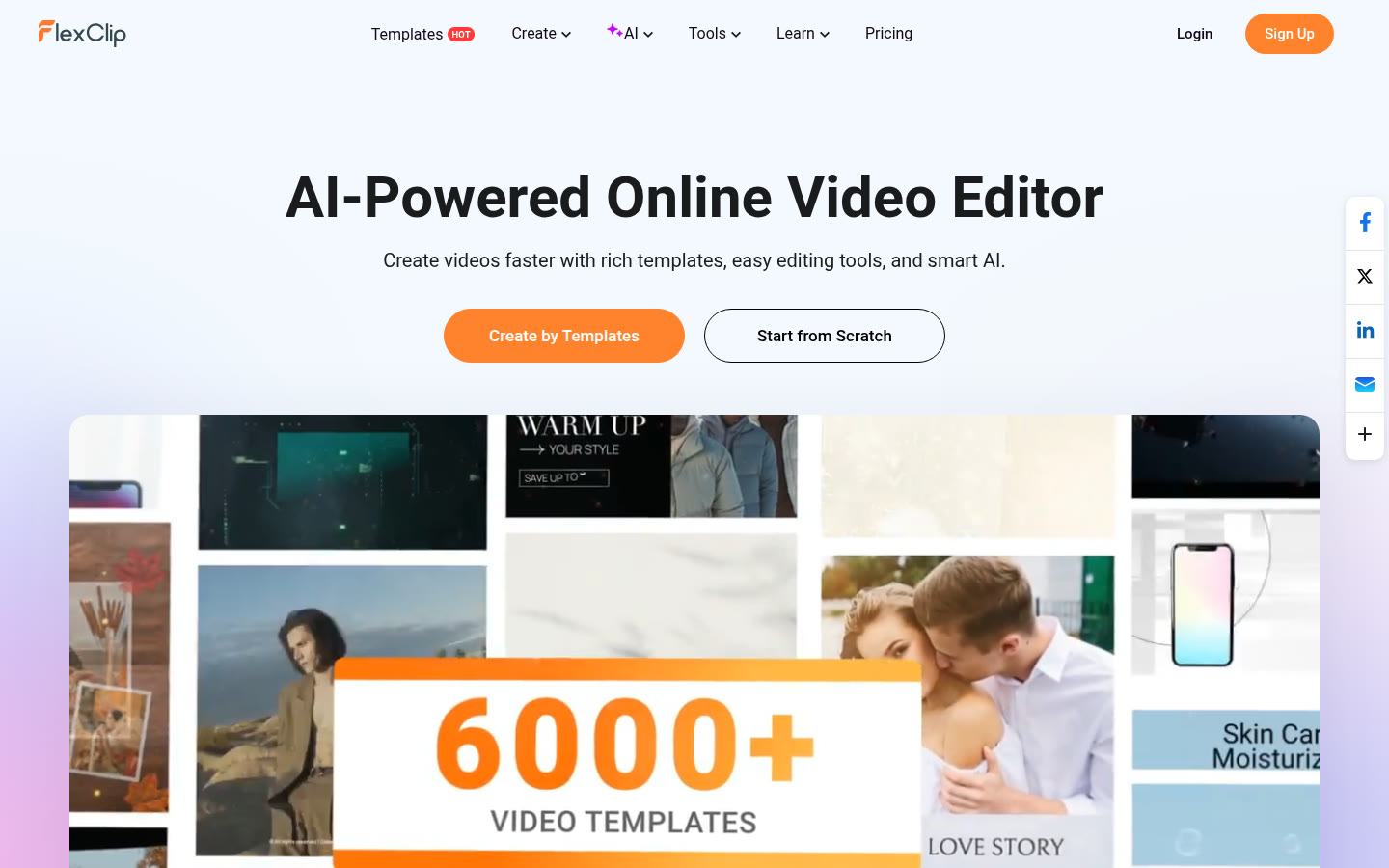
Where you edit | Homepage title and description: an AI-powered online video maker and editor, with editable templates, editing tools, and AI. The heading is AI-Powered Online Video Editor. The line under it names templates, easy editing tools, and smart AI. The buttons say Create by Templates and Start from Scratch. | Homepage title: CapCut AI Video Editor, smart online video editing. The description says download CapCut on desktop, mobile, or edit online. The heading is AI-Powered Photo & Video Editor for Everyone. The pricing page also shows Try CapCut Online and Download. | Homepage title: invideo Editor. The description says create and edit AI videos with Agent Two. The heading is The agentic video editor for serious creatives. Pricing cards label Invideo editor and say Timeline editor, Full access, on Starter, Plus, and Max. |
AI credits and tools | On the annual Video Editor cards, Free says Free trial of AI features. Plus says 3600 AI credits bonus/yr. Business says 9600 AI credits bonus/yr. The compare row uses the same three labels: Limited Free Trial, 3600, and 9600. | The Free card lists free templates and basic editing tools. It does not print an AI credit number. Pro, in both the monthly and yearly blocks, says 1200 monthly AI credits and Access to AI features. Ultra says 8645 monthly AI credits. Teams says 1200 monthly AI credits per seat. | The annual cards label Starter at 400 credits/mo, Plus at 2,000 credits/mo, and Max at 8,000 credits/mo. Starter says no access to Seedance 2.5 or Seedance 2.0, and Agent Two Lite only. Plus and Max say Seedance 2.5 at 1080p and Seedance 2.0 at 4K, and Agent Two Lite, Pro, and Ultra. The FAQ says unused credits do not roll over, including on annual plans. |
Export quality, length, and watermark | The compare rows say export quality is 720P, 1080P, and 4K, in Free, Plus, Business order. Export length is up to 10 mins on Free, and Unlimited on Plus and Business. Export count is Unlimited on all three. Plus and Business cards say No FlexClip watermark. The Free card does not. The FAQ says a watermark is added when features or stock exceed the current plan. | The pricing cards do not state an export resolution or a watermark. Pro says generate up to 240s at 720p or 600s at 480p with Seedance 2.0 Mini. Ultra says up to 1,700s at 720p or 4,300s at 480p. Those lines are generation length for that model, not an export setting. | The pricing body has no separate export-resolution row for the timeline editor, and it does not mention a watermark. Plus and Max put 1080p on Seedance 2.5 and 4K on Seedance 2.0. Starter says no access to those two models. |
Pricing and free-plan limits | The fetched body is the Video Editor tab with Annually selected. Free prints US$0.00, $0.00/mo, and $0.00 billed annually. Plus prints US$11.99, $19.99/mo, and $143.88 billed annually. Business prints US$19.99, $29.99/mo, and $239.88 billed annually. A Monthly control is on the page. The Credits tab prices were not in this body. Check current pricing. | The page says displayed pricing is for reference only, and that you sign in for final pricing, taxes, and offers. The HTML has a Monthly block and a Yearly block. Monthly: Free USD 0, Pro USD 19.99/month, Ultra USD 79/month, Teams USD 12.49/month per seat. Yearly: Pro USD 179.99/year, Ultra USD 900/year, Teams USD 107.5/year per seat. Check current pricing. | The fetched cards are the annual view, with a 50% off mark. Starter prints $20 and $10 per seat/mo, billed annually. Plus prints $60 and $30. Max prints $250 per seat/mo, billed annually, and says no difference compared to monthly. The three cards are not a $0 plan. The FAQ says a canceled subscription later becomes the Free plan. Check current pricing. |
Stock, brand, and storage | Free: 1 stock video and 1 stock audio per project, up to 12 saved projects, and video hosting listed as 1/account. Plus: 5 stock videos and 5 stock audio, Brand Kit, 30GB cloud space, 100GB video hosting, and 100 custom templates. Business: unlimited stock video and audio, Brand Kit, 100GB cloud space, 1TB video hosting, and 200 custom templates. | Free lists free templates and basic editing tools, and no storage number. Pro and Ultra list all premium templates and 1 TB of space storage. The Teams card lists a brand kit, Pro features for all seats, and 1 TB of space storage. The seat control in that HTML says 2 seats. | Starter lists 100 Premium stock footage and 200 GB storage, 1 seat, and no guest seats. Plus lists 200 Premium stock footage, 600 GB, and 10 guest seats at 190 credits each. Max lists 500 Premium stock footage, 2,000 GB, and 20 guest seats at 190 credits each. A brand kit is not on these cards. |
Pricing and free-plan limits (2026)
Check current pricing. On 2026-11-10 (Tue) each pricing page showed more than one way to bill, or said the figure on the page is not the final charge.
FlexClip pricing rendered with Video Editor and Annually selected. The card area says save up to $120. The compare area says save up to 40%. Free is US$0.00, $0.00/mo, and $0.00 billed annually, with 720p HD downloads, a free trial of AI features, 1 stock video per project, 1 stock audio per project, a maximum of 12 projects, and video length up to 10 mins. Plus prints US$11.99, $19.99/mo, and $143.88 billed annually. US$11.99 times 12 is $143.88, so that annual line matches the US$11.99 figure. Business prints US$19.99, $29.99/mo, and $239.88 billed annually. US$19.99 times 12 is $239.88. This body is the annual view, so $19.99/mo and $29.99/mo are the other figures printed on those cards, not a separate monthly total from the Monthly control. The Monthly control and the Credits tab were on the page. Their other prices were not in this body. A team block asks how many seats you need and links to a calculator. It does not print a team dollar amount. The checkout panel says 7-Day Money Back Guarantee. The FAQ says the guarantee covers the first payment of the subscription period. Check current pricing.
CapCut pricing says displayed pricing is for reference only, and to sign in for final pricing, taxes, and offers. The fetched HTML contains a Monthly block and a Yearly block. Monthly Free is USD 0. Monthly Pro is USD 19.99/month, with 1200 monthly AI credits and 1 TB of space storage. Monthly Ultra is USD 79/month, with 8645 monthly AI credits and 1 TB. Monthly Teams is USD 12.49/month per seat, with the seat line at 2 seats, 1200 monthly AI credits per seat, a brand kit, and a line that says sign in to save up to 80% on Teams. Yearly Pro is USD 179.99/year. Yearly Ultra is USD 900/year. Yearly Teams is USD 107.5/year per seat, again at 2 seats. The yearly amounts are not 12 times the monthly amounts printed above them. Check current pricing.
invideo pricing is the annual view. A banner says 50% off and that it applies to annual plans, and another line offers an extra discount after sign-up. Starter prints $20 and $10 per seat/mo, billed annually, and says save $120 per seat compared to monthly. The $10 gap times 12 is $120. Plus prints $60 and $30 per seat/mo, billed annually, and says save $360 per seat compared to monthly. The $30 gap times 12 is $360. Max prints $250 per seat/mo, billed annually, and says no difference compared to monthly. Starter is 400 credits/mo. Plus is 2,000 credits/mo. Max is 8,000 credits/mo. Plus also prints 5,000, and Max also prints 10,000 and 15,000, next to those prices. This article does not assign those extra numbers to a plan. The FAQ says credits reset every month on annual plans too, and unused credits do not roll over. The same FAQ says canceling leaves the subscription active until the end of the cycle, then the account becomes the Free plan. The three cards in this body are not a $0 price. Enterprise is offered through the sales page. Payments named are credit card, Apple Pay, and Google Pay, billed monthly or yearly. Check current pricing.
Who it fits (2026)
Product | Fits | Does not fit |
|---|---|---|
FlexClip | A browser editor with a $0 card, 720p downloads, and a free trial of AI features. Plus is the card that adds 1080p, 3600 AI credits a year, Brand Kit, and no FlexClip watermark. | One monthly charge. This body is the annual view. The Credits tab and the team dollar amount were not in it. A watermark-free export is not on the Free card. |
CapCut | Editing online or by download on desktop or mobile, with a USD 0 card for templates and basic editing. Pro is the card that names 1200 monthly AI credits and 1 TB of storage. | One public price. The page says sign in for the final charge. The monthly and yearly blocks do not print the same Pro amount. The cards do not state export resolution or a watermark. |
invideo | A timeline editor on every paid card, with the annual Starter card naming 400 credits a month, 100 premium stock clips, and 200 GB. Plus is the card that adds Seedance 2.5 at 1080p and Seedance 2.0 at 4K. | A $0 card on the pricing page. The start described there is a paid seat, and a 50% off banner was on the annual view. A brand kit is not on these cards. |
Verdict by use case (2026)
For a $0 browser plan that states 720p, a 10-minute export length, 12 saved projects, and a free trial of AI features: FlexClip Free says that. Plus, on the annual card, adds 1080p, 3600 AI credits a year, Brand Kit, and no FlexClip watermark, and prints US$11.99 with $143.88 billed annually. Open the live page before you treat $19.99/mo as the monthly subscription charge. That figure is on the annual card, and the Monthly control was not the view in this body.
For desktop, mobile, or online editing, and a stated monthly AI credit count: CapCut's homepage says download on desktop or mobile, or edit online. Pro says 1200 monthly AI credits in both the monthly and yearly blocks. Monthly Pro prints USD 19.99/month. Yearly Pro prints USD 179.99/year. The page says those displayed prices are for reference and that the final price is after sign-in. The cards do not state an export resolution.
For a timeline editor with a stated monthly credit count on an annual seat price: invideo's Starter card says Timeline editor, Full access, 400 credits/mo, and $10 per seat/mo billed annually, next to $20 and a save-$120 line. Plus is the first card that says Seedance 2.5 at 1080p and Seedance 2.0 at 4K. The page had a 50% off banner. The FAQ's Free plan is what remains after cancel, not a $0 card in this body.
For team admin, use each company's own page. FlexClip's pricing body links to a team seat calculator and does not print a team price. CapCut's Teams card names a brand kit and 1 TB, at USD 12.49/month per seat in the monthly block and USD 107.5/year per seat in the yearly block, with the seat line at 2. invideo counts a seat as a teammate added in the workspace, sells guest seats on Plus and Max, and points enterprise questions to its sales page. The visible text of these three pricing pages did not name SSO. A script on the invideo pricing page includes SSO rows marked included and excluded. Those rows are not assigned to a plan here.
There is no overall winner in these pages. Check current pricing on each pricing page before you subscribe.
The English product guide, separate from this comparison: What Is FlexClip? Online Video Editing, Subtitles, and Plans.
Video tools in the catalog: AI video tools.
Sources (2026)
Read 2026-11-10 (Tue), Asia/Tokyo, from the page body.
- https://www.flexclip.com/
- https://www.flexclip.com/pricing.html
- https://www.flexclip.com/compare/
- https://www.flexclip.com/compare/flexclip-vs-capcut
- https://www.flexclip.com/compare/flexclip-vs-invideo
- https://www.capcut.com/
- https://www.capcut.com/pricing
- https://www.capcut.com/resource/flexclip-ai-review
- https://invideo.io/
- https://invideo.io/pricing/
- https://invideo.io/sitemap-en-blog.xml