Filmora vs CapCut vs DaVinci Resolve: Video Editors Compared (2026)
November 2026. Filmora, CapCut, and DaVinci Resolve on where you edit, export and watermark, platforms, and the prices printed on each official page on 2026-11-10 (Tue). No ranking and no hands-on test.
Disclosure: Some links on TOOLPORT are affiliate links (marked Affiliate); we may earn a commission at no extra cost to you. Articles are drafted with AI assistance and based on each vendor's official information.
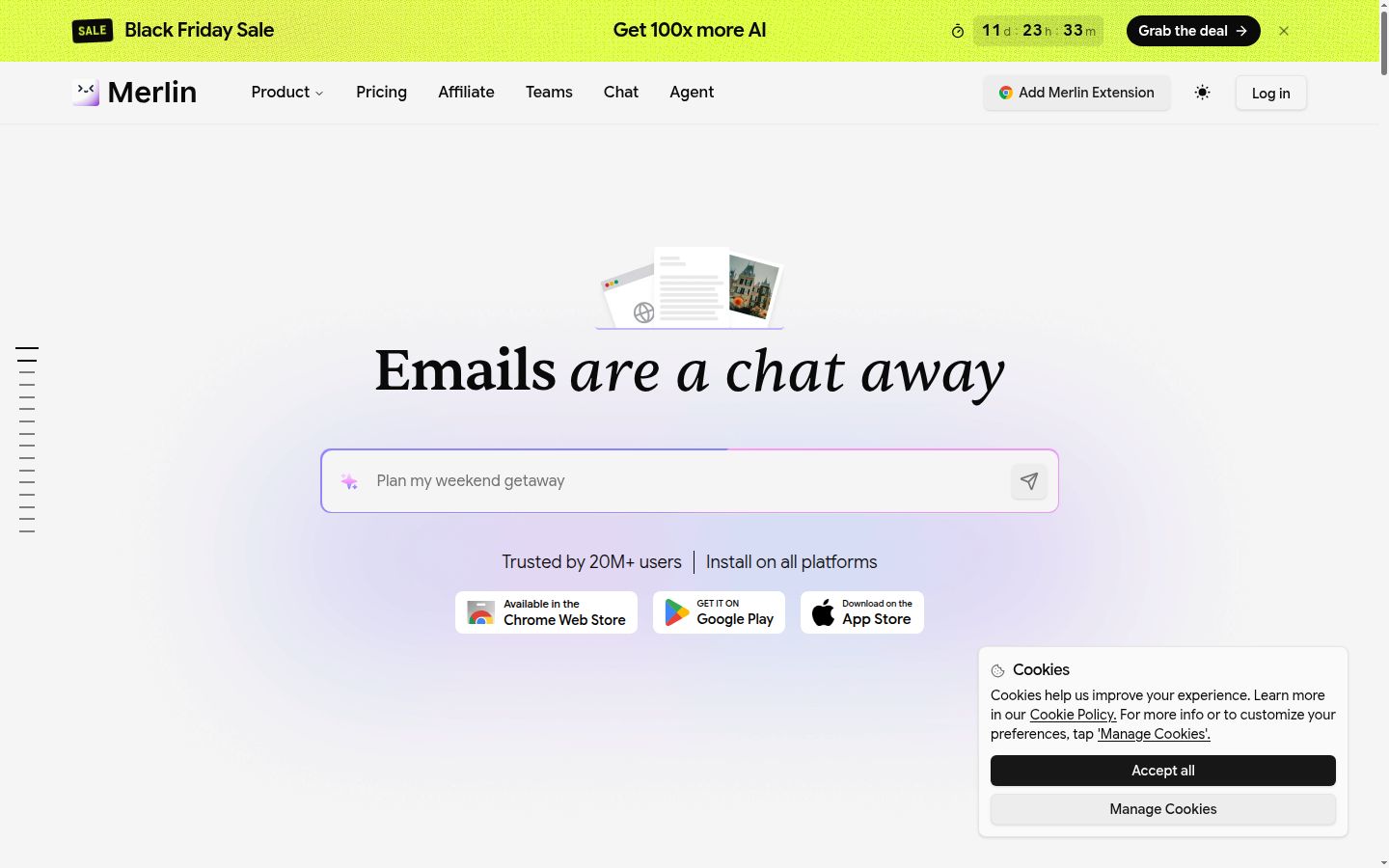
Filmora vs CapCut is the pair this page is built to answer, with DaVinci Resolve as the third column. Pages read on 2026-11-10 (Tue), Asia/Tokyo. The rows below come from each company page body that day. This is not a hands-on test. No video was exported, and no plan was purchased.
Affiliate disclosure. The Filmora buttons are referral links. If you buy through them, TOOLPORT may earn a commission at no extra cost to you. The commission does not change this comparison. CapCut and DaVinci Resolve links open each company site. TOOLPORT does not sell these subscriptions or licenses. Affiliate disclosure.
Filmora, CapCut, and DaVinci Resolve each sell a way to edit video. This article is the how-to-choose list: five points, in reading order. Where you edit. Timeline and AI tools. Export, resolution, and watermark. Platforms. Price and the free plan.
CapCut is the other named column because the search is Filmora vs CapCut. DaVinci Resolve is the third column from its own product page, not from a Filmora comparison page. Filmora, CapCut, and DaVinci Resolve are the three homepages. The table also uses each pricing or Studio page.
Filmora vs CapCut: how to choose (2026)
Point | Filmora | CapCut | DaVinci Resolve |
|---|---|---|---|
Where you edit | HTML title: Filmora Video Editor | Professional AI Video Editing Software. The heading is Filmora 16. The FAQ calls Filmora 16 a desktop workflow for timeline editing, color, captions, audio, recording, AI generation, assets, and export. | HTML title: CapCut AI Video Editor: Smart Online Video Editing with Advanced AI Tools. The description says download on desktop or mobile, or edit online. The heading is AI-Powered Photo & Video Editor for Everyone. A line says No credit card required. | HTML title: DaVinci Resolve | Blackmagic Design. The heading is DaVinci Resolve 21. The page describes editing, color, visual effects, motion graphics, audio, and photo editing in one app. |
Timeline and AI tools | The homepage describes rough cuts, editing from text, keyframes, camera tracking, and captions from speech. It also describes video from text, images, or audio, plus AI Extend. The shop FAQ says Speech-to-Text supports 27 languages. | The homepage names Smart Editor, Auto Captions, and Text to Speech in 40+ languages. It also names models, including Dreamina Seedance 2.5 and Sora 2. The steps put EditPilot on the timeline. | The free version includes color tools and collaboration. The Studio page says the Neural Engine powers features found only in Studio, including magic mask and scene cut detection. The product page lists text-based editing on the Studio side. |
Export, resolution, and watermark | The homepage FAQ says free exports include a Filmora watermark and paid plans remove it. Paid cards say Export Without Watermark and 4K HD Export. The FAQ names MP4, MOV, AVI, MKV, and MPEG. These pages do not state a maximum length. | The Pro card says generate up to 240s at 720p or 600s at 480p with Seedance 2.0 Mini. Ultra says up to 1,700s at 720p or 4,300s at 480p. These pages do not mention a watermark. | The free version edits up to 60 fps at Ultra HD 3840 x 2160. The product page says that free version is 8-bit. Studio says up to 120 fps at 32K, plus 10-bit formats. These pages do not mention a watermark. |
Platforms | The FAQ lists Windows, macOS, Android, iOS, and iPadOS. Desktop apps are for Windows and macOS. The homepage has free-download buttons for both. | The homepage description says desktop, mobile, or online. The buttons say Try online for free and Download. | The page description and the Resolve 21 card say Mac, Windows, and Linux. |
Price and the free plan | Individuals cards print US$. Basic is US$49.99/yr. Advanced is US$59.99/yr, with US$69.99 struck through. Perpetual is US$79.99, one-time. Free export keeps a watermark. A banner said an extra 10% off. Check current pricing. | The pricing page says the figures are for reference only, and to sign in for the final price. Monthly Pro prints USD 19.99/month. Free prints USD 0. Check current pricing. | The free card prints Free. Studio 21 prints Was $295 Now $236, with Save 20%. Check current pricing. |
Pricing and free-plan limits (2026)
Check current pricing. On 2026-11-10 (Tue) the three pricing bodies did not use the same billing unit. The picture under this heading is an older capture. The figures in the paragraphs are from the pages read that day.
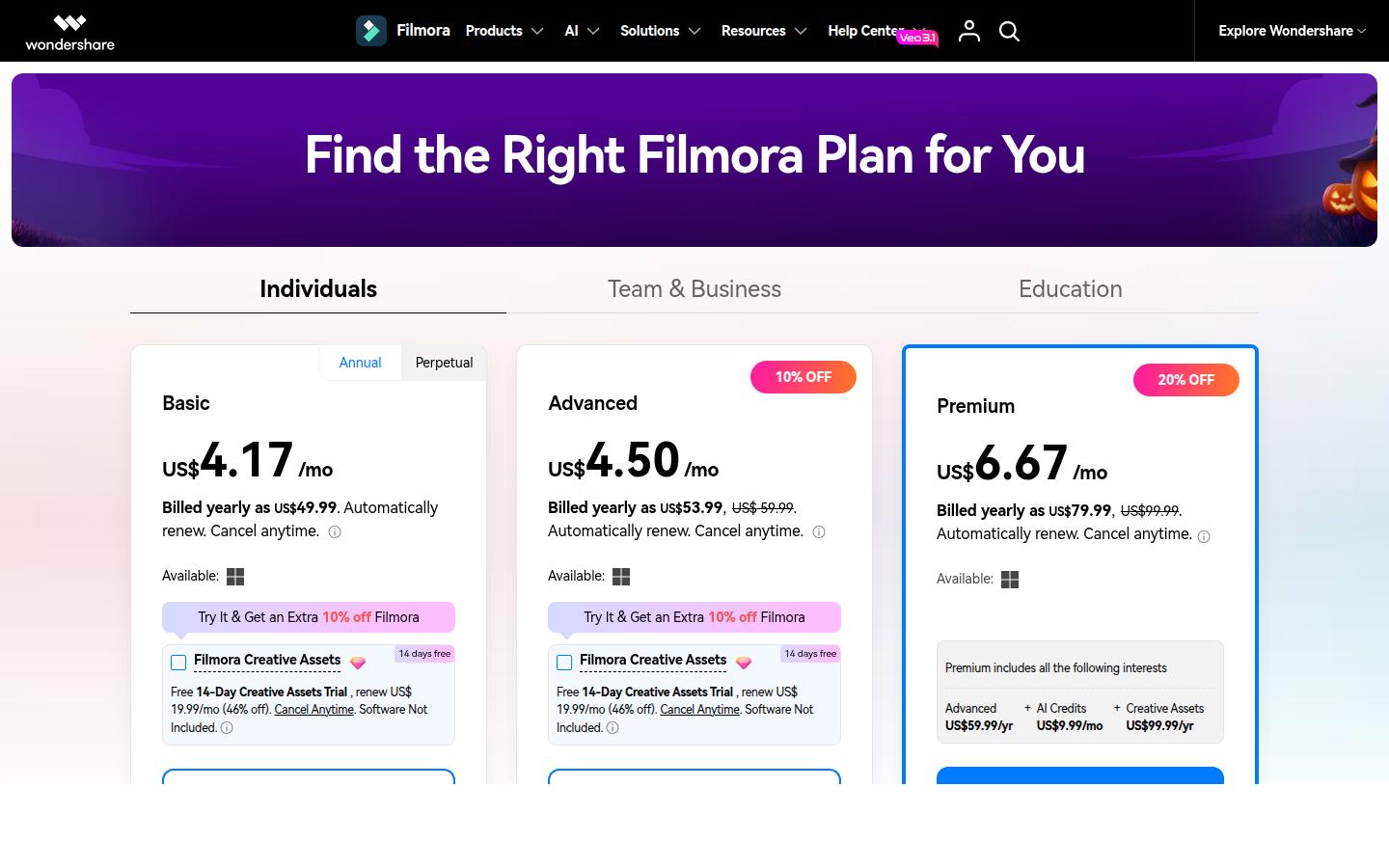
Filmora shop Individuals cards printed US$. Basic is US$49.99/yr, renews automatically, and lists 1 GB of cloud storage plus continuous version upgrades. Advanced is US$59.99/yr, with US$69.99 struck through, 1,000 Filmora AI credits a month, and 10 GB of cloud storage. Perpetual is US$79.99 as a one-time payment, with 1,000 AI credits once, 1 GB of cloud storage, and updates within Filmora 16. The FAQ says that license does not include later versions. The compare row lists AI Mate at 15 free uses a day on Free, and 500 free uses a month on the three paid columns. Paid cards say Export Without Watermark. The free-edition FAQ says basic editing exports with a watermark, and that cloud storage and the full asset library need a paid plan. A banner offered an extra 10% off. The assets-trial renewal amount was blank in this fetch. Team and Education prices are on other pages. https://filmora.wondershare.com/plan/ returned 404, so it is not a price source. Check current pricing.
CapCut pricing says displayed pricing is for reference only, and to sign in for final pricing, taxes, and offers. Monthly cards: Free USD 0, Pro USD 19.99/month with 1200 monthly AI credits and 1 TB, Ultra USD 79/month with 8645 monthly AI credits and 1 TB, Teams USD 12.49/month per seat on a 2 seats line. Yearly cards: Pro USD 179.99/year, Ultra USD 900/year, and Teams USD 107.5/year per seat on the 2 seats heading. Pro and Ultra keep the same credit counts on the yearly block. The Pro card also prints Seedance 2.5 from $0.12/sec for the first month. The FAQ says new users can start a 7-day Pro trial with no credit card, and that the offer varies. Other Teams seat headings were on the page. This note uses the 2-seat lines. Check current pricing.
DaVinci Resolve prints Free and Free Download Now on the Resolve 21 card. Studio 21 prints Was $295 Now $236, Save 20%, and Buy Online Now $236. The Studio page repeats that software price and says Studio supports up to 120 fps at 32K, with 10-bit formats. The same pages list hardware. The Speed Editor card in this render is $349. That is not the Studio license. These pages do not mention a watermark or a monthly software fee. Check current pricing.
Who it fits (2026)
Product | Fits | Does not fit |
|---|---|---|
Filmora | A Windows or Mac timeline, a free export that includes a watermark, or Basic at US$49.99/yr for watermark-free 4K export. | A one-time license that includes later major versions. Perpetual is Filmora 16 updates only. This Individuals view did not print a monthly card price. |
CapCut | Online, desktop, or mobile editing, Free at USD 0, or Pro at USD 19.99/month for 1200 monthly AI credits and 1 TB. | Treating the printed price as the charged price. The page says to sign in for the final price. These pages do not mention a watermark. |
DaVinci Resolve | Mac, Windows, or Linux, the free editor up to Ultra HD at 60 fps, or Studio at $236 for 10-bit, 32K, and the Neural Engine features on the Studio page. | A monthly software subscription. The card prints a one-time Studio price. These pages do not mention a watermark. |
How to start (2026)
These steps are the controls and headings on each official page. They are not a record of an edit we ran.
- Filmora. Homepage buttons say Get Started for Free and See Pricing & Plans. The shop cards say Buy Now. The FAQ says the first run asks you to log in with a Wondershare ID.
- CapCut. Homepage buttons say Try online for free and Download, with No credit card required. On the pricing page, Free says Get started and Pro says Upgrade.
- DaVinci Resolve. The free card says Free Download Now. Studio says Buy Online Now $236. The Studio page repeats both controls.
How the three differ (2026)
Filmora is the desktop editor with a yearly Basic card at US$49.99, a one-time Filmora 16 license at US$79.99, and a watermark on free exports. CapCut is the editor you open online or download, with Free at USD 0 and Pro at USD 19.99/month for 1200 monthly AI credits. DaVinci Resolve is the Mac, Windows, and Linux app with a free version up to Ultra HD at 60 fps, and Studio at $236 for the higher limits and Neural Engine features on the Studio page.
The Filmora homepage also says you can import a supported XML timeline and export a timeline as Final Cut Pro 7 XML. That line is not on the CapCut or DaVinci Resolve pages read here. There is no overall winner on these pages. Check current pricing before you subscribe or buy.
The English product guide, separate from this comparison: What Is Filmora? Timeline Editing, Captions, and Plans.
A related editor comparison: FlexClip vs CapCut vs invideo: Online Video Editors Compared (2026). FlexClip guide: What Is FlexClip? Online Video Editing, Subtitles, and Plans.
English posts: All posts. Filmora in the catalog: Filmora.
Sources (2026)
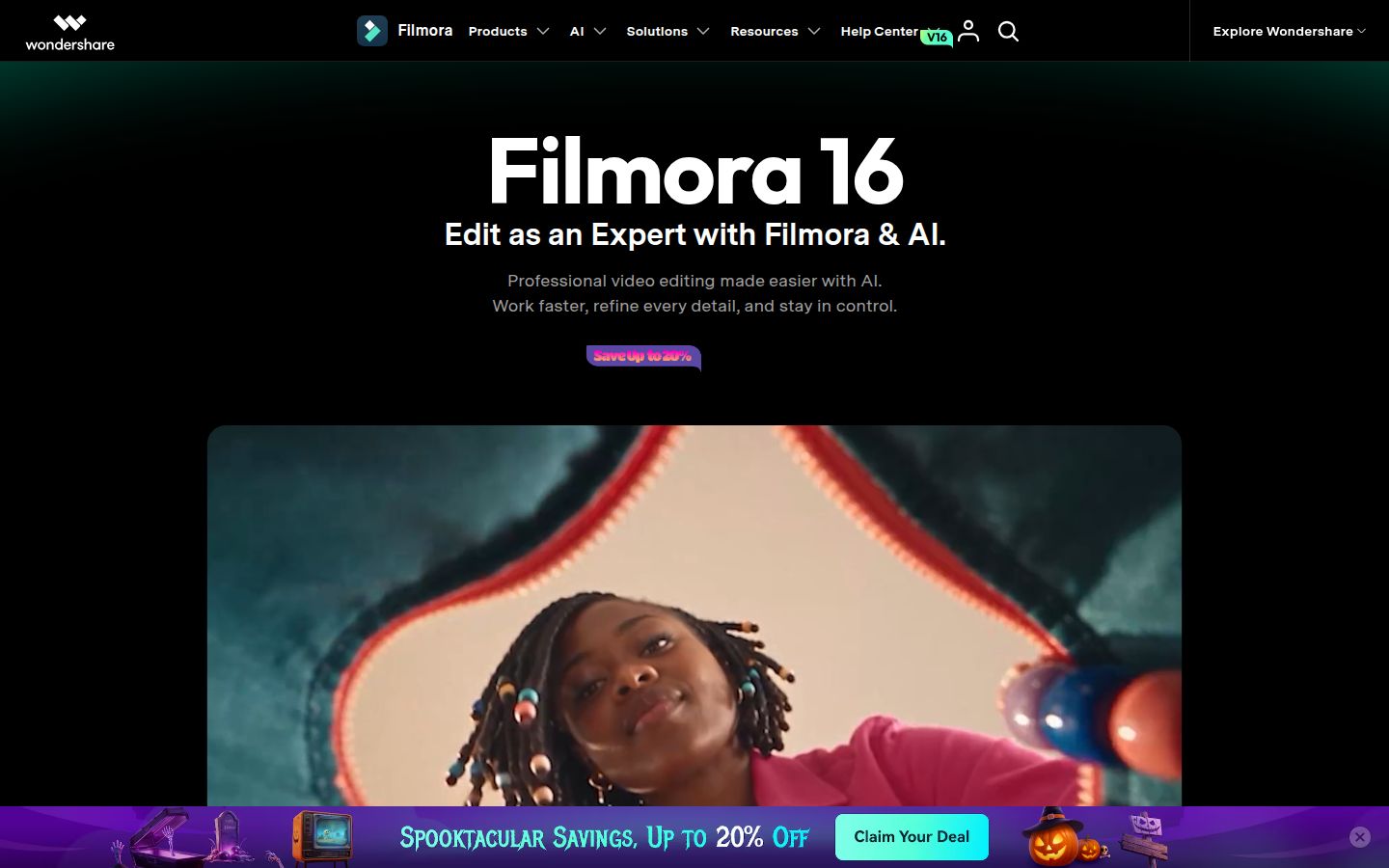
Read 2026-11-10 (Tue), Asia/Tokyo, from the page body. None of these URLs redirected. The Filmora screenshot is an older file and is not a price source.
- https://filmora.wondershare.com/
- https://filmora.wondershare.com/shop/buy/buy-video-editor.html
- https://filmora.wondershare.com/plan/
- https://www.capcut.com/
- https://www.capcut.com/pricing
- https://www.blackmagicdesign.com/products/davinciresolve
- https://www.blackmagicdesign.com/products/davinciresolve/studio