How to Make Faceless Videos with Fliki
A short review and how-to for faceless TikToks, Reels, and Shorts in Fliki, plus watermark, credit, and commercial-rights limits. Official pages read on 2026-11-06 (Fri). Not the full product guide.
This article contains affiliate links.
Information checked on 2026-11-06 (Fri, Asia/Tokyo). Facts come only from official Fliki pages read that day. Screenshots were captured on 2026-11-04 (Wed) for the existing guide and are not pricing evidence. In-app button labels were not rechecked; if the screen differs, follow the screen. Confirm live pricing before you subscribe.
This article contains Fliki affiliate (referral) links. TOOLPORT may receive a referral fee if you sign up through these links. Referral fees do not affect the content or assessments in this article.
Introduction
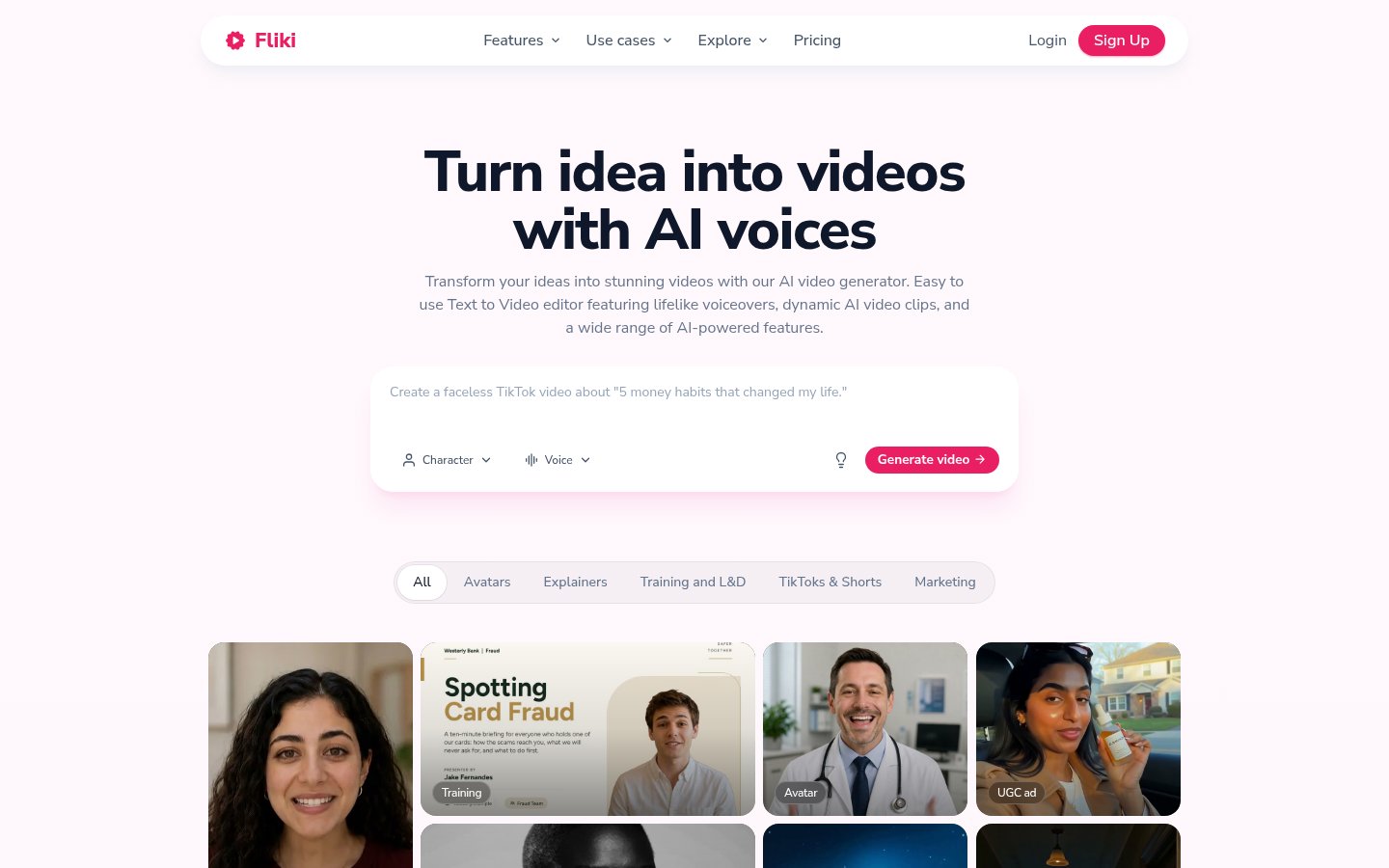
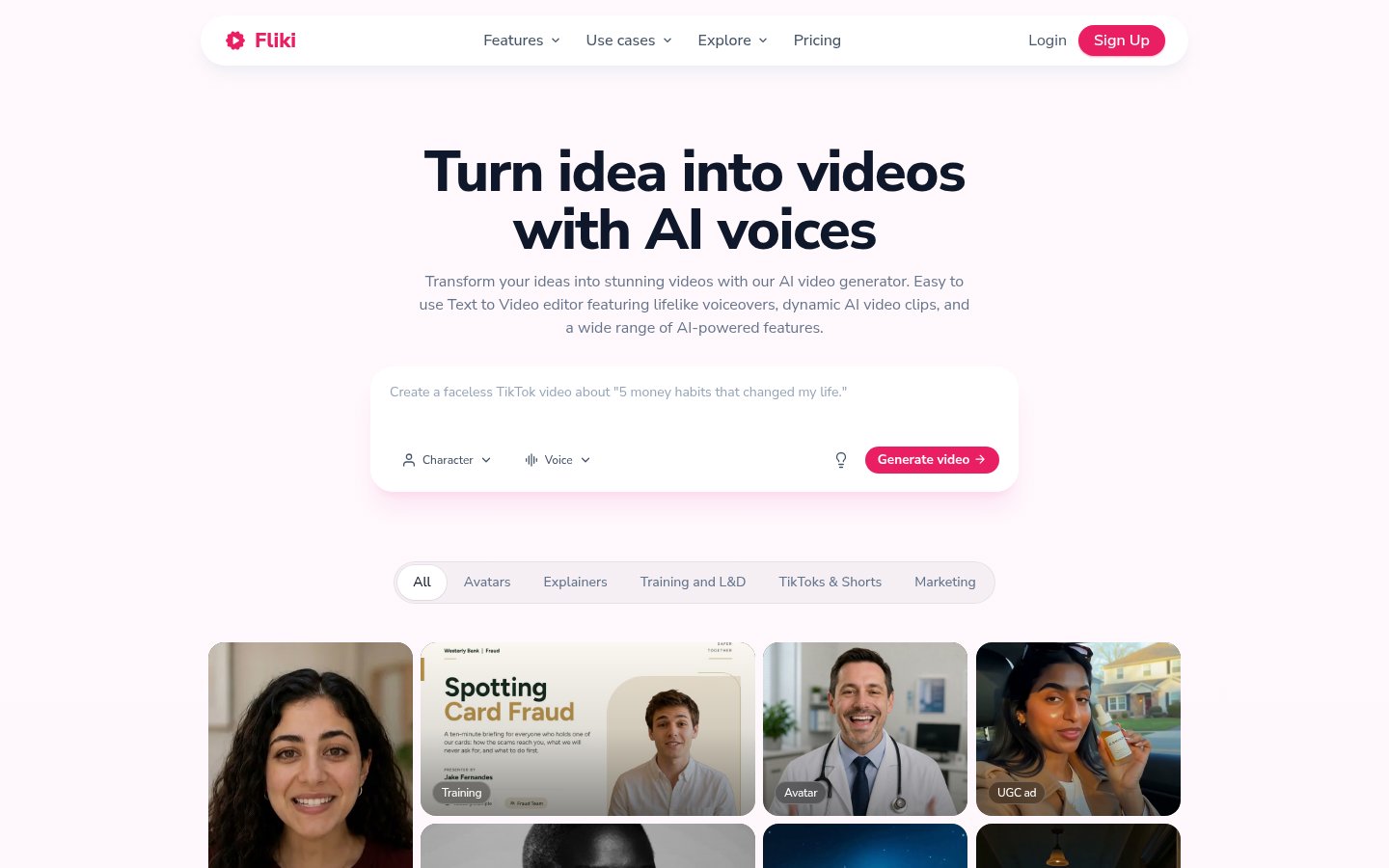
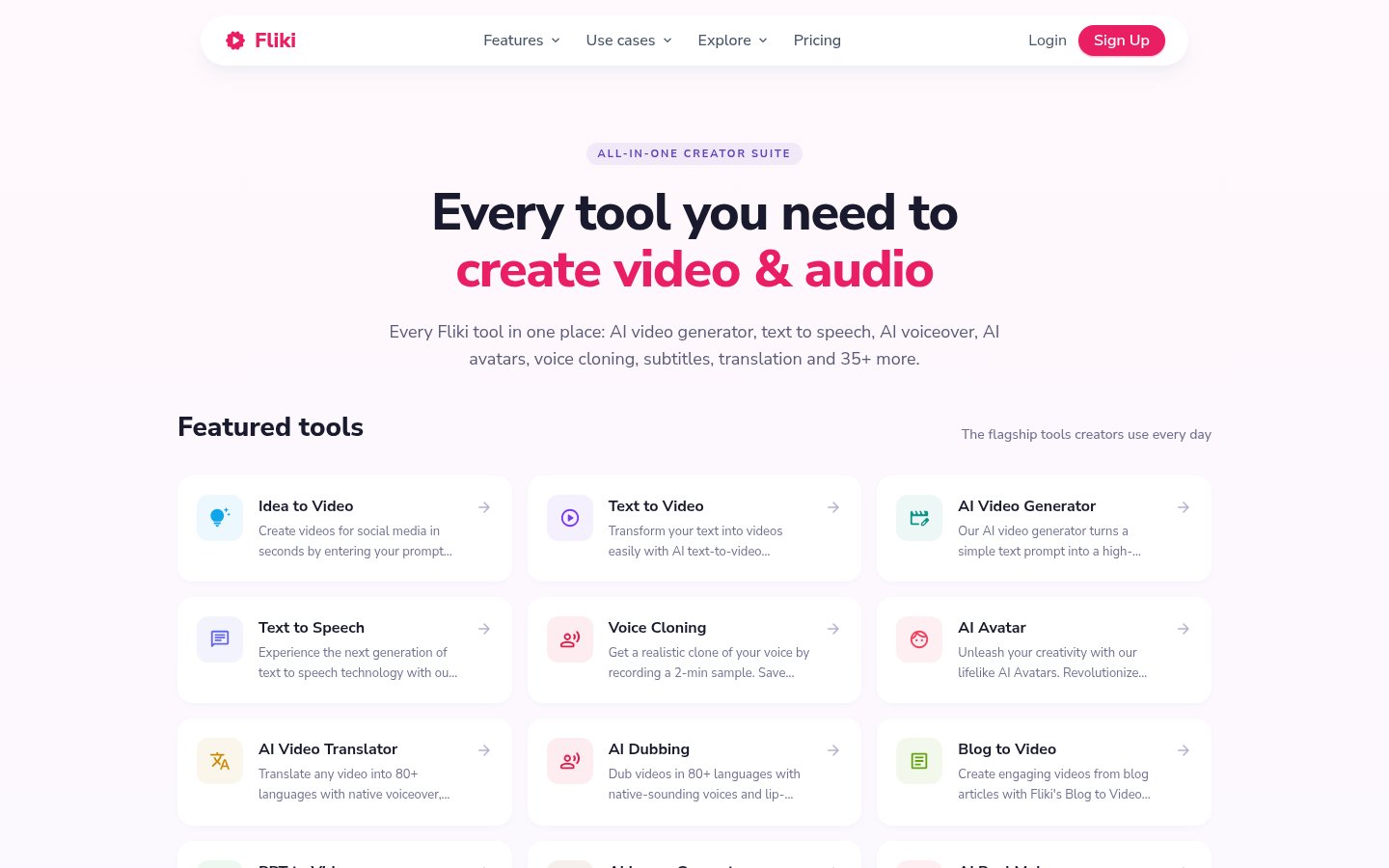
Fliki’s homepage says you can create TikToks and Reels without showing your face: no camera, no editing skills, and no expensive gear, from idea to upload in under five minutes, with templates for TikTok, Reels, and YouTube Shorts.
This page is a short faceless-video review and how-to. The longer feature, pricing, and setup guide is a separate article.
What Fliki is doing
Fliki positions itself as AI text-to-video. Paste a script, a blog post, or a one-line prompt and it builds a script, visuals, an AI voiceover, music, and subtitles, and calls the result publish-ready.
The faceless FAQ describes these videos as an AI voiceover plus stock or AI visuals plus auto-captions, and says most creators go from idea to upload in under five minutes. The script-to-video page says the same script can ship as a faceless explainer or with an AI avatar.
Ways in that stay faceless
Text to video: paste a script, an idea, a blog URL, or a PPT or PDF. The page lists 2,000+ voices, auto-paired visuals, burn-in captions, royalty-free music, and resize to 9:16, 1:1, or 16:9. It also names faceless YouTube videos of 5–15 minutes and 9:16 shorts under five minutes.
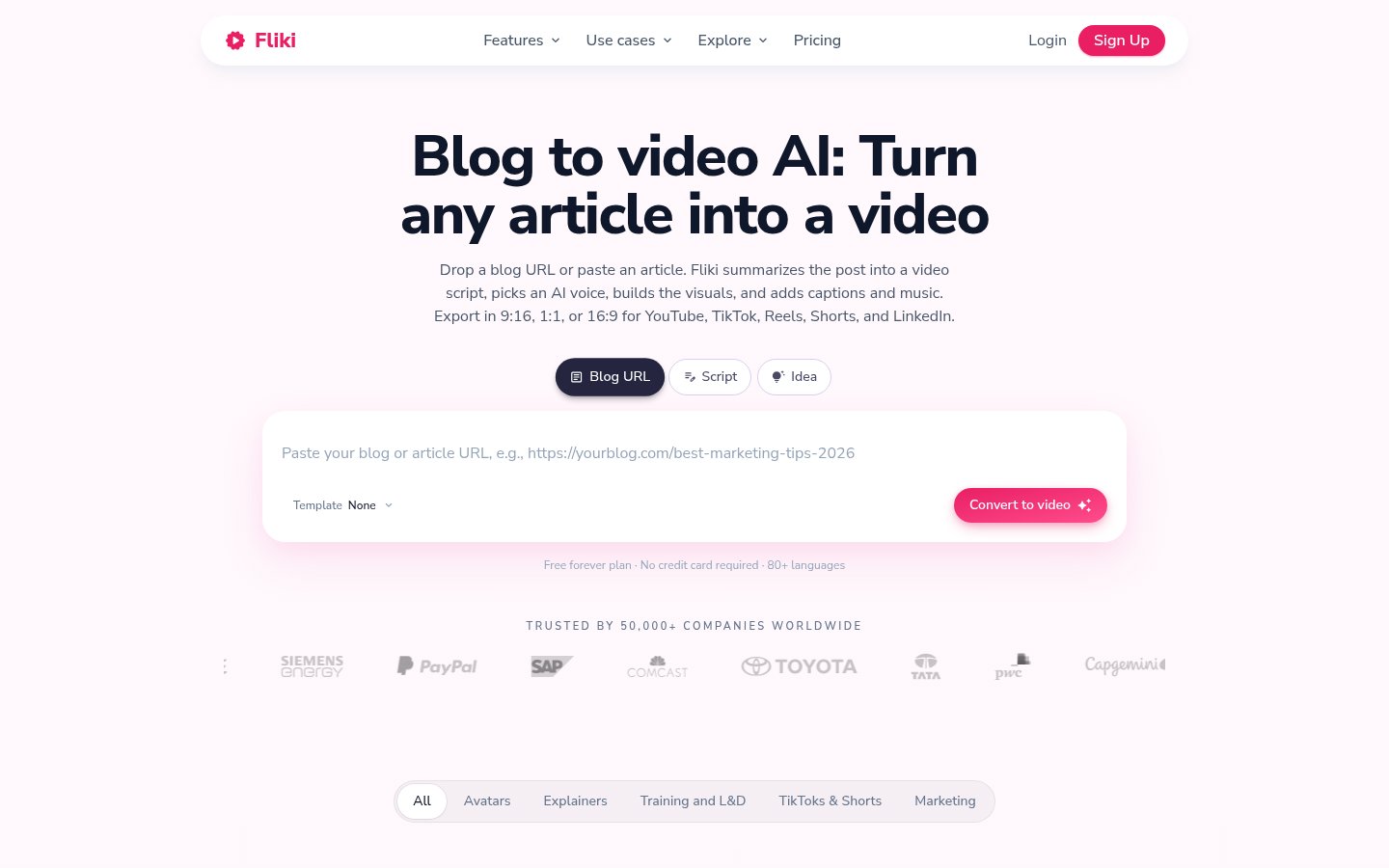
Blog to video: paste a URL or an article, summarize it to short, medium, or full, then add voice, visuals, captions, and music.
ChatGPT: paste a ChatGPT script, or use the Custom GPT “videoGPT” on ChatGPT Plus or Team. ChatGPT itself does not render the video.
Short how-to
These are the four steps on the text-to-video page. In-app button labels are unconfirmed.
- Paste your text: a script, a one-line idea, a blog URL, or a PPT/PDF. Pick language, tone, and duration up to 15 minutes.
- Fliki splits it into scenes and adds an AI voice.
- Review and refine: edit lines, swap voices, and optionally add an AI avatar, captions, and music.
- Export and publish: paid plans export 1080p MP4. Aspect ratios listed are 9:16, 1:1, and 16:9. The free plan is HD 720p and includes the Fliki watermark.
The Blog to video screen path is a 10-step official article updated on 2026-07-15 (https://fliki.ai/blog/url-to-video). If a button label differs from that article, treat the label as an unverified UI step and follow the screen. That article says generation is usually under five minutes.
The job it describes, and what the free plan does not include
Who the official pages name
- People who want TikToks, Reels, or Shorts without showing their face. That is the homepage wording.
- People turning a script, idea, blog, PPT, or PDF into a narrated video.
- Education and e-learning has an official use-case page. That page states Standard at $28/month and Premium at $88/month.
Limits the official pages draw
- Free exports include the Fliki watermark. The text-to-video page says there is no watermark-free export on the free plan.
- Commercial use is paid plans only. The free plan has no commercial rights.
- Finishing the render inside ChatGPT is outside what Fliki states. ChatGPT can supply the script. It does not render the video.
Languages
The homepage FAQ lists 80+ languages and 2,000+ voices, including English, Spanish, Portuguese, Hindi, Arabic, Indonesian, French, German, Japanese, Korean, Russian, and Mandarin. The script-to-video FAQ says voice cloning covers 32 languages on paid plans. The pricing FAQ says over 80 languages in over 100 dialects.
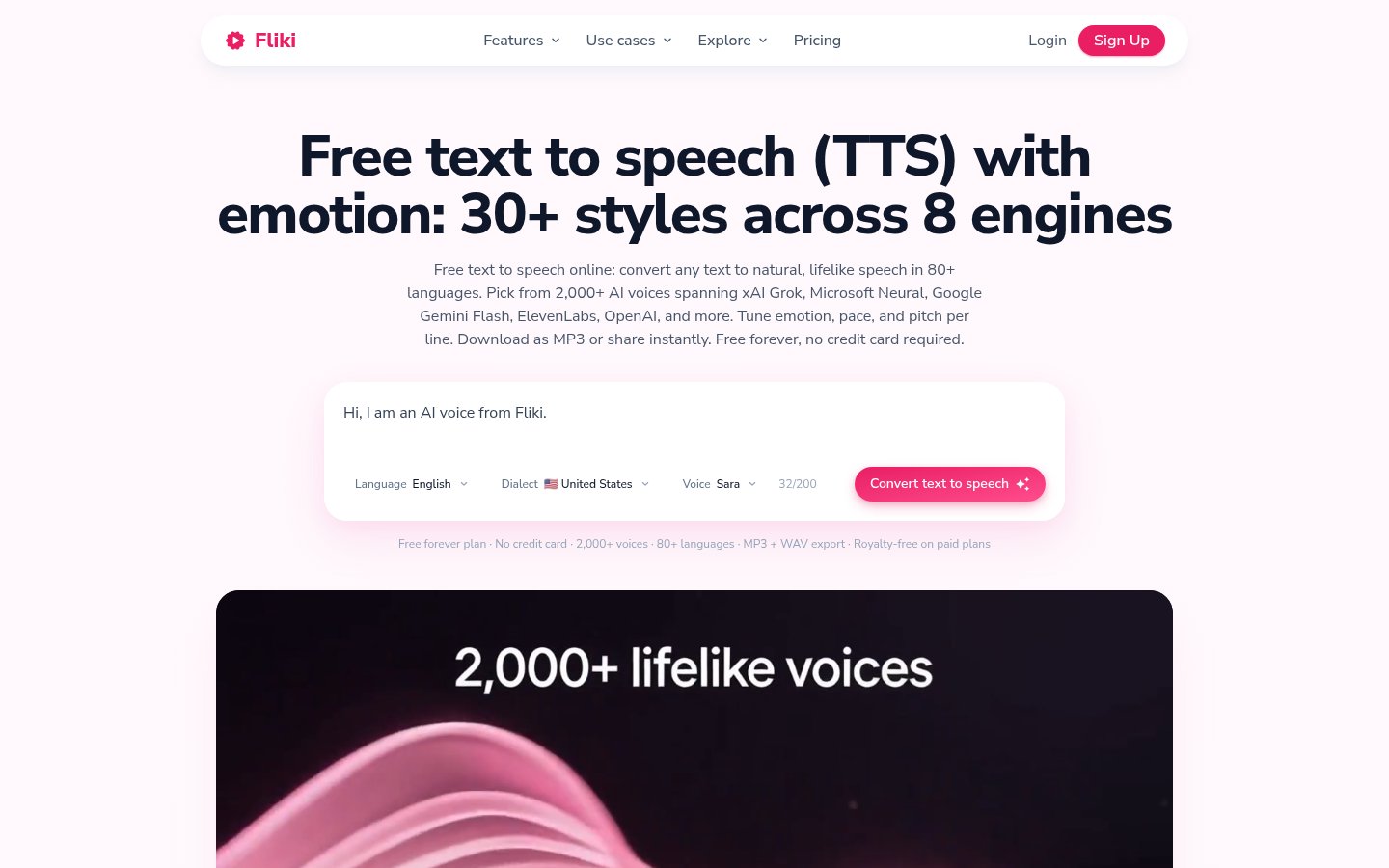
The voice page (picture)
The picture below is the text-to-speech page on 2026-11-04 (Wed). Headings and engine names on it are that day’s screen, and this article does not use them as price or duration evidence. Voice counts follow official text read on 2026-11-06 (Fri): 2,000+ voices and 80+ languages.
Pricing snapshot
$28/month and $88/month are stated on the educational video maker page, read on 2026-11-06 (Fri). Feature pages say the watermark is removed from $28/month. Dollar amounts on the pricing page are client-rendered and were not in the static HTML. The pricing meta description says 25% off annual billing. This article does not calculate yearly totals. Open the pricing page before you subscribe.
Plan | Price shown | Allowance | What matters on export |
|---|---|---|---|
Free | $0. Free forever. No card. | Pricing card: 3 credits/month. Feature pages also call the free plan 3 video minutes/month. | 300 voices, 80+ languages, stock assets, AI images and thumbnails, HD 720p, watermark on, no commercial rights. |
Standard | $28/month on the education page. | Pricing card: 180 credits/month, videos up to 15 minutes. | 1080p. 1,000 voices (500 ultra-realistic). Translation in 80+ languages. Voice cloning and limited stock avatars. Custom characters and Series. AI Playground and commercial rights. Feature pages say the watermark is removed from $28/month. |
Premium | $88/month on the education page. That page calls out voice cloning, avatars, and 4K for Premium. | Pricing card: 600 credits/month, videos up to 40 minutes. Another pricing FAQ line says up to 30 minutes. | 2,000+ voices. AI video clips and photo avatars. All AI avatars and multiple voice cloning. Brand kits and priority support. |
Enterprise | Custom. The amount is unconfirmed. | Custom. | The pricing page lists Enterprise as custom. |
Official pages disagree. This article does not pick a winner. The Free pricing card says 3 credits/month. Feature pages also describe the free plan as 3 video minutes/month. A pricing FAQ line says “5 minutes of free audio and video content per month.” The Premium card says videos up to 40 minutes. Another pricing FAQ line says Premium up to 30 minutes. The body follows the plan cards and the feature-page “3 credits / 3 minutes” wording. The FAQ’s 5 minutes and 30 minutes stay as footnotes.
The pricing-page estimate uses 0.5 credits per minute as the AI voiceover baseline. Actual use changes with AI video or avatars. Credits deduct on audio generation or export, and reprocessing after edits can charge again.
How nearby tools describe a different job
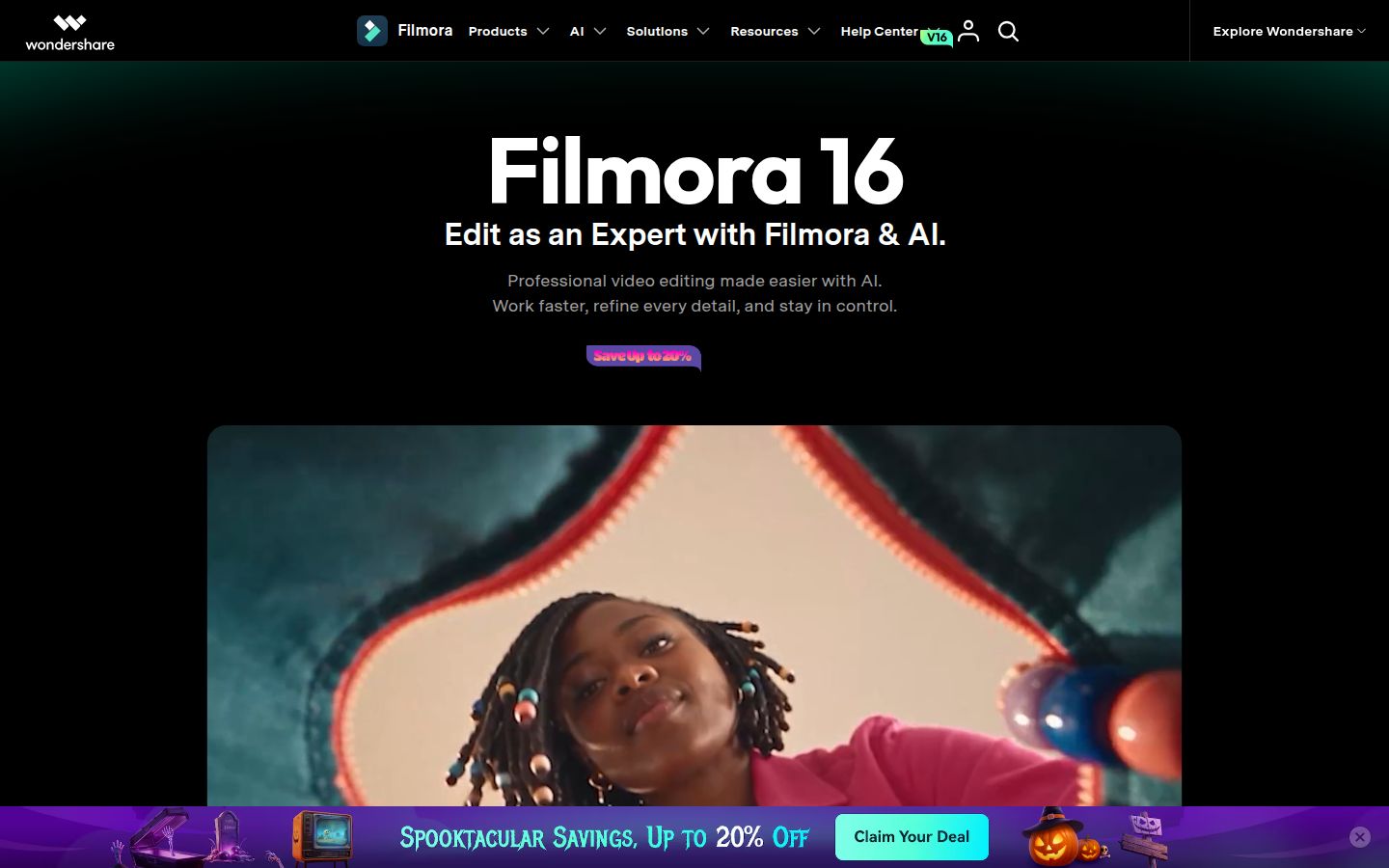
Synthesia’s site presents an AI video and avatar platform for business: avatars, voiceovers, motion graphics, a prompt or a doc or a PPT or a URL turned into a finished video, translation into 140+ languages, Brand Kit, and SCORM or embed. The job it leads with is not Fliki’s faceless short-form path.
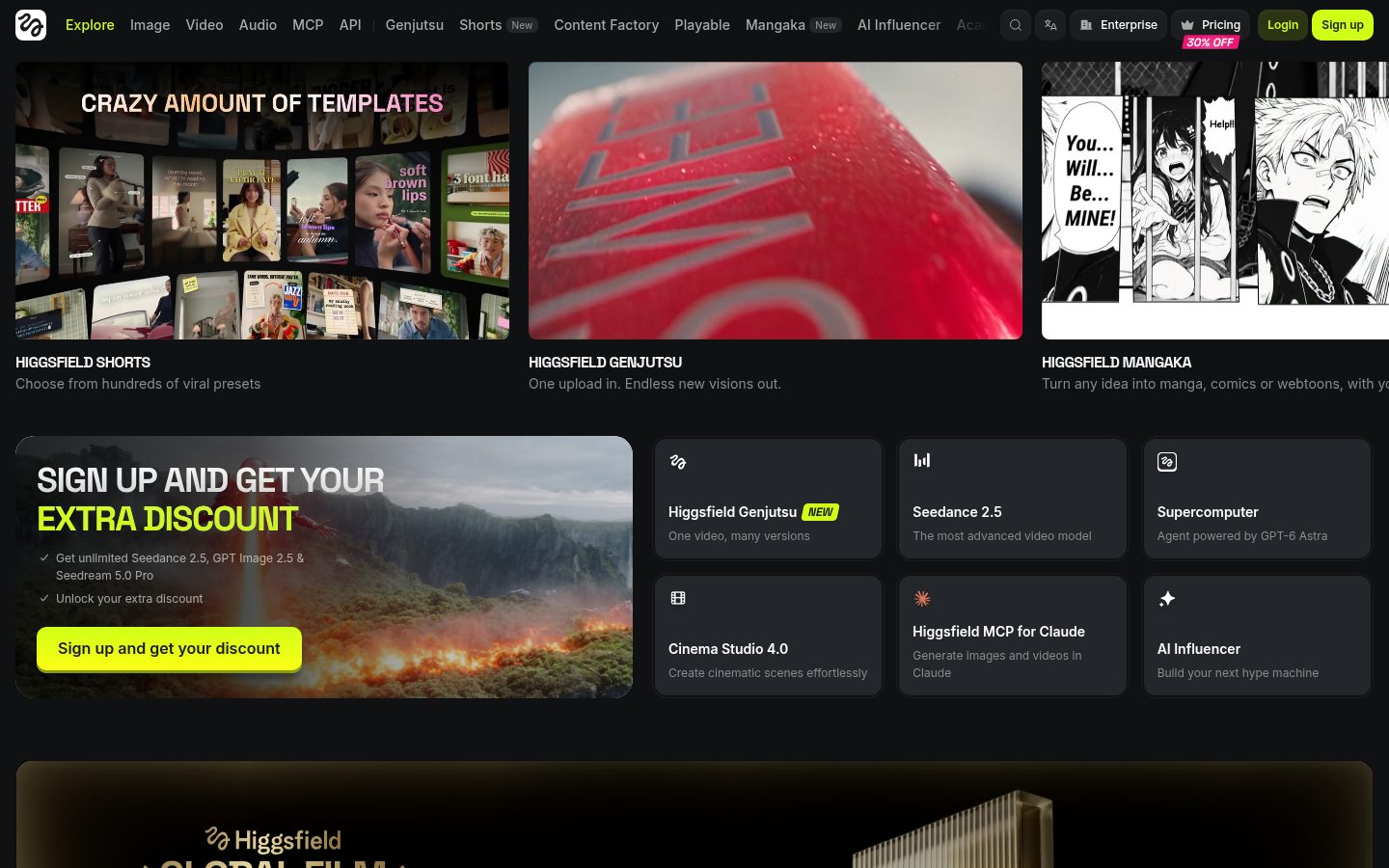
Higgsfield’s site presents a generative production platform that turns ideas or briefs into video, images, and audio, and it names 35+ frontier models plus cinematic controls, along with surfaces such as Genjutsu, Shorts, and Cinema Studio. That is a different front door from Fliki’s paste-a-script narrated video.
Before you export
- The free plan has a watermark and no commercial rights. Feature pages say paid plans include commercial rights covering AI voiceover, stock, and AI visuals. The homepage FAQ says the music is YouTube-licensed.
- Credits deduct on audio generation or export. Reprocessing after an edit can charge again.
- Free minutes are stated as both 3 and 5 on official pages, and Premium’s max length as both 40 and 30 minutes. Read the note above, then check your plan on the pricing page before you subscribe.
- The homepage also claims 14M+ users worldwide and 4.8/5 on G2 and Capterra. Those are Fliki’s claims, not a TOOLPORT measurement.
Sources (official pages read on 2026-11-06 (Fri))
- https://fliki.ai (homepage: faceless claim, 80+ languages, 14M+, 4.8/5)
- https://fliki.ai/features/text-to-video (four steps, watermark, commercial use, watermark removed from $28/month)
- https://fliki.ai/features/script-to-video (same script as faceless or avatar; cloning in 32 languages)
- https://fliki.ai/features/blog-to-video (summarize a URL or an article)
- https://fliki.ai/features/chatgpt-video-generator (videoGPT; ChatGPT does not render video)
- https://fliki.ai/blog/url-to-video (screen steps, updated 2026-07-15)
- https://fliki.ai/pricing (card credits and lengths, FAQ’s 5 minutes and 30 minutes, 0.5 credits/minute, 25% off annual in the meta description)
- https://fliki.ai/use-cases/education-and-e-learning/educational-video-maker ($28/month and $88/month, 4K on Premium)
- TOOLPORT’s longer Fliki guide (on this site)