Gamma vs Beautiful.ai vs Plus AI: AI Presentations Compared (2026)
November 2026. Gamma, Beautiful.ai, and Plus AI on where you edit, AI drafts, export, trial or free limits, and security, from official pages read on 2026-11-10 (Tue). No ranking and no hands-on test.
Disclosure: Some links on TOOLPORT are affiliate links (marked Affiliate); we may earn a commission at no extra cost to you. Articles are drafted with AI assistance and based on each vendor's official information.
Pages read on 2026-11-10 (Tue), Asia/Tokyo. The rows below come from each company's own page body that day. This is not a hands-on test. No deck was generated, and no plan was purchased.
Affiliate disclosure. The Gamma buttons are referral links. If you sign up through them, TOOLPORT may earn a commission at no extra cost to you. The commission does not change this comparison. Beautiful.ai and Plus AI links open each company's own site. TOOLPORT does not sell these subscriptions. Affiliate disclosure.
Gamma, Beautiful.ai, and Plus AI each sell a way to make a presentation with AI. This article lines up five checks: where you edit, how the AI draft is made, export and file format, pricing and trial or free limits, and brand, sharing, and security. Column order is the reading order.
Beautiful.ai and Plus AI are the two products these companies' own comparison pages name with Gamma. Gamma's 2026 guide, The best AI presentation makers in 2026, names Beautiful.ai and Plus AI. Beautiful.ai publishes Beautiful.ai vs Gamma and Beautiful.ai vs Plus AI. Plus AI publishes a Gamma review and a Beautiful.ai review. Those pages argue for the publisher. The table here uses each product's own pricing, product, or security page.
Pitch is in the first sentence of that Gamma guide, and Beautiful.ai has a Pitch comparison. Pitch's website sitemap lists comparisons with PowerPoint, Keynote, Google Slides, Figma Slides, and Canva. It has no Gamma URL. The Pitch homepage and pricing HTML fetched the same day did not contain the word Gamma. Pitch is not a column.
At a glance (2026)
Check | Gamma | Beautiful.ai | Plus AI |
|---|---|---|---|
Where you edit | Homepage: a platform for presentations, documents, and more. Named products include presentations, documents, websites, and social media. FAQ: start from a prompt, an outline, or a file. | Homepage: professional presentations, with AI and auto-aligning Smart Slides. It also says you can start from a prompt, an outline, or a document. Pricing names over 300 Smart Slide layouts. Those pages describe presentations. They do not describe a website product. | Homepage and pricing: an add-on inside PowerPoint and Google Slides. It creates native PPTX and Google Slides files. |
AI draft and inputs | Homepage: outlines first, then chat beside the deck. Import PowerPoint and PDF. It names Slack, Notion, Dropbox, and 25+ tools, and starting in Claude, ChatGPT, or Slack. Free card: 400 credits at signup and up to 10 slides per prompt. | Pro list: unlimited AI content generation, extra context from files or links, AI image generation, an AI writing assistant, and AI language translation. Homepage: start with AI or pick a Smart Slide layout. | Basic: presentations in Google Slides and PowerPoint, 1,500 credits a month, insert one slide, rewrite and remix. Pro adds PDF, docx, and txt uploads and prompts over 100,000 characters. Homepage: upload a PDF, Word, PowerPoint, or text file. |
Export and file format | Free card: import from PDF and PPTX. Export to PDF, PPTX, PNG, and Google Slides. Homepage FAQ: export to PowerPoint, or download a PDF. | Pricing intro: every seat includes PowerPoint import and export. The compare table lists PDF export and editable PowerPoint export as rows. The fetched text had no checkmarks, so those rows are not assigned to one plan here. | The file is the PowerPoint or Google Slides file. Homepage: native PPTX and Google Slides, compatible with existing slide templates. |
Pricing and trial or free limits | Free is $0, with 400 credits at signup. The fetched paid cards show an annual pair: Plus $9 per seat per month and $108 billed annually, Pro $18 and $216, Ultra $90 and $1,080. Check current pricing. | No $0 plan in the pricing body. A 14-day trial needs a card. Pro prints $14.50 per month billed annually, and a separate $45 monthly line. The Team card prints $40 and $50. Check current pricing. | No $0 plan on the pricing page. A 7-day trial needs a card and includes 1,000 credits. Each card prints an annual per-month figure and a monthly figure. Check current pricing. |
Brand, sharing, and security | Pro card: custom branding, detailed analytics, advanced sharing, and up to 10 custom domains. FAQ: projects are private by default. Enterprise capabilities named there are SSO, SCIM, permissions, and admin controls, and the FAQ says availability varies by plan. Pricing page and trust center: SOC 2 Type II. The trust center says data encryption is used and does not name an algorithm. | Pro list: custom brand styling. Team list: real-time editing, a shared asset library, custom branded themes, and viewer and slide analytics. Security page: SOC 2 Type II, GDPR, CCPA, PCI, SAML SSO 2.0, SCIM, and AES-256 at rest. It says AI sub-processors are barred from using customer data for training. | Team card: logo, colors, and fonts, plus team-wide branding and templates. The pricing enterprise block names SSO and user management. Security page: SOC 2 Type II, AES-256 at rest, and TLS in transit. That security page did not say SSO. |
Pricing and trial limits (2026)
Check current pricing. On 2026-11-10 (Tue) each pricing page showed more than one way to bill.
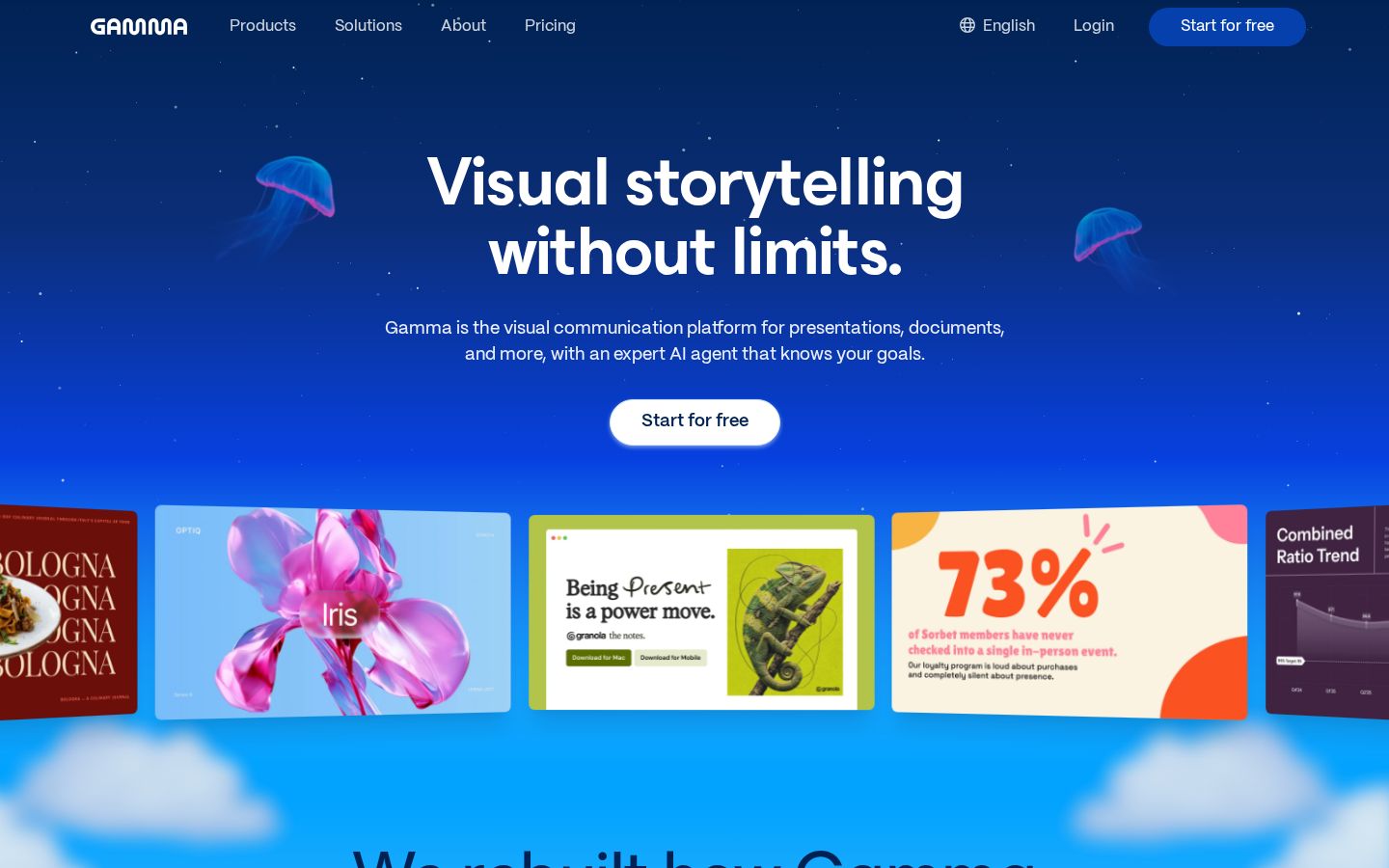
Gamma pricing shows Pay monthly and Pay annually, and says save up to 28% with annual billing. Free is $0: 400 credits at signup, up to 10 slides per prompt, and simple presentations, docs, websites, social, and images. The paid cards in the fetched body print Plus at $9 per seat per month and $108 per seat, billed annually; Pro at $18 and $216; Ultra at $90 and $1,080. Those per-month figures match the annual totals. The monthly control's other amounts were not in that body. The Business tab's plans were not in that body. A line says prices are subject to tax depending on location. Check current pricing.
Beautiful.ai pricing says Pro is $14.50 per month for individuals, billed annually, and that teams of 2 to 20 pay $40 per user per month billed annually, or $50 billed monthly. The Team card also prints $50 and $40, labeled billed monthly and billed annually, with the words includes 3 users, and a line that says fixed pricing for up to three users. A separate block says everything in the Pro plan billed monthly is $45. Enterprise is custom. The FAQ says a 14-day trial needs a credit card and is charged if you do not cancel. The pricing body does not show a $0 plan. Check current pricing.
Plus AI pricing says prices are shown per user per month, billed annually, and each card also states a monthly amount. Basic is $10 billed annually and $15 billed monthly, with 1,500 credits a month. Pro is $20 and $25, with 3,000 credits. Team is $30 and $40, with 6,000 credits. Max is $200 and $240, with unlimited credits. All paid plans start with a 7-day trial, 1,000 credits, and the FAQ says a credit card is required. The same FAQ mentions a Plus free plan only as a previous signup. The page in front of you describes the trial, not a $0 plan. Check current pricing.
Who it fits (2026)
Product | Fits | Does not fit |
|---|---|---|
Gamma | The $0 card, with 400 credits at signup, and decks, docs, websites, and social named on that card. The same card names PDF and PPTX import and PDF, PPTX, PNG, and Google Slides export. | One number to pay. The monthly control and the Business tab were not in the fetched body. Individual Free, Plus, Pro, and Ultra may be used for training unless you opt out. |
Beautiful.ai | Smart Slides, brand styling on the Pro list, and PowerPoint import and export in the pricing intro. The security page names SOC 2 Type II and SAML SSO 2.0. | A $0 plan. The pricing body describes a 14-day trial that needs a card. One team price: the card says the price includes 3 users, and the FAQ says 2 to 20 seats. |
Plus AI | Staying inside PowerPoint or Google Slides. The card labels both the annual figure and the monthly figure. Team is the card that lists logo, colors, and fonts. | A $0 plan on the pricing page. The start described there is a 7-day trial that needs a card. Branding is not on the Basic list. |
Verdict by use case (2026)
For a $0 plan that lists presentations, docs, websites, and social, with PDF and PPTX export on the same card: Gamma Free says that. It also says 400 credits at signup and up to 10 slides per prompt. Paid cards in the fetched body are the annual view. Open the live page before you treat $9, $18, or $90 as the amount a monthly subscription charges.
For Smart Slides, brand styling, and PowerPoint import and export, on a trial: Beautiful.ai's pricing intro says every seat includes PowerPoint import and export and over 300 Smart Slide layouts. The Pro list includes custom brand styling and unlimited AI content generation. The trial is 14 days and needs a card. Before you buy Team, read the live card: it says the price includes 3 users, and the FAQ says 2 to 20 seats at $40 or $50.
For a deck that stays inside PowerPoint or Google Slides: Plus AI's homepage says it creates native PPTX and Google Slides files, including existing templates. Branding, logo, colors, and fonts are on the Team list, not Basic. The pricing page's start is a 7-day trial that needs a card. Basic prints $10 billed annually and $15 billed monthly.
For admin access, use each company's own page. Gamma's homepage FAQ names SSO, SCIM, permissions, and admin controls as Enterprise capabilities, and says feature availability varies by plan. The same FAQ says Business and Enterprise workspaces are excluded from AI training, and that individual Free, Plus, Pro, and Ultra workspaces may be used to train unless you opt out. Beautiful.ai's security page names SOC 2 Type II, SAML SSO 2.0, SCIM, and AES-256 at rest, and says AI sub-processors are barred from training on customer data. Plus AI's pricing enterprise block names SSO and user management. Plus AI's security page names SOC 2 Type II, AES-256 at rest, and TLS in transit, and it does not say SSO.
There is no overall winner in these pages. Check current pricing on each pricing page before you subscribe.
The English product guide, separate from this comparison: What Is Gamma? A Simple Guide to Its AI Presentation Features, Pricing, and How to Use It.
Design and slide tools in the catalog: Design & slides.
Sources (2026)
Read 2026-11-10 (Tue), Asia/Tokyo, from the page body.