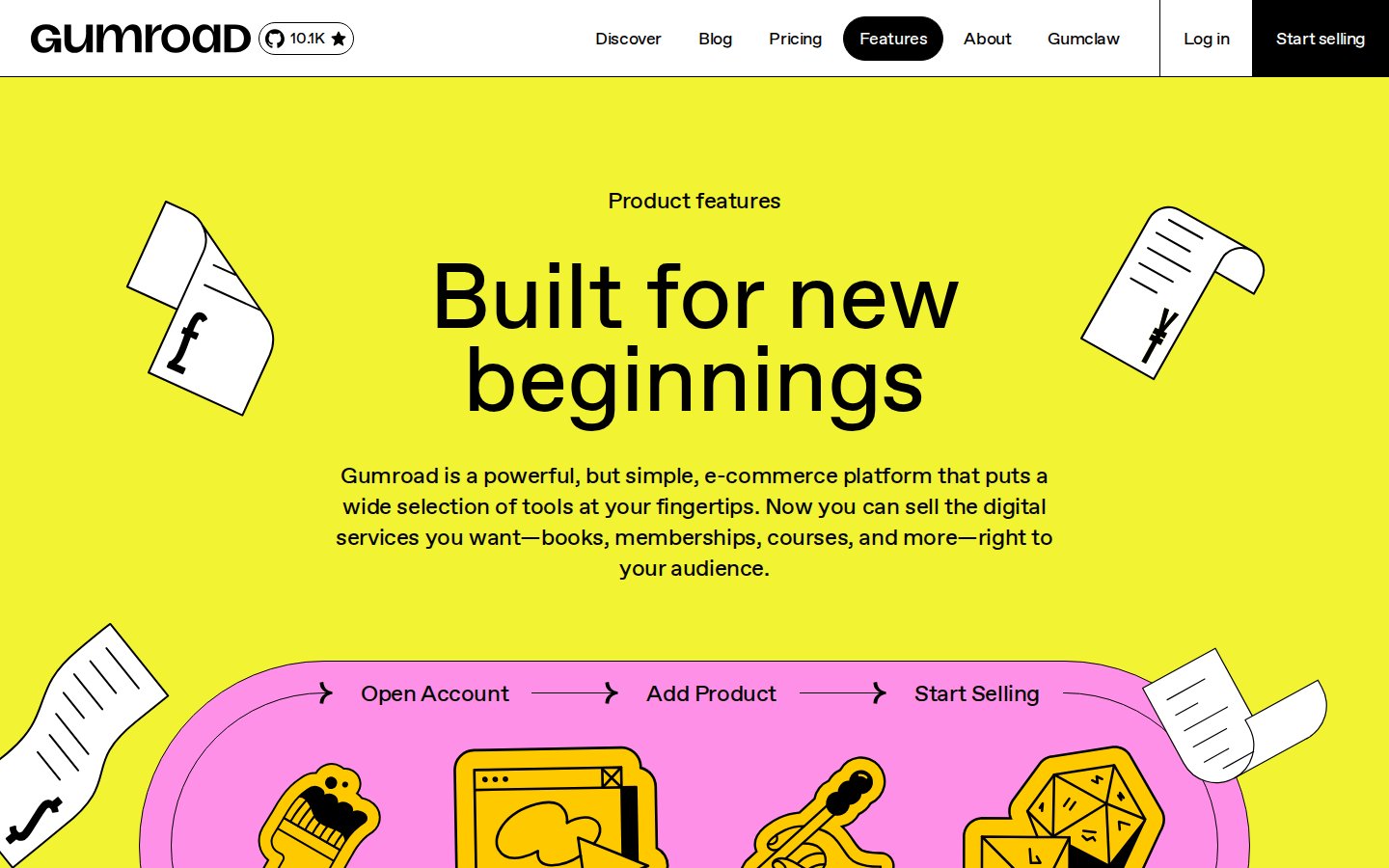
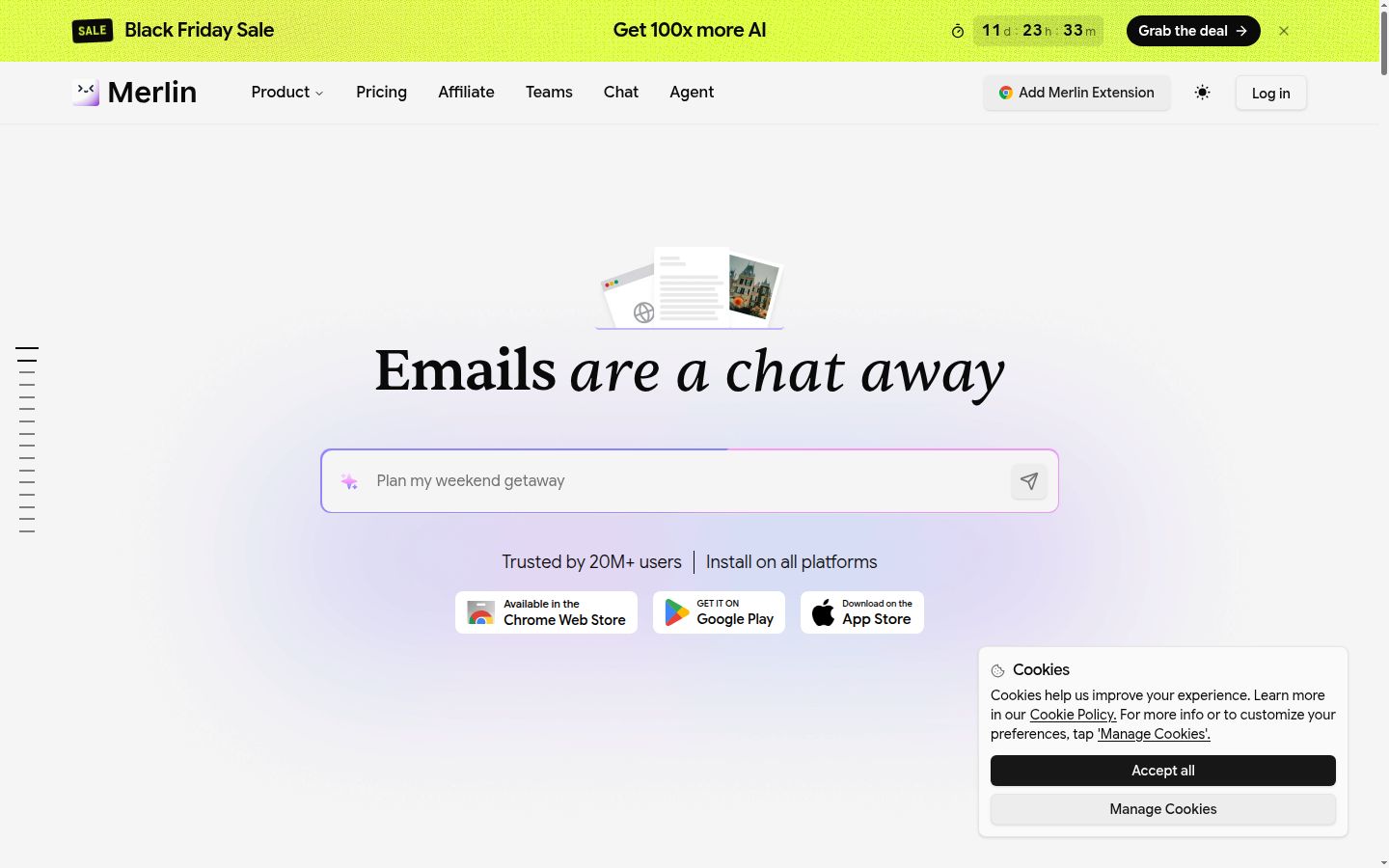
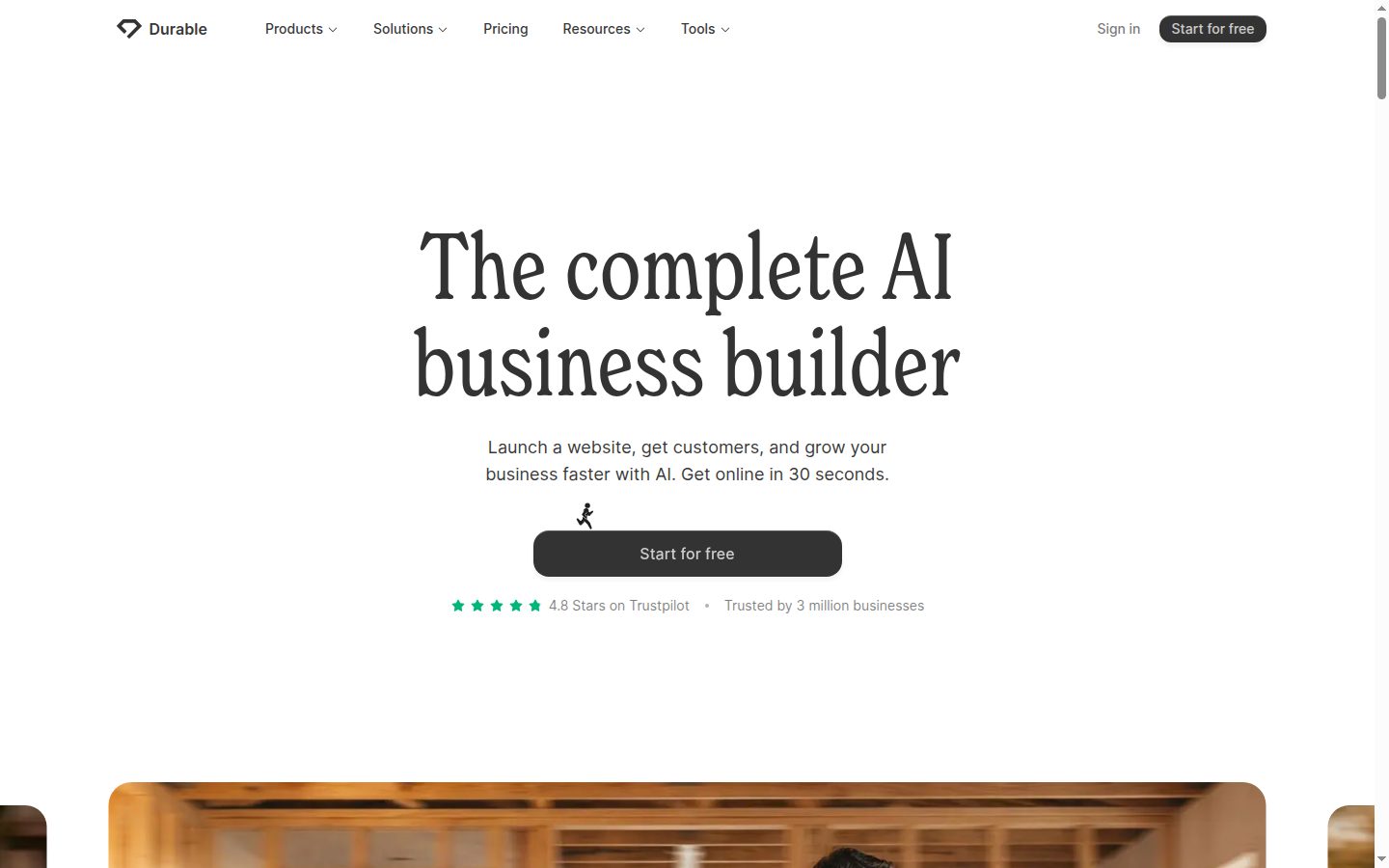
Framer vs Webflow vs WordPress: Website Builders Compared (2026)
November 2026. Framer vs Webflow, with WordPress as the third column, on hosting, editing, and the prices printed on each official page on 2026-11-11 (Wed). No ranking and no hands-on test.
Disclosure: Some links on TOOLPORT are affiliate links (marked Affiliate); we may earn a commission at no extra cost to you. Articles are drafted with AI assistance and based on each vendor's official information.
Framer vs Webflow is the pair this page is built to answer, with WordPress as the third column. Pages read on 2026-11-11 (Wed), Asia/Tokyo. The rows below come from each company page body that day. This is not a hands-on test. No site was published, and no plan was purchased.
Affiliate disclosure. This comparison has no referral links. The buttons and the product links open each company site. TOOLPORT does not sell these subscriptions. On other TOOLPORT pages, some buttons are referral links. Affiliate disclosure.
Framer and Webflow each sell a visual way to design and publish a site. WordPress is the third column because the same search often ends at a CMS you host yourself, or at WordPress.com hosting. This article is the how-to-choose list: five points, in reading order. What the page sells. Where you edit. CMS and content. Hosting and publish. Price and the free plan.
Framer, Webflow, and WordPress.org / WordPress.com are the official sites used below.
Framer vs Webflow: how to choose (2026)
Point | Framer | Webflow | WordPress |
|---|---|---|---|
What you buy | A visual site builder with site plans on the official pricing page (Free, Basic, Pro, Enterprise). | An AI-native visual platform with site plans, workspace plans, and ecommerce plans, all priced in USD on the official pricing page. | Two official products. WordPress.org is free, open-source software you install on your own hosting. WordPress.com sells hosted plans. |
Where you edit | In Framer. The official pricing page lists site plans and add-on editors billed per seat. | In the Webflow Designer. A free webflow.io subdomain is listed for publishing a starter site. | WordPress.org: you install it and edit on your host. WordPress.com: you edit on their hosted plans. The WordPress.org homepage describes a block editor and themes. |
CMS and content | The official pricing FAQ mentions CMS item and collection add-on caps on the Pro plan (up to 40,000 CMS items and 40 CMS collections with add-ons). | Starter lists limited CMS. Basic is described as being for simple sites that do not need a CMS. Premium adds Webflow CMS. | WordPress is a CMS. The WordPress.org homepage calls it an open source publishing platform and CMS, with plugins to add a store and other features. |
Hosting and publish | Free includes a Framer domain. Basic and Pro list a free custom domain on the yearly-billing view. | Starter publishes to a webflow.io subdomain. Paid site plans list a custom domain. Prices are per site, in USD, plus tax. | WordPress.org: you supply hosting and a domain; the download page is for people comfortable getting their own hosting and domain. WordPress.com hosts the site on its plans. |
Price and free plan | Yearly billing view on 2026-11-11: Free $0; Basic $10/month; Pro $30/month; Enterprise is custom. See the pricing section. | Yearly billing view on 2026-11-11: Starter Free; Basic $15/month billed yearly; Premium $25/month billed yearly; Team $2,500/month with an annual contract. See the pricing section. | WordPress.org software is free. WordPress.com plans API in USD on 2026-11-11: Free US$0; Personal US$48/year; Premium US$96/year; Business US$300/year; Commerce US$540/year. See the pricing section. |
Pricing and free-plan limits (2026)
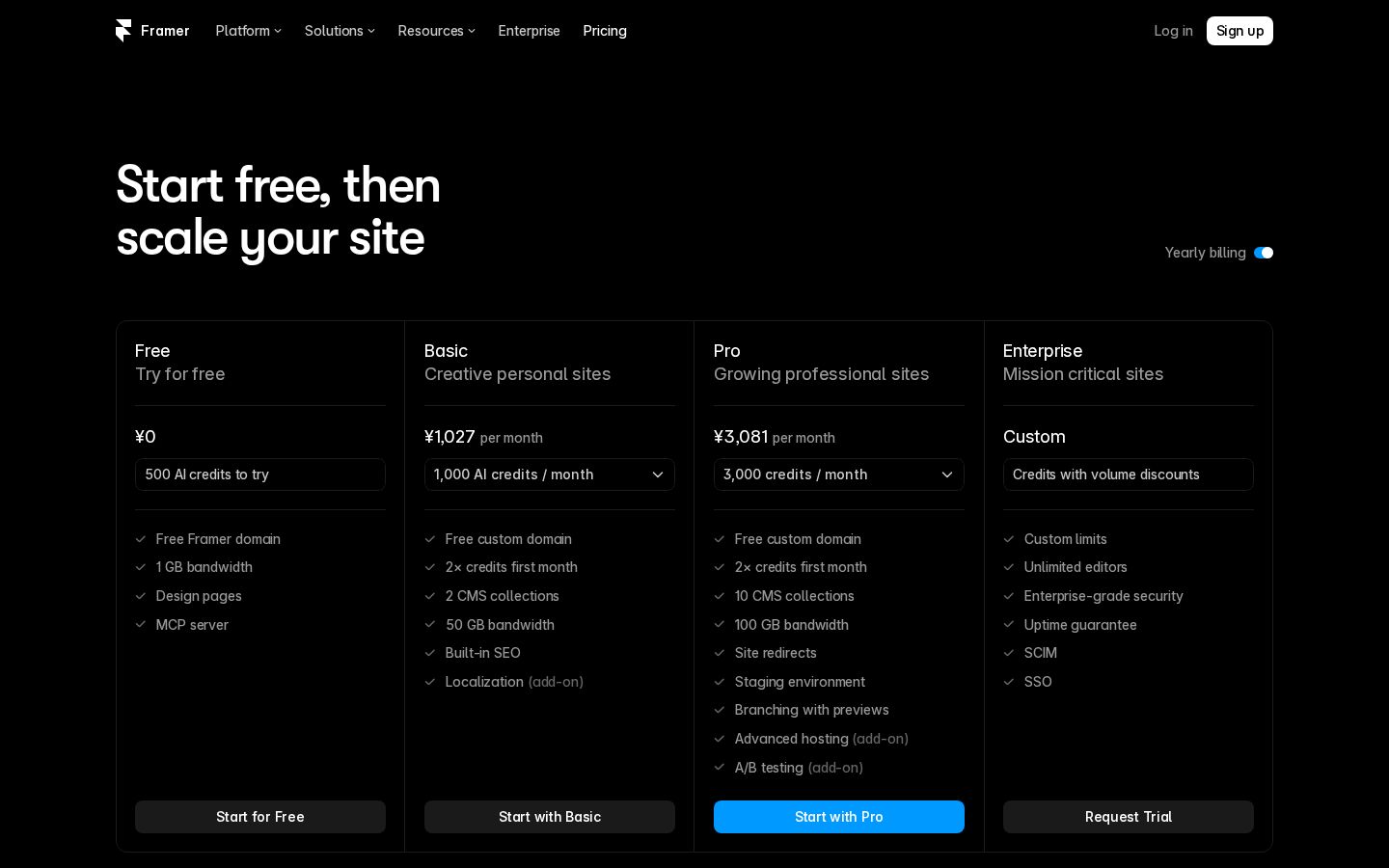
Framer prices below are from the official pricing page with yearly billing selected, as retrieved on 2026-11-11 (Wed). The page states that all prices are monthly and billed according to the billing cycle selected at checkout, with sales tax added at checkout. A later headless load of the same URL in this environment showed some editor add-on amounts in yen. The USD figures below are the amounts printed as $ on the page source used for this article.
Webflow prices below are from the official pricing page with yearly billing selected (the page also offers a monthly toggle, labeled “Save up to 40%” on yearly). The page states that site-plan prices are in USD, per site, plus applicable taxes at checkout. Workspace and ecommerce plans are also labeled in USD.
WordPress.com amounts below are from the official plans API with currency=USD, fetched on 2026-11-11 (Wed). The public pricing page, loaded in this environment the same day, displayed Japanese yen and a first-year introductory price. Those first-year USD discounts were not printed in the USD API response, so they are unverified here. Check the pricing page for the currency and offer in your region. WordPress.org is the free software download; it is not a WordPress.com plan.
Plan | Framer (yearly billing view) | Webflow (yearly billing, USD) | WordPress |
|---|---|---|---|
Free / Starter | Free $0/month. 500 AI credits / month. Free Framer domain. The FAQ says that on the free plan, when the workspace has no active subscriptions, you receive 500 credits to try Agents. | Site plan Starter: Free. For exploring and experimenting. webflow.io domain, limited CMS, 2 static pages, 1 GB bandwidth, 50 form submissions, free Starter Workspace. | WordPress.org: free to download (the download page offered WordPress 7.1.4 on 2026-11-11). WordPress.com Free: US$0. The pricing page says free sites display WordPress.com ads; upgrade to Personal to turn them off. |
First paid site plan | Basic $10/month. The card is labeled “Creative personal sites.” The yearly-billing view lists a free custom domain and AI credit tiers starting at 1,000 / month, plus 2× credits in the first month. | Basic $15/month billed yearly ($25/month on the monthly attribute). For simple sites that do not need a CMS. Custom domain, 300 static pages, 10 GB bandwidth, unlimited form submissions, password protection. | WordPress.com Personal: US$48 per year, or US$9 per month, from the USD plans API. The pricing page also lists a free domain for one year on paid plans. |
Next paid plan | Pro $30/month. Labeled “Growing professional sites.” Free custom domain and higher credit tiers on the same view. The FAQ says add-ons can take Pro up to 40,000 CMS items, 40 CMS collections, 2 TB of bandwidth, 700 pages, and 1.5M events. | Premium $25/month billed yearly ($39/month on the monthly attribute). For content-rich sites with CMS and traffic needs. Everything in Basic, plus Webflow CMS, and bandwidth options starting at 50 GB. | WordPress.com Premium: US$96 per year, or US$18 per month, from the USD plans API. |
Higher plans | Enterprise is listed with custom limits, enterprise security, and dedicated support (no dollar amount on the card). Extra editors are billed per seat; the yearly-billing HTML printed $20 per editor and $10 per content editor, with viewers free. | Team $2,500/month, annual contract required. Enterprise is “Talk to us.” Ecommerce site plans, billed yearly: Standard $29/month (500 items, 2% transaction fee), Plus $74/month (5,000 items, 0% fee), Advanced $212/month (15,000 items, 0% fee). Workspace plans: Starter Free; Core $19/month billed yearly; Growth $49/month billed yearly. Every account includes a free Workspace plan. | WordPress.com Business: US$300 per year, or US$40 per month. Commerce: US$540 per year, or US$70 per month. All from the USD plans API, bill period 365 or 31 days. |
Framer pricing, Webflow pricing, WordPress.com pricing, and the WordPress.org download page are the sources for the figures above.
Who it fits (2026)
Framer fits someone who wants a visual site with a short official plan list (Free, Basic, Pro) and is ready to add editor seats if more people will edit. It does not fit someone who needs a dollar amount for Enterprise in advance — that card does not print one.
Webflow fits someone who wants a visual designer plus a CMS on the Premium site plan, or a store on the ecommerce plans, and who is fine paying a site plan and, if needed, a workspace plan. It does not fit someone who only wants a free custom domain on day one — Starter is limited to a webflow.io subdomain.
WordPress.org fits someone who wants free, open-source software and will arrange hosting and a domain. WordPress.com fits someone who wants hosting included, with a free plan that the company says displays ads, or a paid Personal and up plan. Self-hosted WordPress does not fit someone who does not want to handle hosting. WordPress.com does not replace the free WordPress.org software download.
How to start (2026)
Open the official site, then the official pricing page, and read the plan you may buy in the same billing cycle you would use. For Framer and Webflow, switch yearly and monthly if both toggles are on the page. For WordPress, decide first whether you are installing WordPress.org or using WordPress.com. Nothing on this page is a walkthrough of a live project.
The Framer website guide is the longer Framer-only page. Durable vs Wix vs Squarespace (2026) compares a different set of website builders. The English post list and the Framer catalog card are also on TOOLPORT.
How the three differ (2026)
Framer vs Webflow is a choice between two visual, hosted site builders with different official plan grids. Webflow splits site, workspace, and ecommerce prices. Framer puts site plans on one grid and bills extra editors per seat. WordPress is not a third visual builder in the same sense: WordPress.org is software you host, and WordPress.com is hosted WordPress with its own plan list. This page does not pick a winner.
Sources (2026)
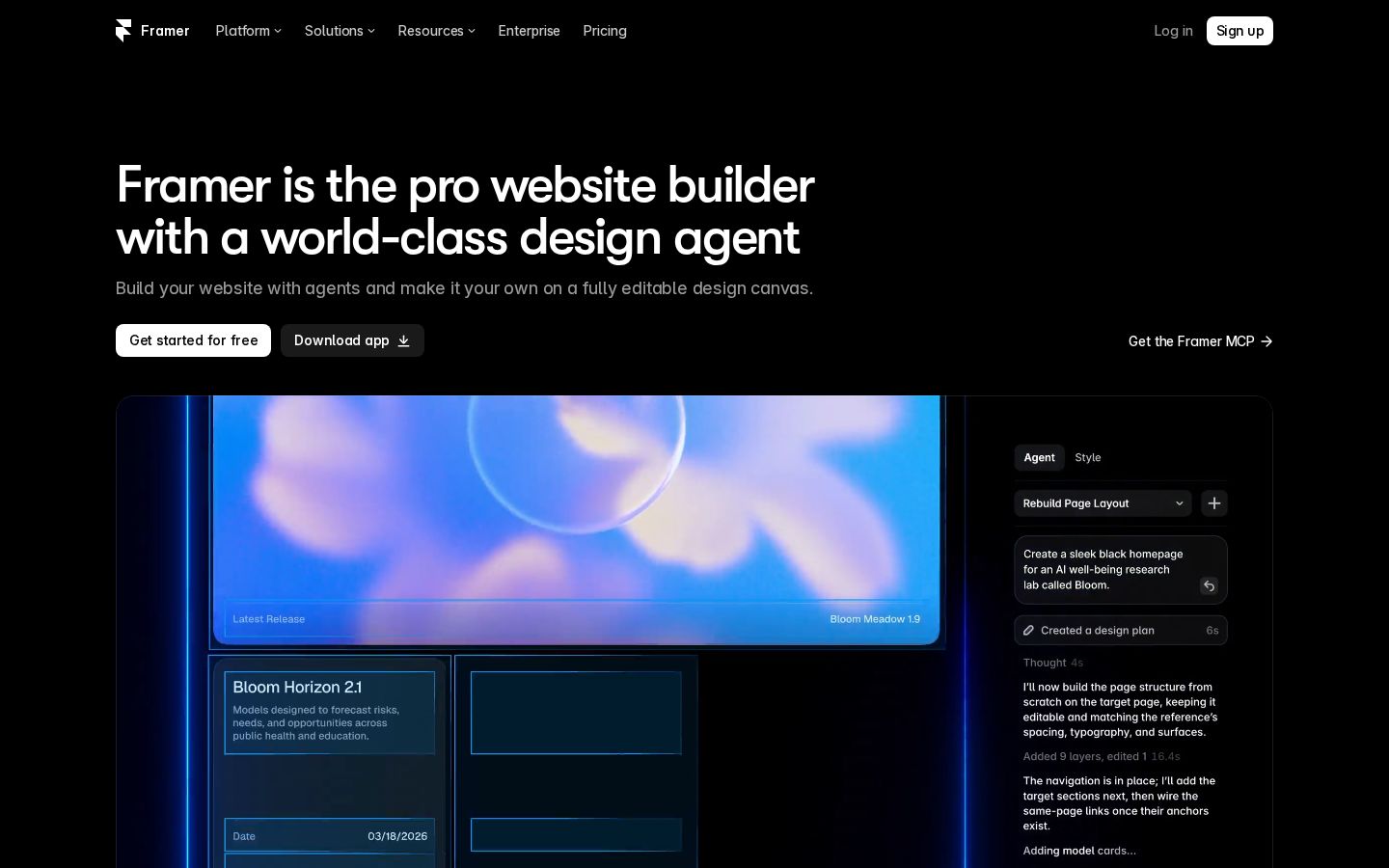
Read 2026-11-11 (Wed), Asia/Tokyo, from the page body or, for WordPress.com USD amounts, from the official plans API with currency=USD. The screenshots are older files and are not a price source.
https://www.framer.com/
https://www.framer.com/pricing
https://webflow.com/
https://webflow.com/pricing
https://wordpress.org/
https://wordpress.org/download/
https://wordpress.com/pricing/
https://public-api.wordpress.com/rest/v1.5/plans?currency=USD